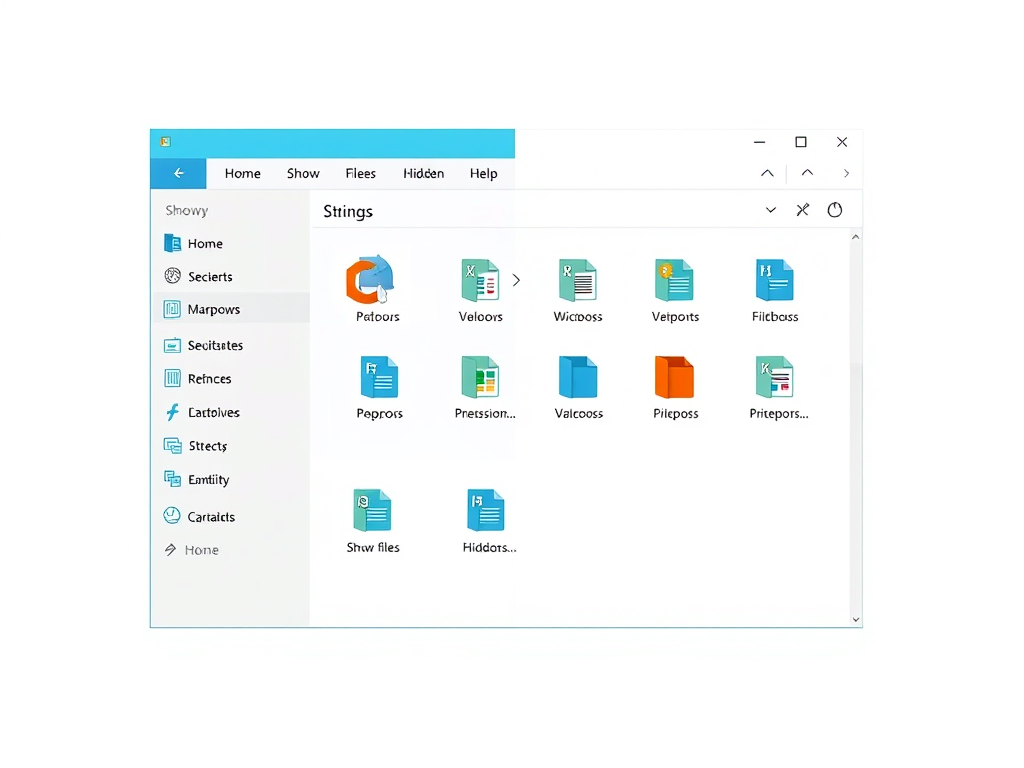
How to Switch Tabs in Windows 11 File Explorer
The post instructs students and new users on how to switch between File Explorer tabs on Windows 11, which allows multiple locations to be worked on simultaneously. Key steps include opening File Explorer, creating a new tab with CTRL + T or the 'Add new tab' button, and switching between tabs using CTRL + Tab or mouse clicks.
December 9, 2022
Read more →