How to Enable Separate Process for Windows 11 File Explorer
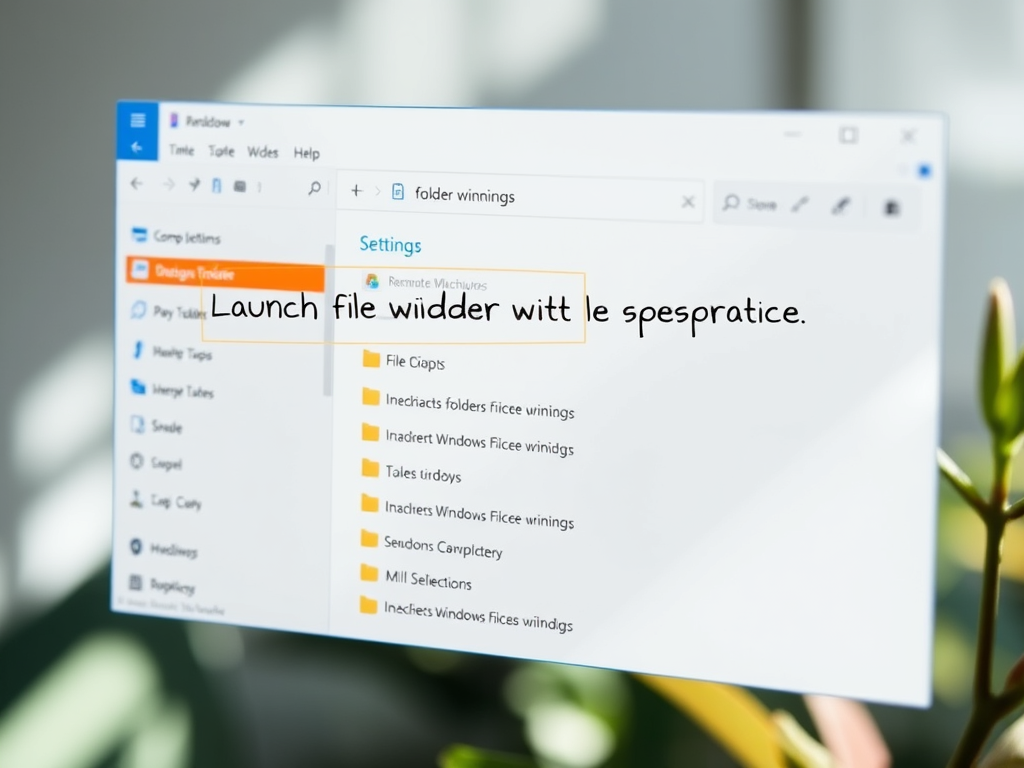
This article outlines how to enable or disable the feature in Windows 11 that allows File Explorer to launch folder windows in separate processes. This process isolation enhances stability, preventing unresponsive windows from crashing others. Users can configure this feature easily via Folder Options or Windows Registry Editor, with necessary precautions.
December 10, 2024
Read more →