How to Change Video Frame Rate and Quality in Windows 11
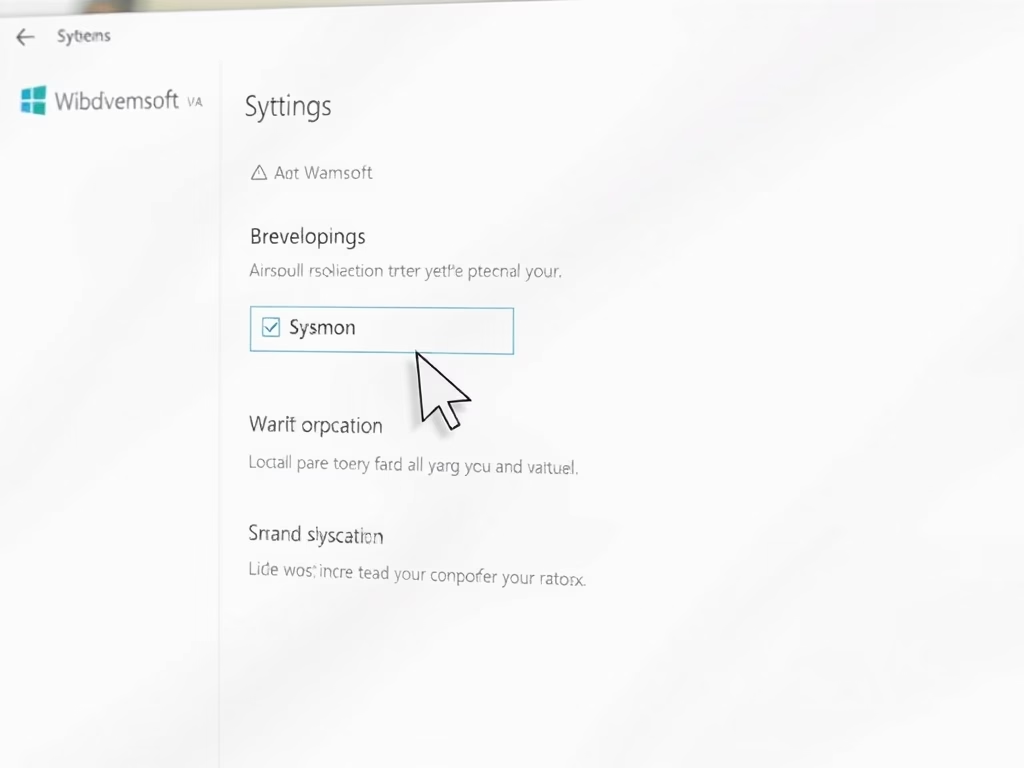
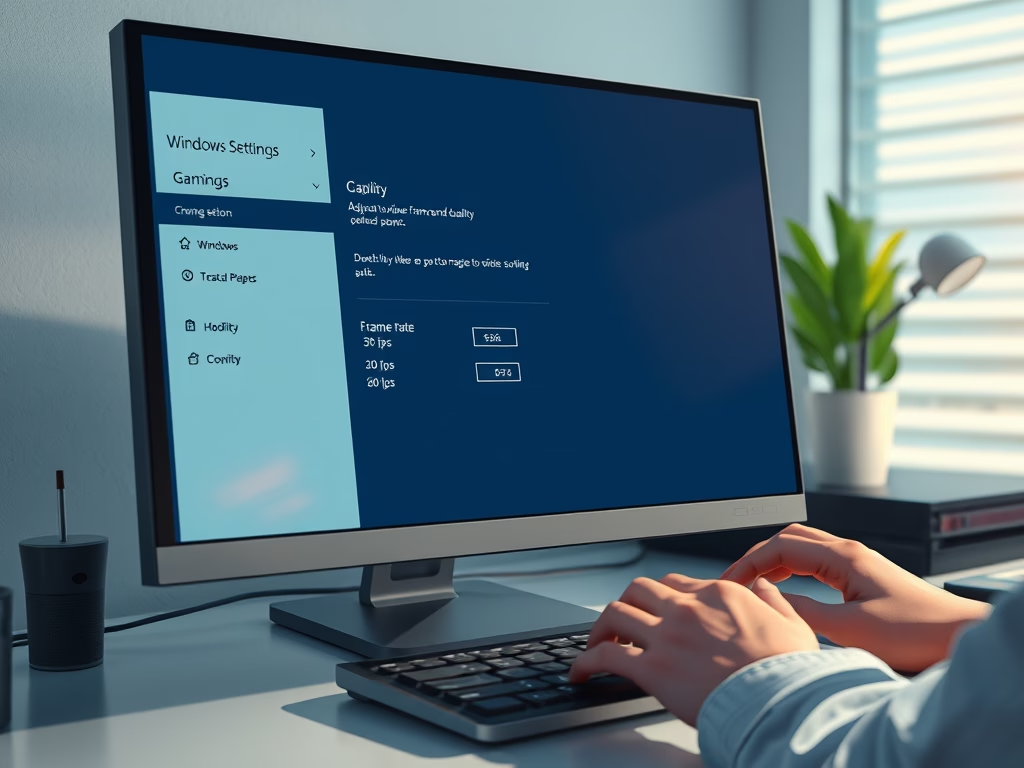
This guide explains how to enhance gameplay video quality and frame rate on Windows 11. Frame rate affects smoothness, with higher rates (60 fps) providing better visuals but requiring more space. Video quality impacts clarity. Users can adjust these settings in the captures section of the Windows settings menu.
February 5, 2026
Read more →