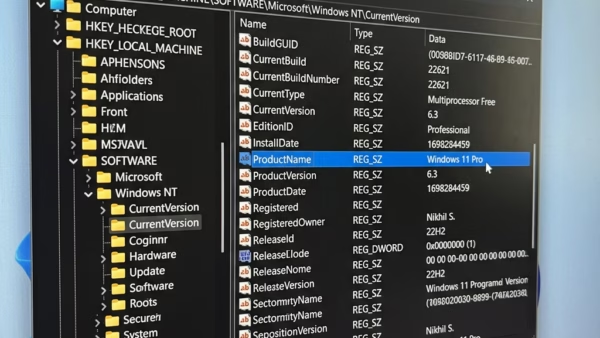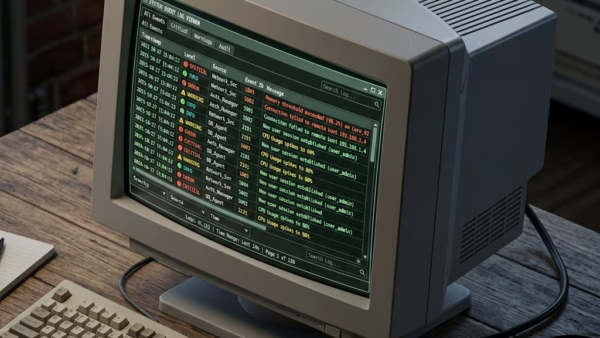
Do you ever wonder why your computer is acting up after an update? Sometimes you need to check the Windows Update logs to see exactly what happened behind the scenes.…
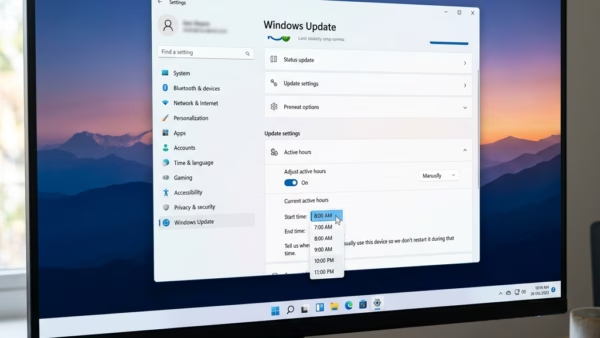
Windows 11 helps keep your computer secure by downloading updates behind the scenes. Sometimes, these updates need a restart to finish. When your computer restarts while you’re working, it’s a…
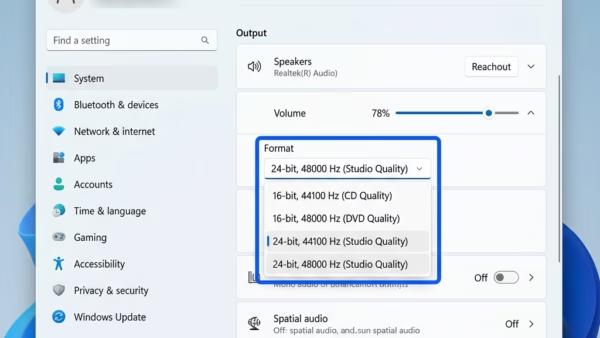
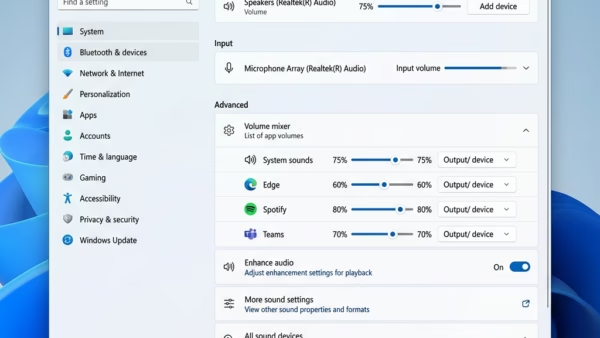
This guide explains how to change the audio quality settings for your speakers, headphones, or microphone in Windows 11. Adjusting these settings changes the sample rate (how many times per…
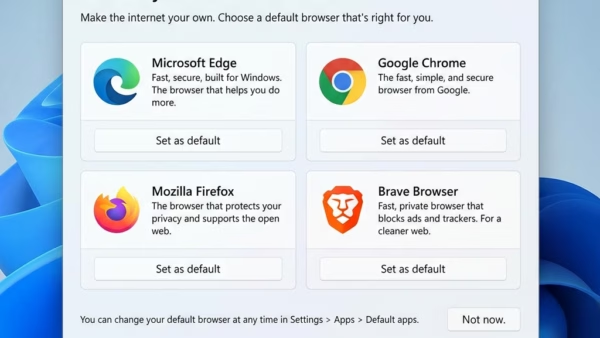
Microsoft Edge is often seen as the top browser for Windows 11 users because it works so well with the operating system and performs strongly. Both Microsoft Edge and Google…
This guide shows you how to download an official Windows 11 or Windows Server ISO file directly from Microsoft. You can use these files for a clean install (a fresh…
You can enable or disable Exclusive Mode for audio devices in Windows 11 to give applications direct control over your sound hardware. Exclusive Mode lets applications take direct control of…
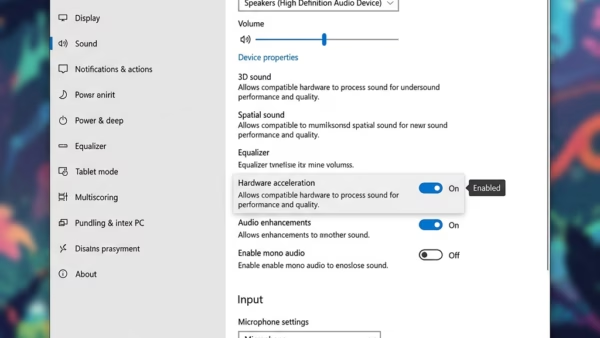
Want to give your PC a little boost? Enabling audio hardware acceleration in Windows 11 lets your sound card take over audio processing, which can reduce the strain on your…
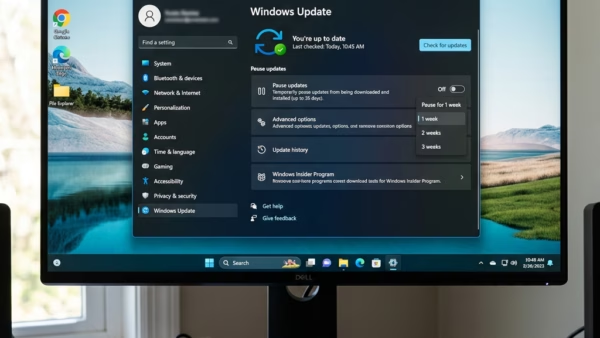
Windows 11 automatically downloads and installs updates to keep your computer secure. But sometimes, these updates can pop up at the worst possible moments. This guide will show you how…
You delete your Bing search history in the cloud by visiting the Microsoft privacy dashboard and removing specific search queries or clearing all activity. Bing search history, stored within your…
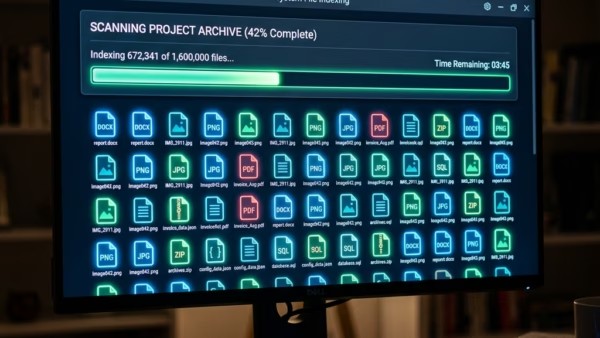
You check your search indexing status in Windows 11 to confirm if the background process that maps your files is complete and functioning correctly. Think of Windows Search Indexing like…
You can enable or disable deleting diagnostic data in Windows 11 through the Settings app’s Privacy & security section. Diagnostic data is information your PC sends to Microsoft. Think of…
Want to delete your search history in Windows 11? Windows keeps a record of your recent searches on your computer. This helps you find apps and files more quickly next…
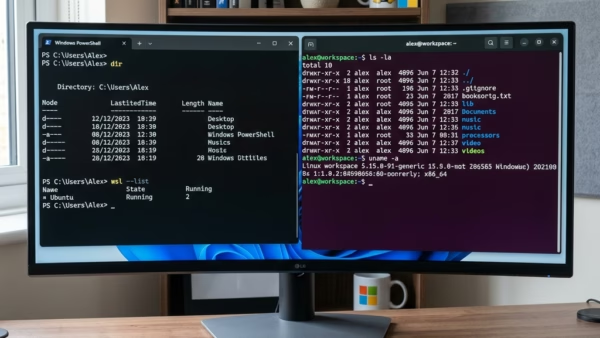
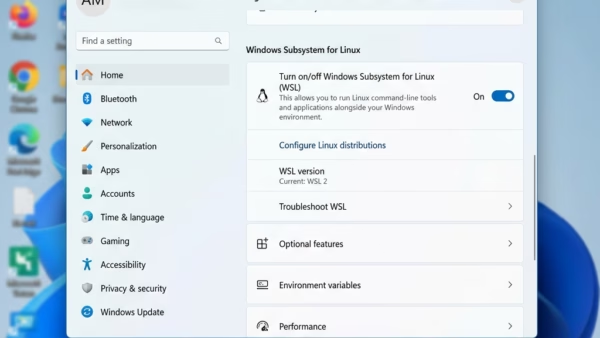
You can install the Windows Subsystem for Linux (WSL) on Windows 11 to run Linux environments directly on your PC without a separate virtual machine. WSL allows you to use…
You uninstall Windows Subsystem for Linux (WSL) from Windows 11 by using PowerShell commands to unregister and remove its Linux distributions (the individual Linux operating systems you’ve installed) and features.…
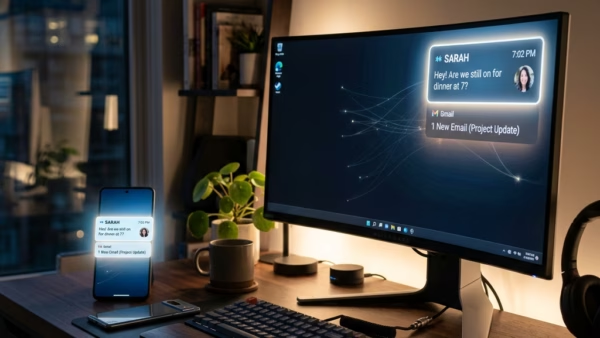
The Phone Link app lets you control which apps send notifications to your PC. Phone Link lets you see alerts from your Android phone right on your Windows 11 PC.…