#Windows 11

Windows 2 min read
How to Reset Quick Settings in Windows 11

This guide explains how to reset the Quick Settings panel on a Windows 11 PC to its default state to resolve issues or start fresh. It outlines the location and function of Quick Settings, which allows users to adjust common settings, and provides step-by-step instructions for performing the reset using Command Prompt.

March 9, 2026 Read more →
Windows 3 min read
How to Change Display Orientation in Windows 11

This guide explains how to change screen orientation in Windows 11, offering four methods: physically rotating tablets, using keyboard shortcuts, adjusting settings in the Windows Settings app, or using the NVIDIA Control Panel for compatible graphics cards. Tablets and 2-in-1 devices can auto-rotate based on position changes.

Windows 3 min read
How to Turn On or Off Adaptive Brightness in Windows 11

This guide explains how to turn on or off the Adaptive Brightness feature in Windows 11, which adjusts screen brightness based on ambient light. It can be managed through several methods: Windows Settings, command scripts, Intel Graphics Control Panel, or AMD Radeon Settings, improving visibility and reducing eye strain.

Windows 3 min read
How to Turn On or Off File History in Windows 11

Windows 11 features File History, an automatic backup tool that protects important files by saving copies from various user folders and OneDrive. Users can easily turn File History on or off for individual accounts or all users through the Control Panel, Local Group Policy Editor, or Registry Editor, ensuring data safety and ease of recovery.

Windows 2 min read
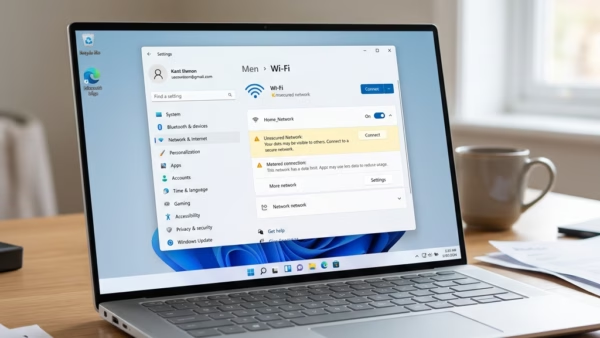
How to Turn On or Off Metered Connection for Wi-Fi in Windows 11

This guide explains how to manage your Wi-Fi connection as metered or non-metered in Windows 11, aiding in data control. Metered connections limit data usage and prevent automatic downloads. Instructions are provided for making changes through Settings or Command Prompt, helping users avoid unexpected charges on their internet bill.

Windows 4 min read
How to Enable or Disable Developer Mode in Windows 11

This guide explains how to enable or disable Developer Mode on Windows 11. Developer Mode allows users to install apps outside the Microsoft Store, facilitating debugging and remote services. It’s primarily for developers. Options to toggle it include Windows Settings, Registry Editor, and Local Group Policy Editor, requiring administrator access.

Exit mobile version