How to Install Prospect Mail on Ubuntu 24.04

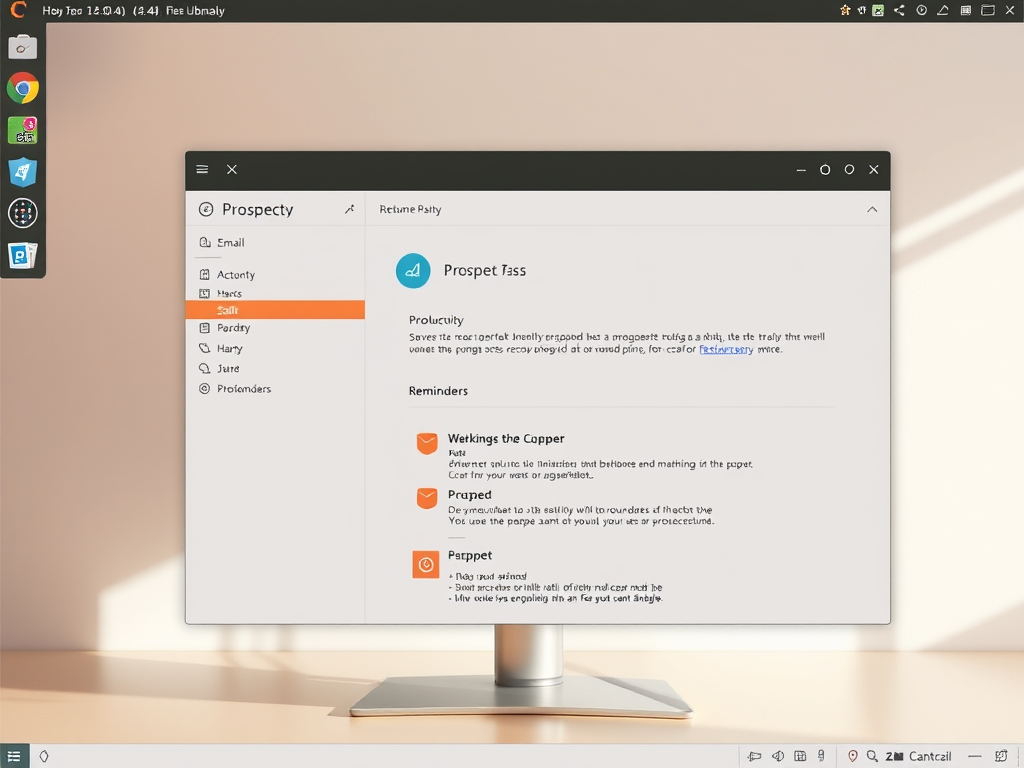
Prospect Mail is a desktop email client for Ubuntu 24.04 that runs your web-based email as a standalone application instead of a browser tab. This setup gives you a dedicated icon on your desktop, lets you pin the app to your panel, and delivers native desktop alerts when new messages arrive.
- Open your terminal.
- Download the Prospect Mail Debian package using this command:
wget https://github.com/julian-alarcon/prospect-mail/releases/download/v0.5.4/prospect-mail_0.5.4_amd64.deb - Install the downloaded package by running:
sudo dpkg -i ./prospect-mail*.deb - Once installed, press the Super key (Win) on your keyboard.
- Type “Prospect” and press Enter to open the app.
Download the Debian package using wget and install it with sudo dpkg -i. You can then launch Prospect Mail by pressing the Super key and typing “Prospect”. Alternatively, check the Snap store for availability and install using sudo snap install prospect-mail.
Download the Prospect mail client
To install Prospect Mail Ubuntu, you need to grab the software installation file from the official project page. Since this app is an older project, the setup relies on a Debian package rather than the Snap store. Head to the developer website to find the correct file download link for your system before running the installation steps.
If you still want to use Prospect, you can grab the Debian package archive here: Download Prospect.
Open your terminal and run this command to download the file:
wget https://github.com/julian-alarcon/prospect-mail/releases/download/v0.5.4/prospect-mail_0.5.4_amd64.deb
Next, install the file with this command:
sudo dpkg -i ./prospect-mail*.deb
Launch Prospect Mail
After installing, press the Super key (which looks like the Windows logo) on your keyboard. Type "Prospect" and press Enter to open the app.
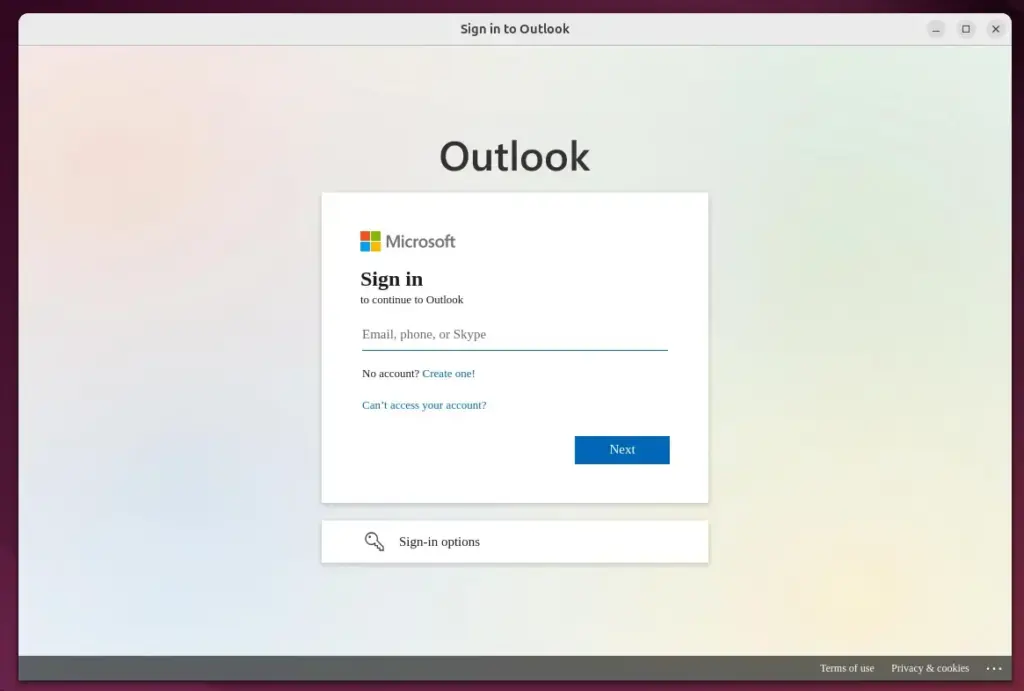
Install Prospect Mail via Snap
Snap packages offer an app store experience for installing software on Ubuntu.
Run this command to install:
sudo snap install prospect-mail
If you want to remove the app later, use this command:
sudo snap remove prospect-mail
Conclusion
Install Prospect Mail Ubuntu with caution because this software is completely unmaintained and no longer receives security updates. If you want a safer email experience on your computer, switch to supported mail apps like Thunderbird or Geary instead of relying on outdated software that could expose your accounts to risks.
- Maintenance: Prospect Mail is unmaintained. Consider switching to Thunderbird or Geary for a better 2026 experience.
- Installation: You can use a Debian package or check the Snap store.
- Access: Simply press the Super key to find and launch your email app quickly.
Was this guide helpful?
100% of readers found this helpful (1 votes)



No comments yet — be the first to share your thoughts!