
Category: Windows
-
Set Up WordPress Locally Using XAMPP on Windows 11
This article details the installation of WordPress using XAMPP on Windows 11. It covers downloading XAMPP, creating a WordPress database, and configuring…
-
Date:
How to Customize the ‘All’ Apps View in Windows 11 Start Menu
This article details how to modify the ‘All’ apps view in the Windows 11 Start menu. The new build introduces grid and…
-
Date:
Enable or Disable Mobile Device Name in Windows Share
The article outlines how to enable or disable the “Show Device Name in Windows Share” feature on Windows 11. Users must sign…
-

Date:
How to Change Tab Colors in Windows Terminal
This article outlines how to change tab colors in the Windows Terminal app, enhancing personalization and organization. Users can select from standard…
-
Date:
Enable Shield Icon in Windows Terminal Admin Mode
The article outlines how to enable or disable the shield icon in the Windows Terminal title bar when running as an administrator.…
-
How to Install Microsoft Edge Game Assist on Windows 11
The article outlines the installation and uninstallation of the Microsoft Edge Game Assist widget on Windows 11. This widget enhances the gaming…
-
Date:
How to Change Maximum PIN Length in Windows 11
The article details how to change the Maximum PIN length in Windows 11, which enhances login security. Administrators can adjust this through…
-
Date:
How to Disable or Enable Copilot Quick View Shortcut on Windows 11
This article details how to enable or disable the Copilot “Quick View” keyboard shortcut on Windows 11. Users can customize settings through…
-
Date:
How to Switch Between Copilot Views in Windows 11
The article outlines how to switch between quick view and full view modes in the Copilot app on Windows 11, utilizing the…
-
Date:
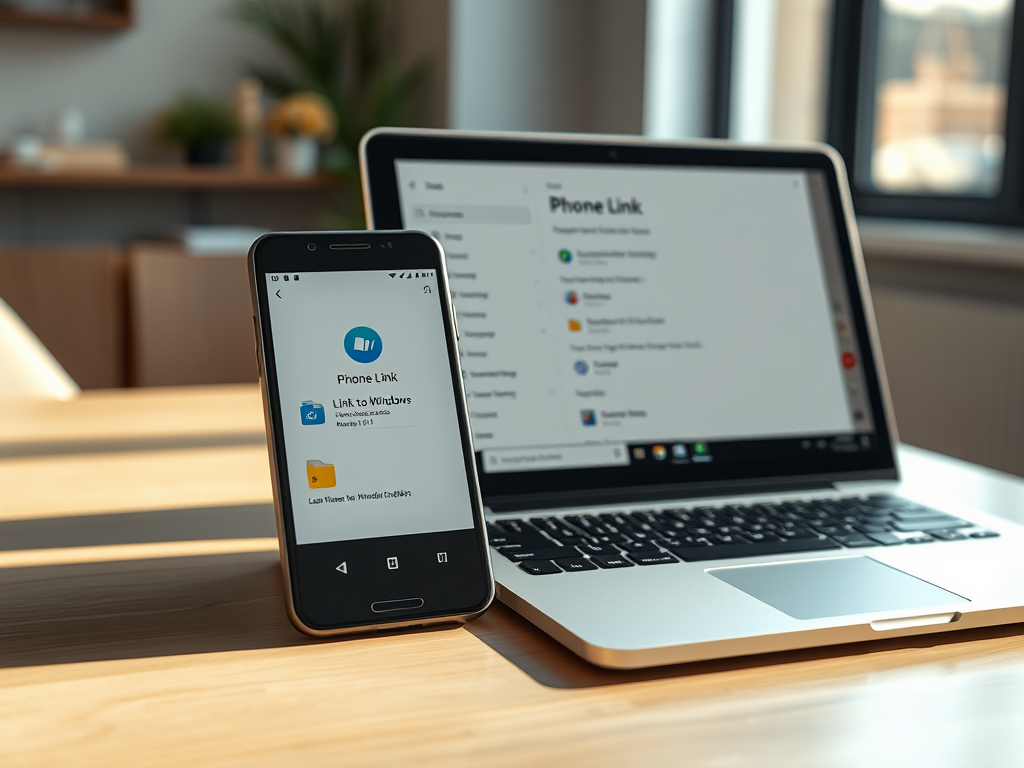
How to Share Files from Android to Windows 11
This article details how to share files from an Android device to a Windows 11 PC using the Phone Link app. By…