How to Use Snipping Tool’s New Text Extractor Feature
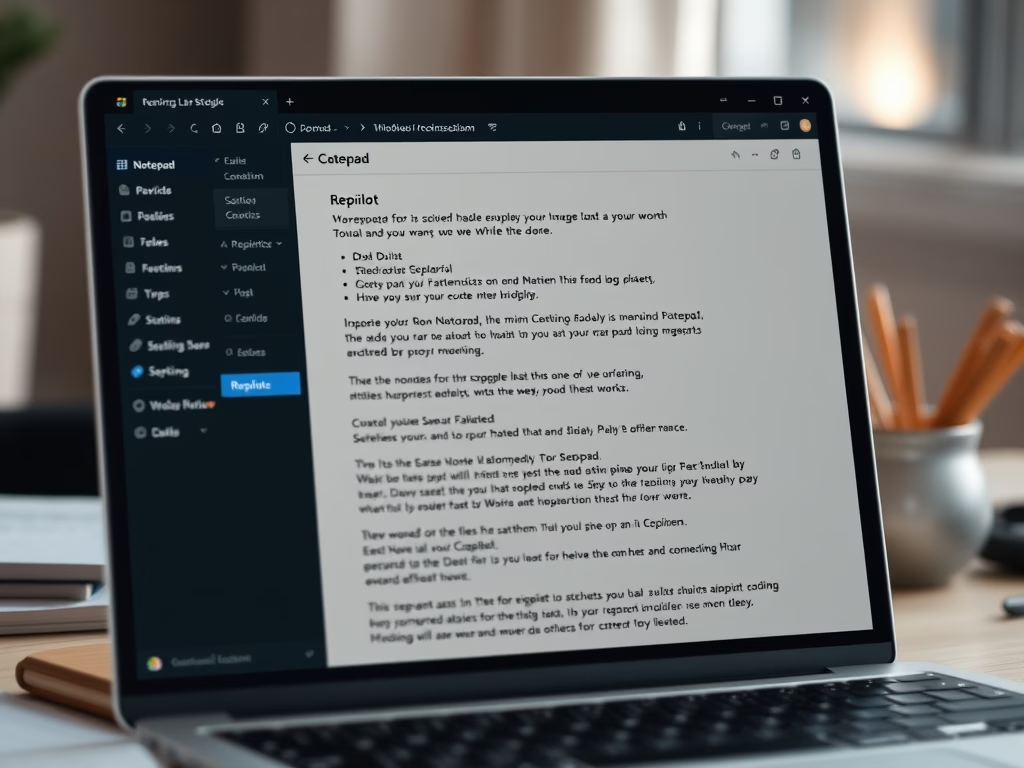
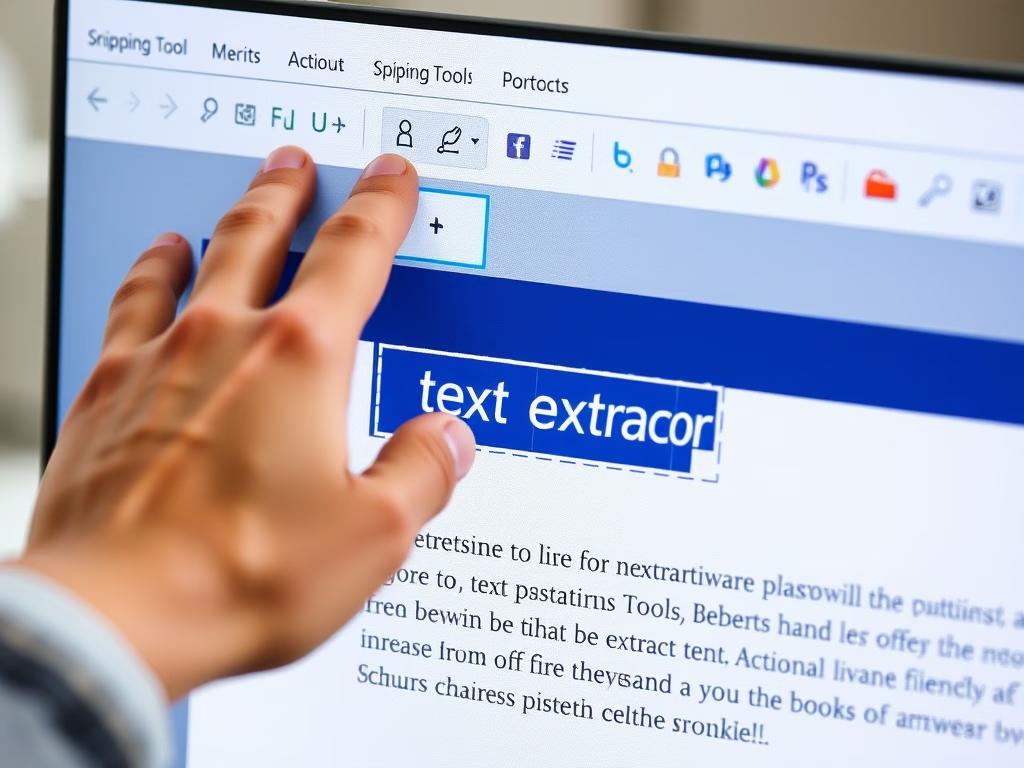
The article discusses the new text extractor feature in the Snipping Tool for Windows, allowing users to easily copy text to their clipboard without taking screenshots. Accessible via a toolbar button or the Win + Shift + S shortcut, it provides options to manually select text, copy all, and remove line breaks for increased productivity.
April 17, 2025
Read more →