Category: Windows
-
Date:
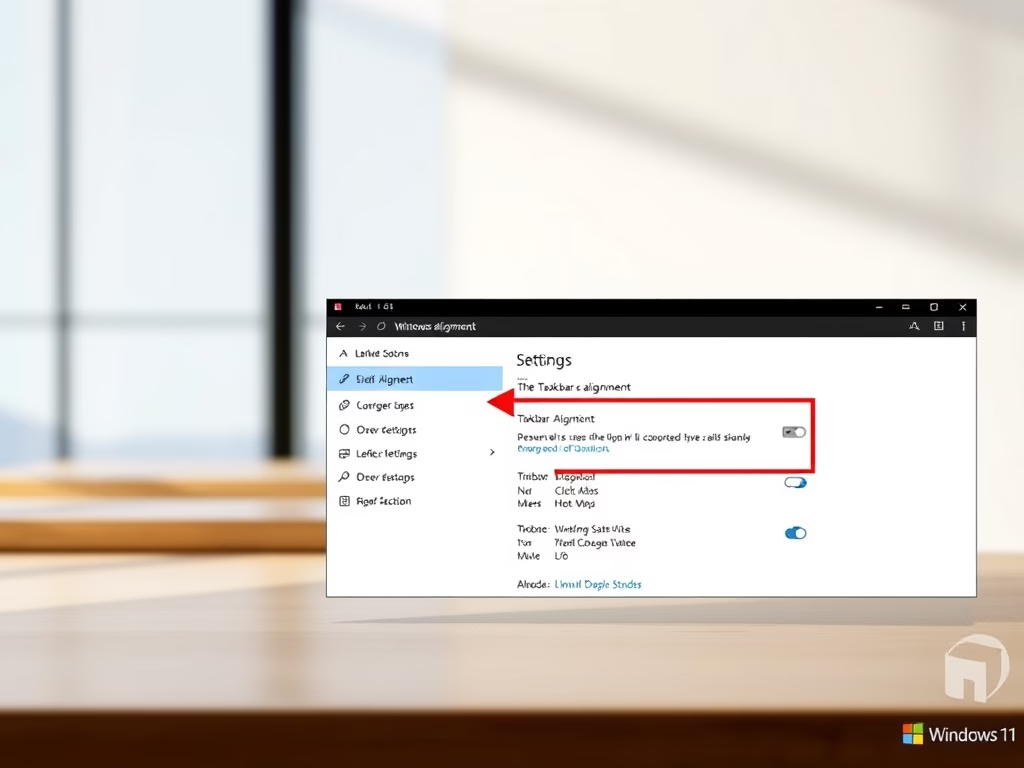
How to Move Windows 11 Taskbar to the Left
This article outlines the steps to move the Windows 11 taskbar to the left side of the screen, catering to users who…
-

Date:
How to Log In as Root on Ubuntu WSL
This text presents a tutorial on logging in as a root user in Ubuntu on a Windows WSL environment. After installing Ubuntu…
-

Date:
How to Install openSUSE with WSL on Windows 11
This guide offers a tutorial on how to install and run openSUSE Linux on Windows Subsystem for Linux 2 (WSL2). It describes…
-

Date:
How to Install Kali Linux with WSL on Windows 11
This tutorial instructs on how to install and run Kali Linux on Windows Subsystem for Linux 2 (WSL2). It guides through enabling…
-

Date:
How to Install Debian with WSL on Windows 11
This tutorial outlines the process of installing and running Debian Linux on Windows Subsystem for Linux 2 (WSL2) on Windows 10. Detailed…
-

Date:
How to Install Ubuntu with WSL on Windows
This tutorial guides students and new users on how to install and operate Ubuntu Linux on Windows Subsystem for Linux 2 (WSL2).…
-
How to Install Moodle on Windows WSL
This tutorial explains how to install Moodle, an open-source learning management system, on Windows 10 WSL (Windows Subsystem for Linux) 2 with…
-

How to Enable Microsoft Defender SmartScreen in Edge
This tutorial guides users on enabling or disabling Microsoft Defender SmartScreen in the Microsoft Edge browser for Windows 10. The SmartScreen feature…
-
Date:
How to Reset Windows 10 Hosts File to Default
The post provides a tutorial on resetting the Windows 10 local hosts file to default settings. The hosts file plays a key…
-

Date:
How to Flush DNS Cache in Windows 10: A Complete Guide
This tutorial instructs how to flush the DNS Resolver cache in Windows 10, which involves clearing a temporary database containing previously visited…