
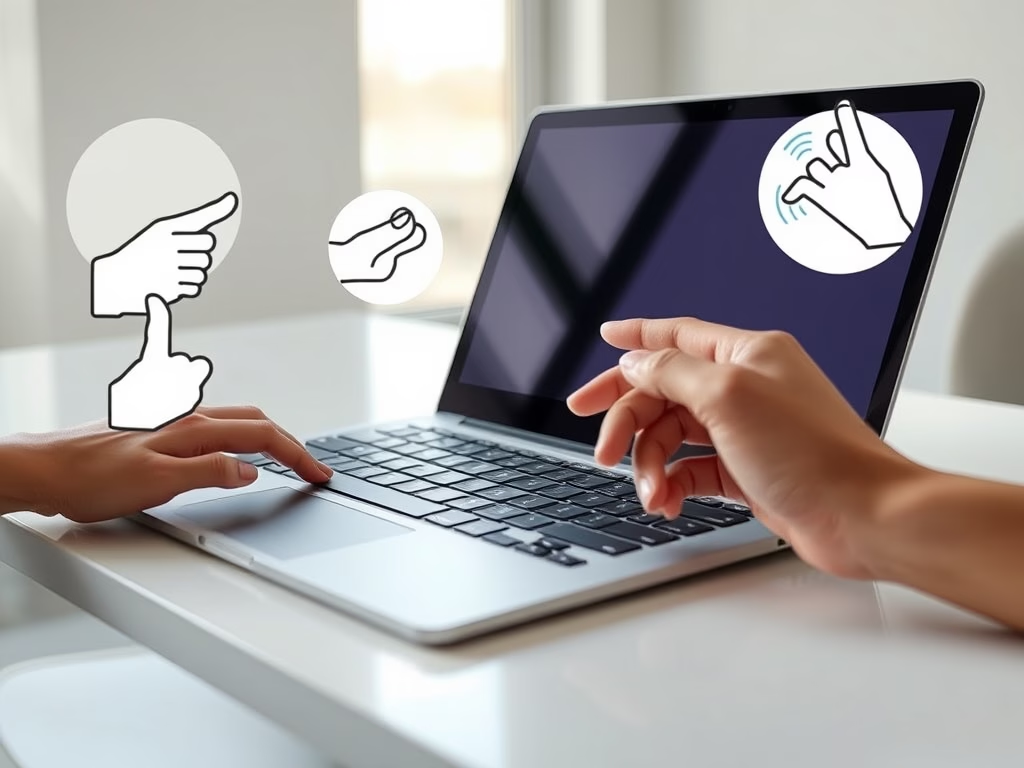
Do you want to move around your Windows 11 computer faster and easier? Using touchpad gestures can help! A touchpad gesture means moving your fingers on the touchpad in a certain way to make your computer do things quickly.
Here is a simple guide to the most useful touchpad gestures you can try right now.
Check if Your Laptop Supports These Gestures
Some gestures only work if your laptop has a precision touchpad. To check if yours does:
- Click the Start button (Windows icon).
- Open Settings (or press Windows + I on your keyboard).
- Go to Bluetooth & devices > Touchpad.
- If you see options for gestures here, congratulations — you have a precision touchpad!
Basic Touchpad Gestures You Can Use
| What You Want to Do | How to Do It (Gesture) |
|---|---|
| Select or open something | Tap once on the touchpad with one finger |
| Scroll up, down, or sideways | Put two fingers on the touchpad and slide them up/down or left/right |
| Zoom in or out (like on photos or webpages) | Put two fingers on the touchpad and pinch them together (zoom out) or spread them apart (zoom in) |
| Open right-click menu (extra options) | Tap with two fingers or press the lower-right corner of the touchpad |
| See all open windows | Swipe up with three fingers on the touchpad |
| See your desktop (hide all windows) | Swipe down with three fingers on the touchpad |
| Switch between open apps or windows | Swipe left or right with three fingers |
| Switch between different desktops | Swipe left or right with four fingers |
Quick Tips
- Try these gestures slowly at first to get used to how they work.
- You can customize gestures in the Touchpad settings (see above) to make them work best for you.
- If a gesture doesn’t work, check your touchpad settings or your laptop’s manual.
More Help and Information
Want to learn more? Microsoft has great guides with pictures and videos:
- Touch gestures for Windows (Microsoft Support)
- Surface touchpad use and settings (Microsoft Support)
Remember: Using these gestures can save you time and make using your Windows 11 PC more fun and easy!
Frequently Asked Questions
What are touchpad gestures in Windows 11?
Touchpad gestures in Windows 11 are specific finger movements on the touchpad that allow you to perform actions quickly, such as scrolling, zooming, and switching between apps. These gestures enhance navigation and improve efficiency while using your laptop.
How can I check if my laptop has a precision touchpad?
To check if your laptop has a precision touchpad, click the Start button, open Settings, and navigate to Bluetooth & devices > Touchpad. If you see options for gestures, your laptop supports a precision touchpad.
What are some basic touchpad gestures I can use?
Basic touchpad gestures include tapping once to select, using two fingers to scroll, pinching to zoom, and swiping with three fingers to see all open windows. These gestures help streamline your workflow and improve navigation.
Can I customize touchpad gestures in Windows 11?
Yes, you can customize touchpad gestures in the Touchpad settings found in the Bluetooth & devices section of Settings. This allows you to adjust gestures to better suit your personal preferences and workflow.
What should I do if a touchpad gesture isn't working?
If a touchpad gesture isn't working, first check your touchpad settings to ensure the gesture is enabled. You may also want to consult your laptop's manual for specific troubleshooting steps or updates.
Leave a Reply