#Windows 11

Windows 2 min read
How to Reset Audio Settings in Windows 11

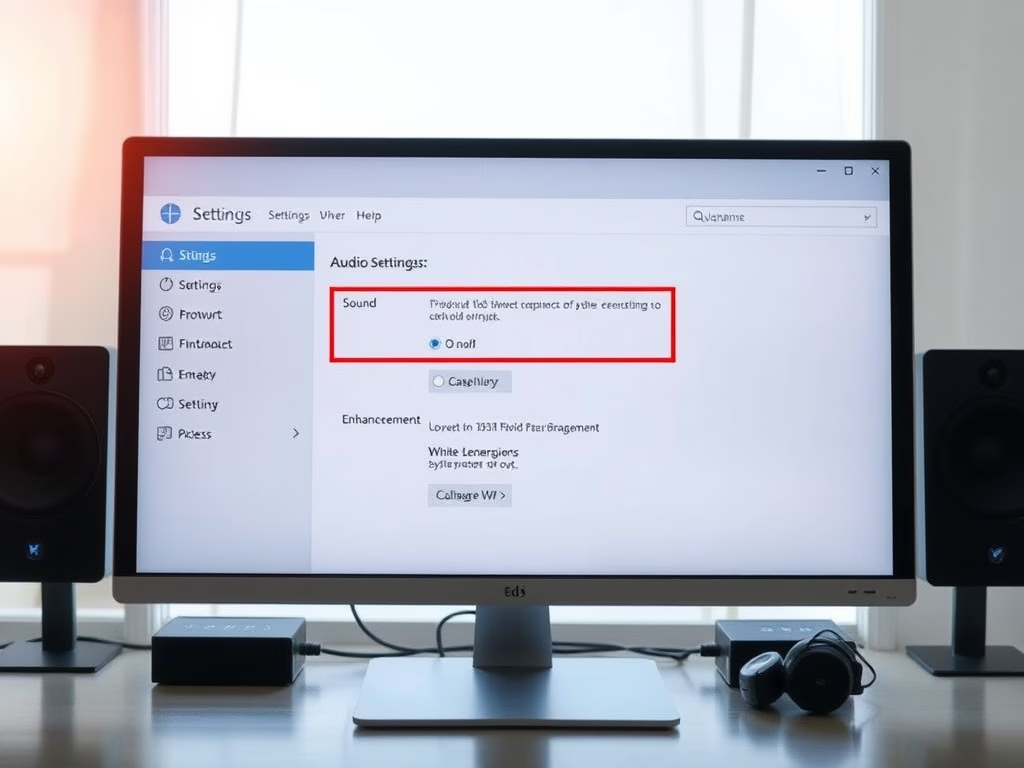
This guide provides steps to reset audio settings in Windows 11 to resolve sound issues. Users can reset volume levels, audio device settings, and more through the Settings app. If problems persist, updating or reinstalling audio drivers may also help. Proper audio setup enhances the experience for music, videos, and games.

February 10, 2026 Read more →
Windows 2 min read
How to Enable Respect Power Settings when Indexing in Windows 11

This guide explains how to enable or disable the "Respect power settings when indexing" feature in Windows 11, which pauses indexing during power-saving modes to extend battery life. Users can modify this setting through the Settings app or the Windows Registry Editor, allowing them to optimize power usage while maintaining efficient file search capabilities.

Windows 3 min read
How to See System Restore Points in Windows 11

Windows 11 allows users to create "restore points," which are snapshots of system settings that help recover the PC after issues arise from new software or updates. Users can access restore points through Settings or Windows Terminal. It's beneficial to create restore points before significant system changes for quicker recovery.

Windows 3 min read
How to Block Untrusted Fonts in Windows 11

This guide explains how to block or allow untrusted fonts on Windows 11 to enhance security. It defines untrusted fonts as those installed outside the main directory and provides methods to control them via the Local Group Policy Editor or Registry Editor, allowing users to block, audit, or permit certain fonts.

Windows 2 min read
How to Change Assistive Technology Settings in Windows 11

Windows 11 offers assistive technology features designed to aid users with disabilities. Users can customize settings to activate these tools before or after signing in through the Control Panel. The guide provides simple steps for adjusting assistive feature preferences, ensuring a more accessible computer experience tailored to individual needs.

Windows 2 min read
How to Delete Old Restore Points in Windows 11

This guide explains how to delete old restore points in Windows 11 to free up storage while retaining the latest one. Restore points serve as system backups, enabling users to revert changes. The process involves using the Disk Cleanup tool, ensuring your computer runs smoothly without compromising data recovery options.

Windows 2 min read
How to Enable or Disable Windows Hello Biometrics

Windows Hello on Windows 11 allows fast and secure sign-ins using a PIN, face recognition, or fingerprint. Users can enable or disable biometrics via the Local Group Policy Editor or Registry Editor. It's important to consider the suitability of biometrics in different environments before making a choice.

Windows 2 min read
How to Change the Theme in Windows 11

This guide explains how to change the appearance of Windows 11 using themes, which alter desktop backgrounds, colors, sounds, and mouse pointers. It covers three main theme types, including custom, default, and high contrast options. Users can switch themes via Settings or Control Panel and should ensure Windows 11 is activated beforehand.

February 9, 2026 Read more →
Windows 3 min read
How to Show or Hide Recommendations in Windows 11 Start Menu

This guide explains how to manage the Recommendations section in the Windows 11 Start Menu, which displays recently added apps, files, and tips. Users can toggle this feature on or off through Settings or the Windows Registry, with the former being safer for most. Insider Preview participants may see additional recommendations.

Windows 2 min read
How to Enable or Disable Microsoft Account Notifications in Windows 11

Microsoft introduced a notification feature for Windows 11 users signing in with a Microsoft account, primarily available to Insider Preview participants. These notifications provide updates on account management and security. Users can easily enable or disable this feature via the Settings app or the Registry Editor, depending on their preference.

Windows 2 min read
How to Change the Registered Owner Name in Windows 11

Windows 11 saves the owner's name and organization during setup, typically using your account name. To change this information, users must edit the Windows Registry. Steps include accessing Registry Editor, finding RegisteredOwner and RegisteredOrganization, and updating the names. This change enhances accuracy for applications and troubleshooting.

Exit mobile version