




How to Allow or Block Sites for Browse with Copilot in Microsoft Edge on Windows 11
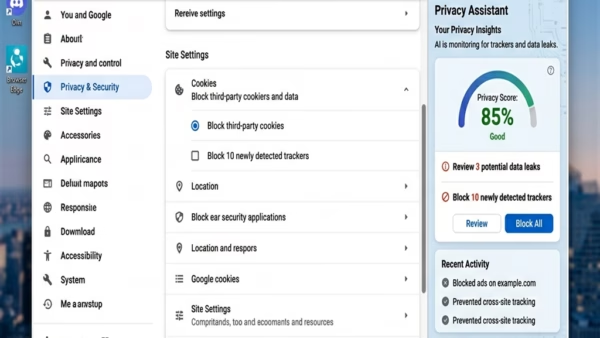
Microsoft Edge includes a feature called Browse with Copilot. It allows the AI assistant to help you by clicking, typing, or navigating on websites…
Step-by-step guides for Windows, Linux, networking and everything tech — written by experts, verified for accuracy.
Most recently published
Microsoft Edge includes a feature called Browse with Copilot. It allows the AI assistant to help you by clicking, typing, or navigating on websites…

This guide explains how to turn the "Browse with Copilot" feature on or off in Microsoft Edge. Browse with Copilot is an AI feature…
This guide explains how to see which settings have been changed on your computer using the Local Group Policy Editor. Windows uses these policies…
Sometimes, a Windows update can cause temporary glitches in the system files that control the Start menu. If the update process is interrupted or…
This guide explains how to show or hide fonts on your Windows 11 computer. Why hide fonts? Over time, your computer may accumulate hundreds…

Windows runs many programs in the background to keep your computer working. These are called services. They handle things like your internet connection, printing,…
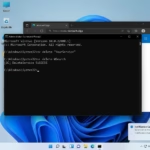
Windows services are background programs that run without a user interface. They handle core tasks like networking, printing, and updates. Sometimes, software leaves behind…
Many users find that the 'pinch-to-zoom' speed feels too fast or too slow. It is important to know that Windows 11 settings only control…