
This article explains how to install XAMPP on Windows 11
XAMPP is a free and open-source cross-platform web server solution stack package developed by Apache Friends. It consists primarily of the Apache HTTP Server, MariaDB, and interpreters for scripts written in the PHP and Perl programming languages.
XAMPP stands for X: [Cross-platform], A: [Apache], M: [MariaDB], P: [PHP] and P: [Perl].
This app lets you develop and test PHP applications locally before deploying them to a live server. You can create and run a PHP-based website and app from a single installation, eliminating the need to install each component separately.
Download and Install XAMPP
XAMPP is a single Apache distribution containing MariaDB, PHP, and Perl. Just download and start the installer.
Visit the download page and choose the version with the PHP you want to install.
Once downloaded, visit your Downloads folder and run the installer.
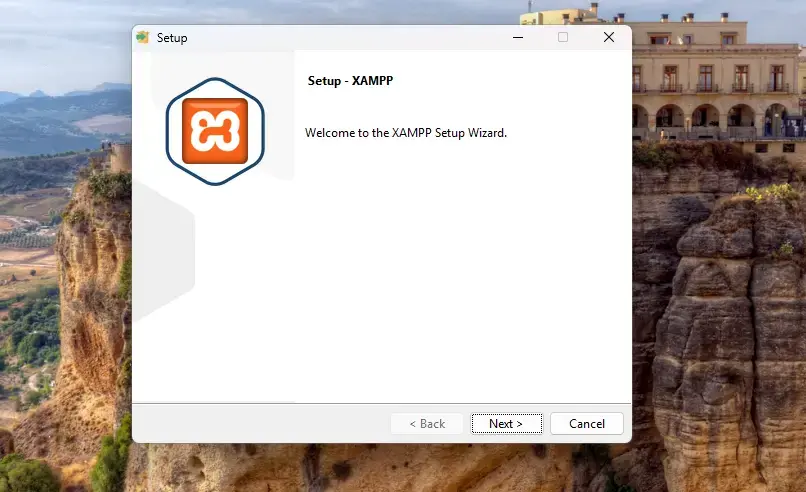
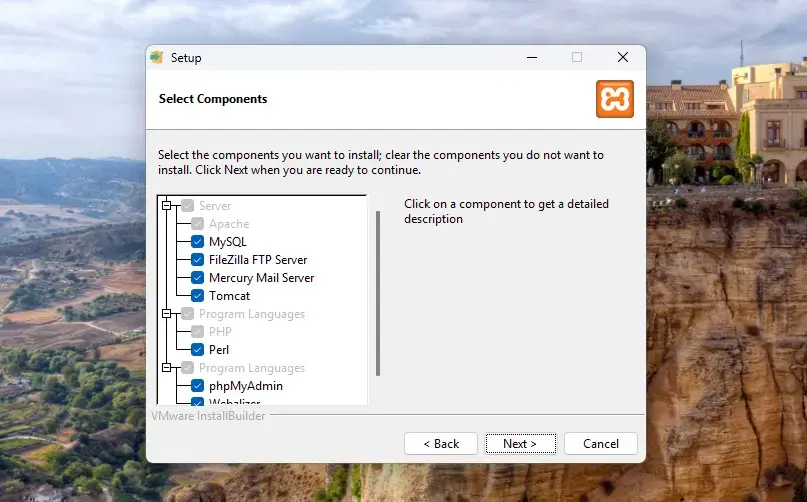
Select the XAMPP core files and components to install and continue.
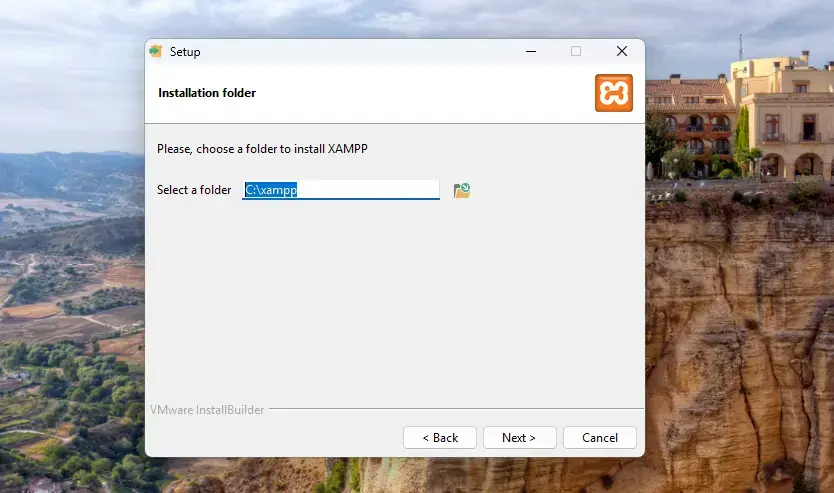
Accept the default [C:\xampp] folder to install XAMPP in.
Wait for the installer to complete.
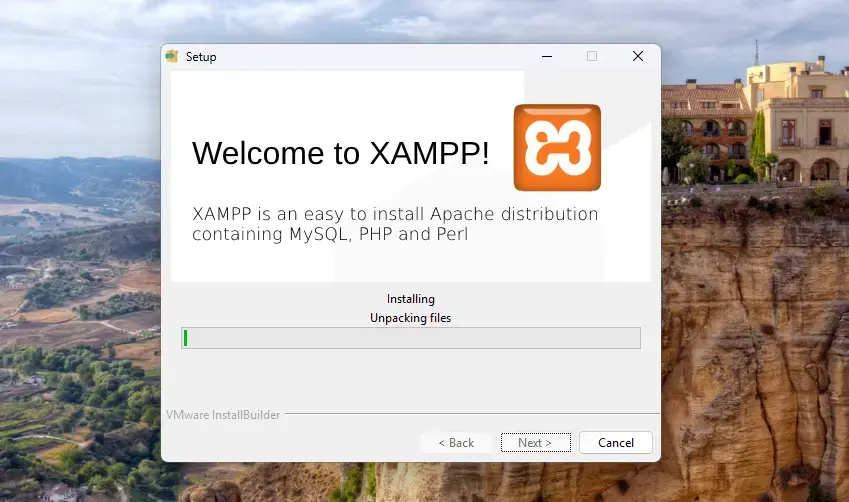
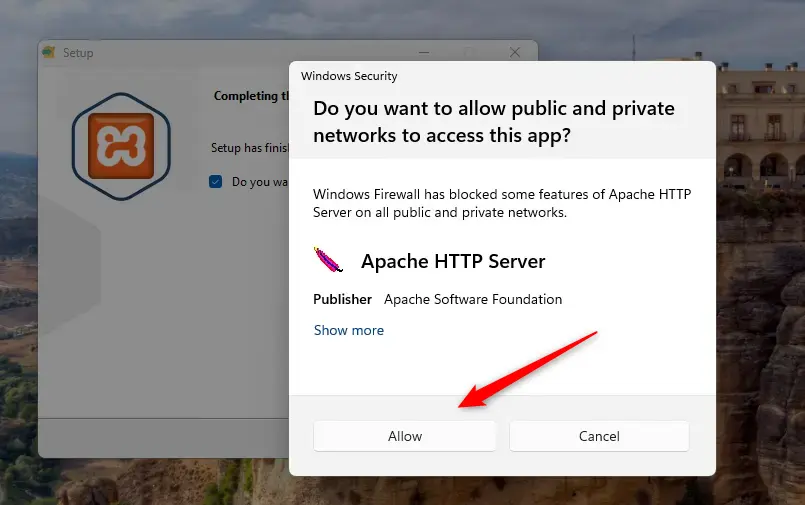
When prompted to allow Apache, click the “Allow” button.
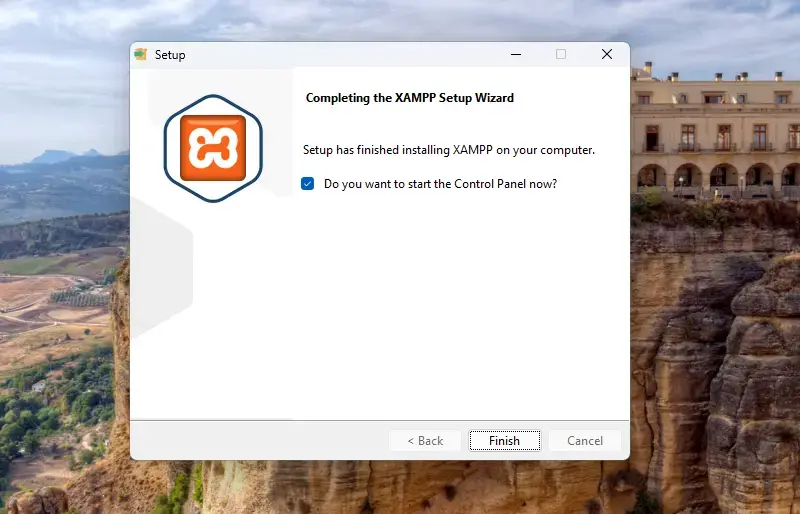
Once complete, click the Finish button to launch the app.
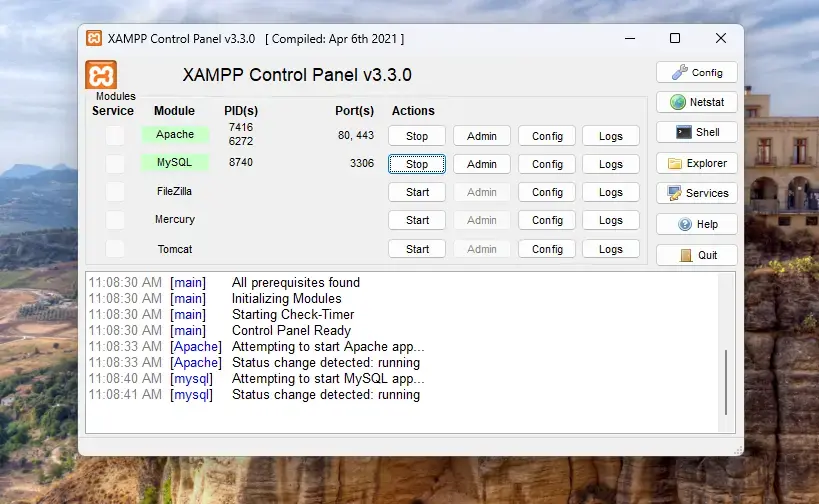
On the Control Panel, you can start and stop all the servers.
Using the command line, “Shell” button on the right of the Control Panel, run the command below to start and stop all servers.
\xampp\xampp_start.exe
\xampp\xampp_stop.exe
Operation
XAMPP default directory is located at [C:\xampp]. From there you can manage individual server and server configurations.
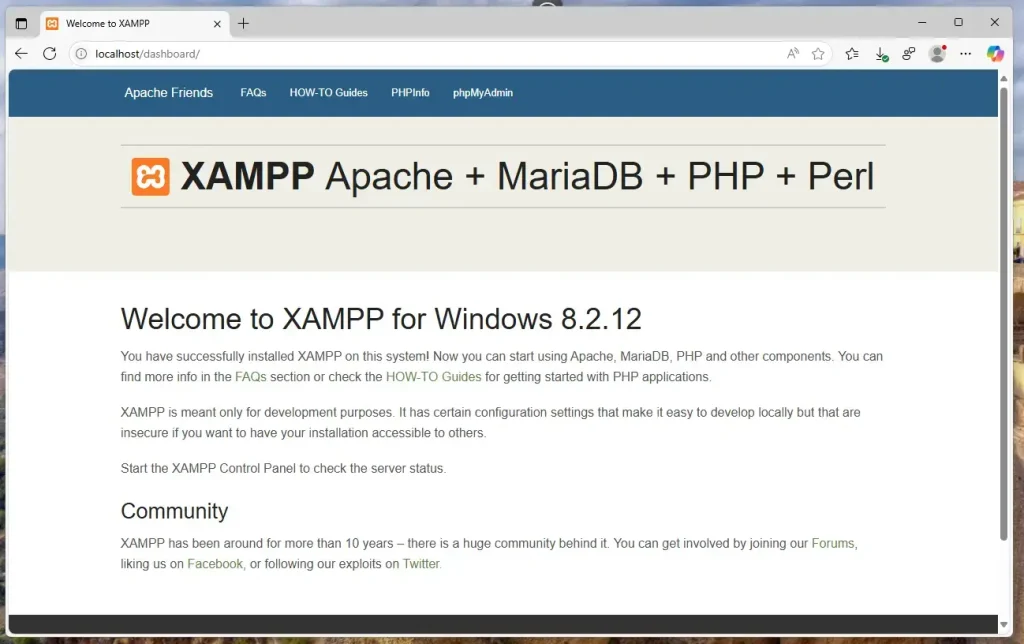
Browse the server IP address or hostname to visit XAMPP default Apache web page.
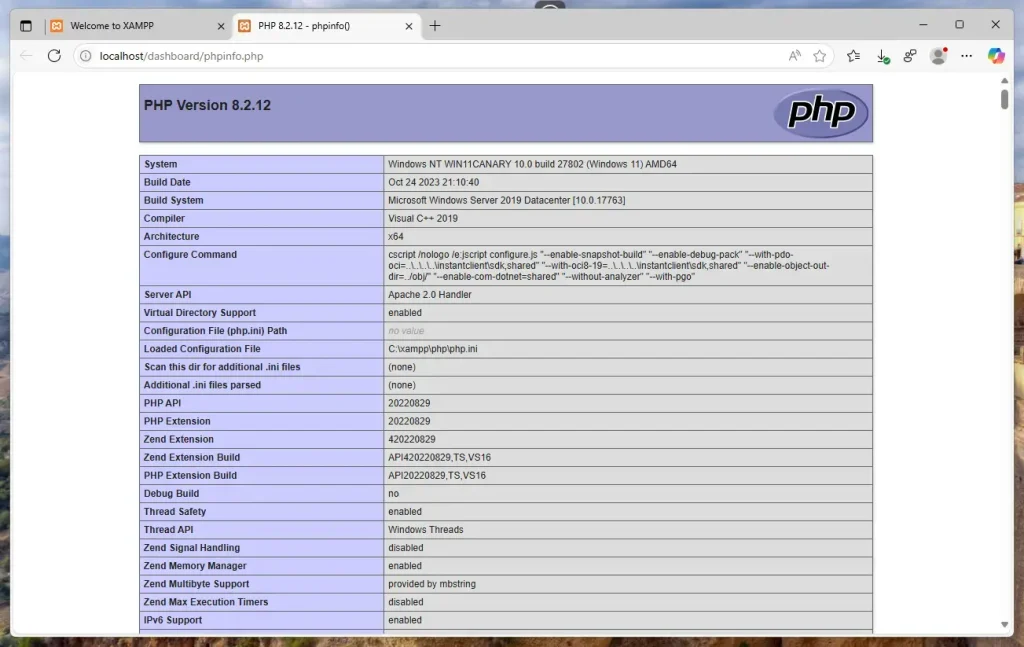
Click the PHPInfo link to display PHP info.
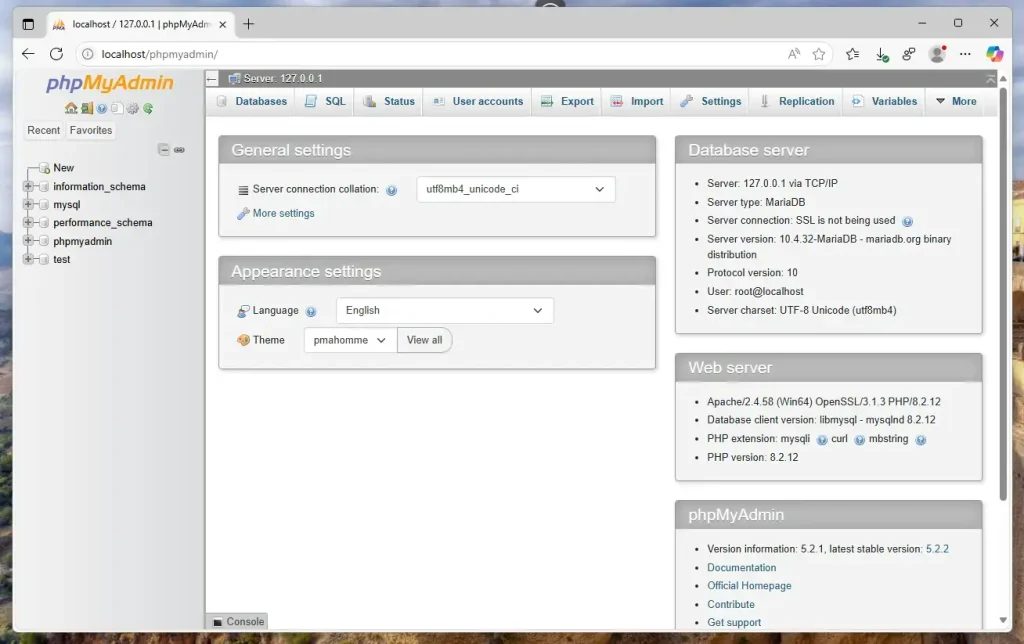
Click the phpMyAdmin link to manage MariaDB.
That should do it!
Conclusion:
- XAMPP provides a complete environment for developing and testing PHP applications locally.
- The installation process is straightforward, allowing users to set up all necessary components quickly.
- The Control Panel offers easy management of server operations and configurations.
- Users can access PHP and MariaDB management tools, such as PHPInfo and phpMyAdmin, for enhanced functionality.
- With XAMPP, developers can create and run web applications efficiently before deploying them to live servers.
Leave a Reply Cancel reply