
Category: Windows
-
Date:
How to Reset Default Firewall Settings in Windows 11
This guide provides step-by-step instructions for resetting Windows Firewall settings on Windows 11. Users can reset via the Windows Security app, Advanced…
-
Date:
How to Backup and Restore Microsoft Defender Firewall in Windows 11
The article explains how to backup and restore Microsoft Defender Firewall settings in Windows 11 using the Windows Security app and command…
-
Date:
How to Turn On Unicode UTF-8 Support in Windows 11
This guide explains how to enable or disable Unicode UTF-8 support in Windows 11, improving multi-language display. Users can toggle the feature…
-
Date:
How to Change Number Format in Windows 11
This guide explains how to change number formats on Windows 11, adjusting how dates, times, numbers, and currency appear based on regional…
-
Date:
How to Change Currency Format in Windows 11
This guide explains how to change the currency format on a Windows 11 computer through the Settings app. Users can select their…
-
Date:
How to Change Time Server in Windows 11
To fix incorrect time on Windows 11, you can change the Internet Time Server through the Settings app, Control Panel, or Registry…
-
Date:
How to Enable or Disable Long File Paths in Windows 11
Windows 11 can enable long file paths (up to 32,000 characters) through the Win32 Long Paths feature, which can be activated via…
-
Date:
How to Enable or Disable Windows Hypervisor Platform in Windows 11
The guide explains how to enable or disable the Windows Hypervisor Platform on Windows 11, a feature that allows users to run…
-
Date:
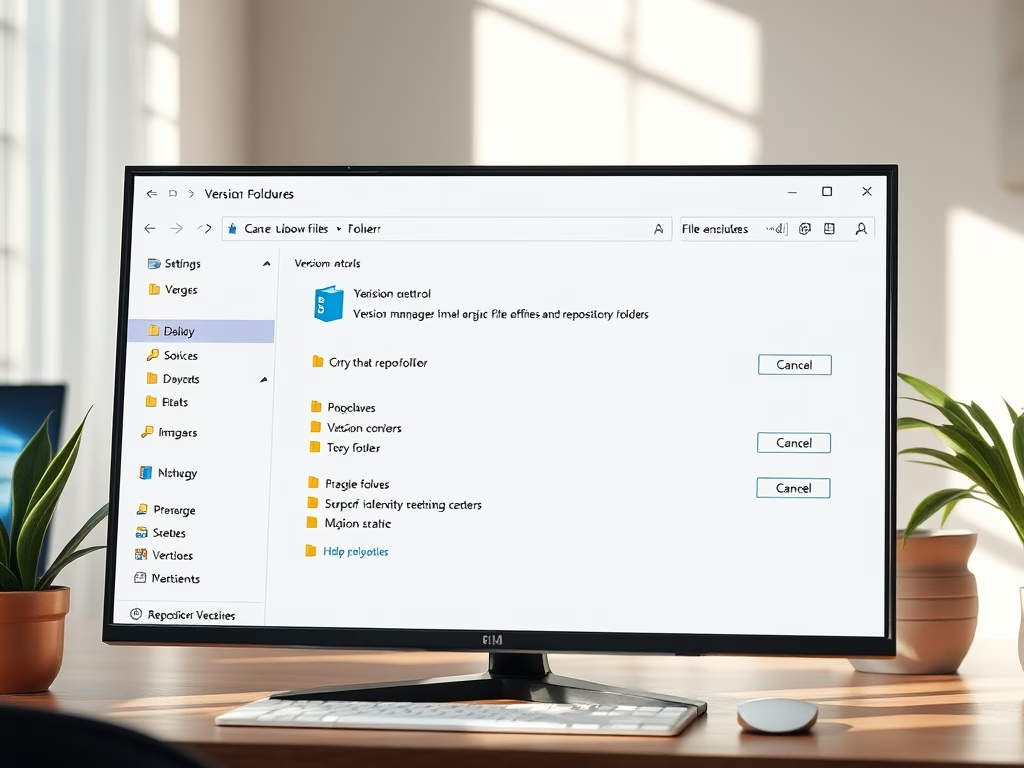
How to Add Repository Folders in Windows 11
This guide explains how to add or remove repository folders in Windows 11’s File Explorer, allowing users to view version control details…
-
Date:
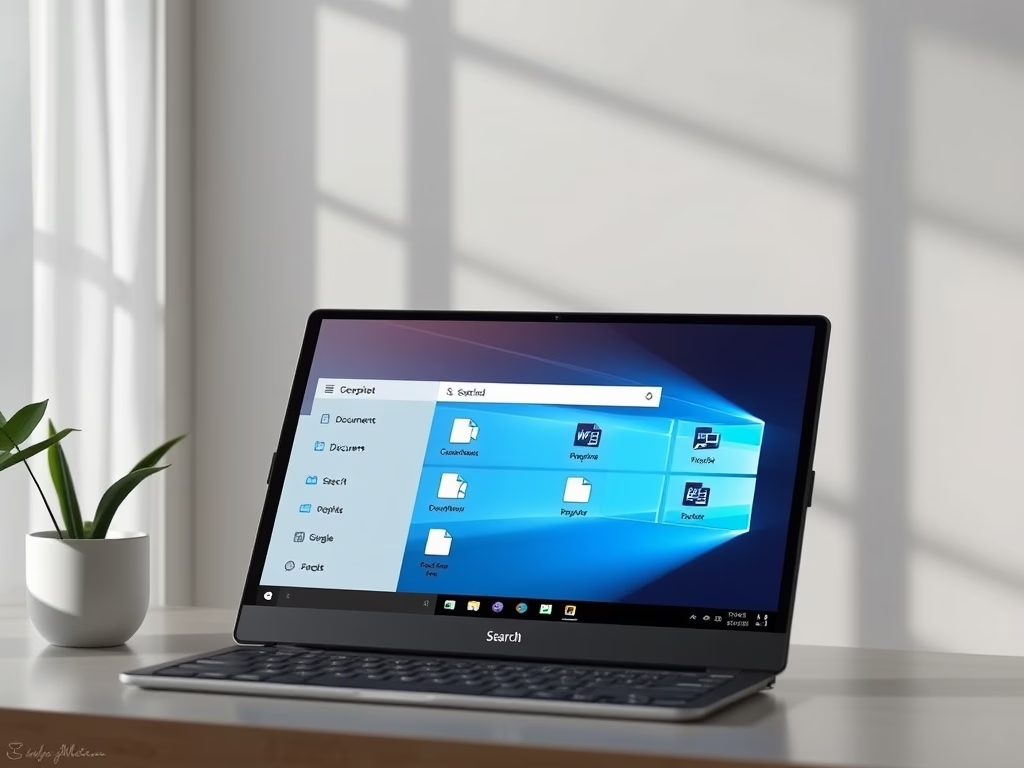
How to Search Local Files with Windows 11 Copilot
The Copilot app in Windows 11 enables quick file searches by allowing users to type or ask questions in simple language. The…