
Category: Windows
-
Date:
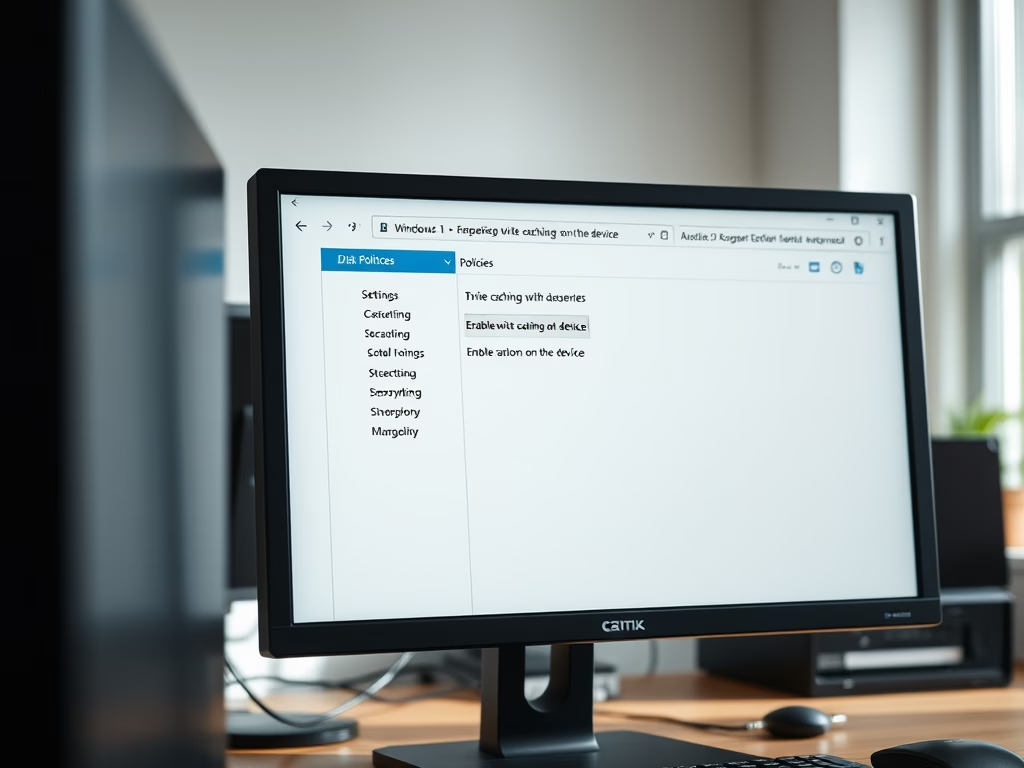
How to Enable Disk Write Caching in Windows 11
This guide explains how to enable or disable disk write caching on internal drives in Windows 11 using Disk Management or Device…
-
Date:
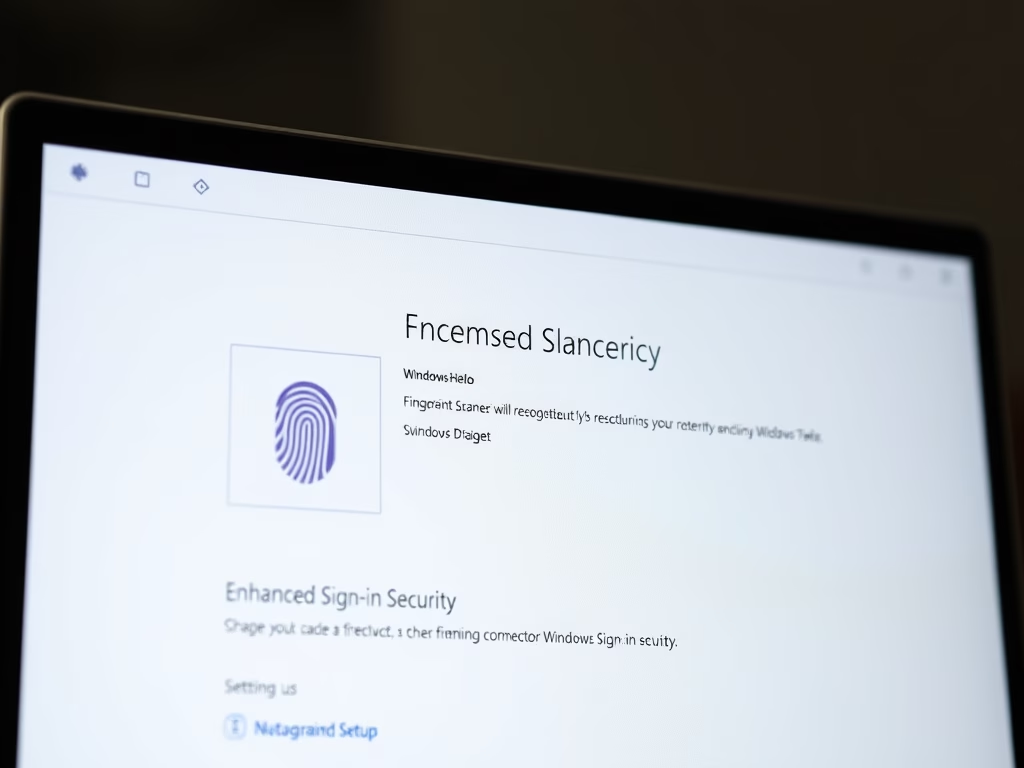
How to Enable Enhanced Sign-in Security on Windows 11
This guide explains how Windows 11 users can enable Enhanced Sign-in Security (ESS) to protect their biometric data. ESS requires specific hardware,…
-
Date:
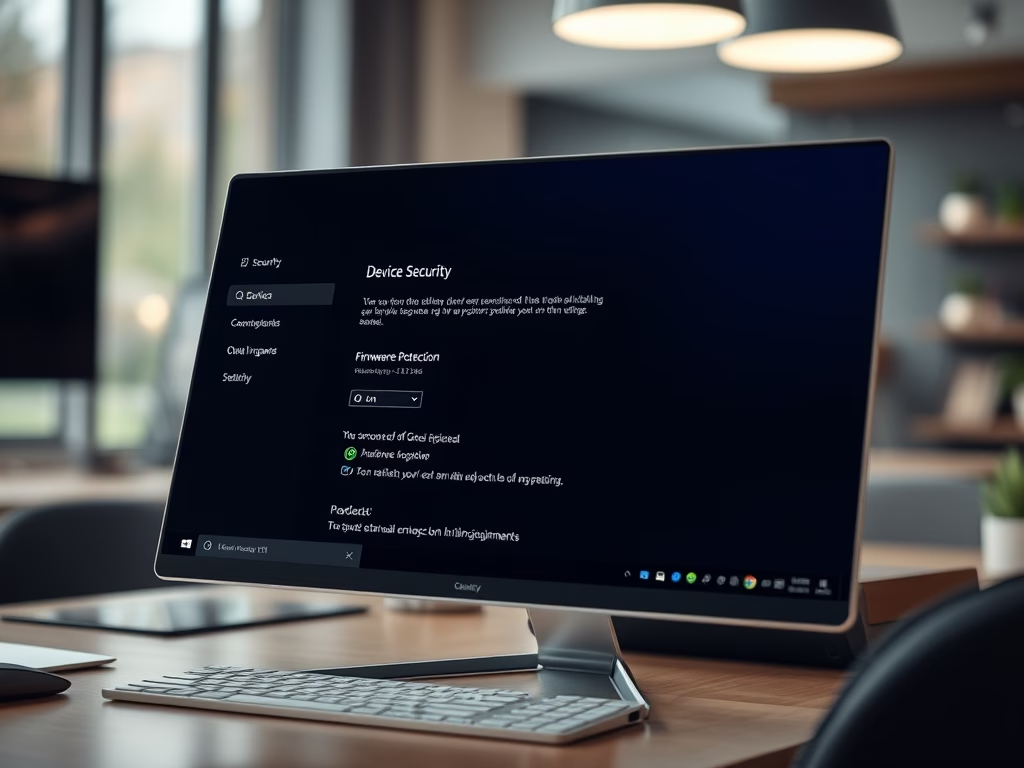
How to Make Windows 11 Safer with Firmware Protection
This guide explains how to enable Firmware Protection on a Windows 11 PC, aimed at enhancing security against malware. Firmware Protection acts…
-
Date:
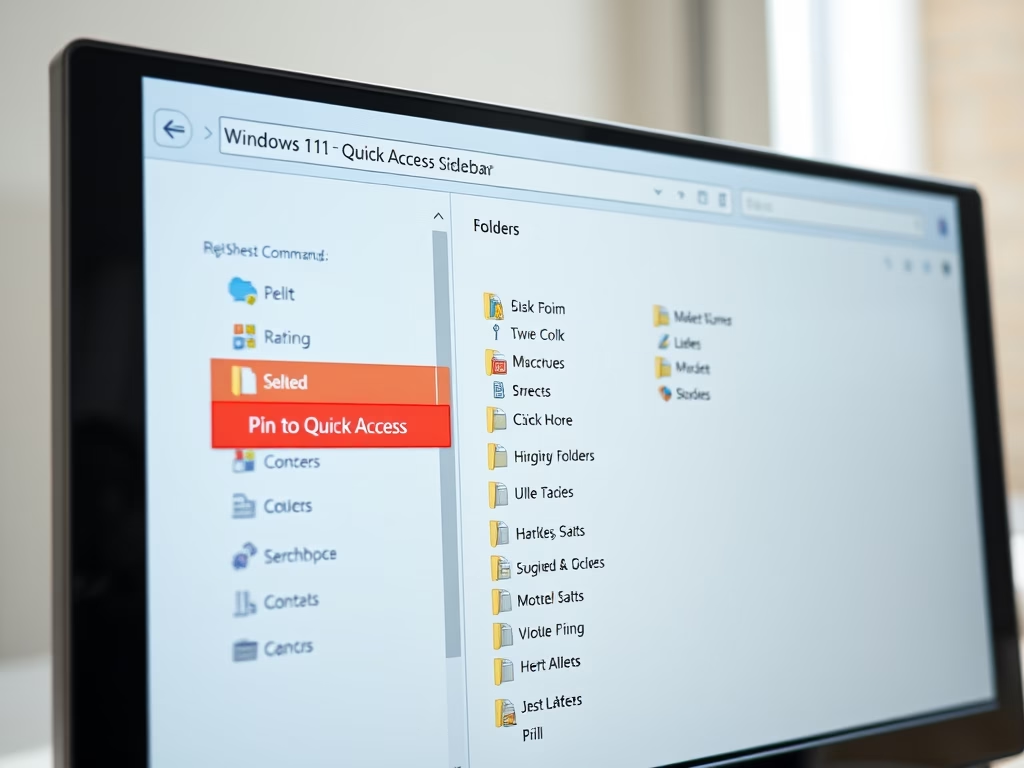
How to Pin Recent Folders in Quick Access on Windows 11
This guide explains how to pin Recent folders to the Quick Access area in Windows 11 for easier access. It details steps…
-
Date:
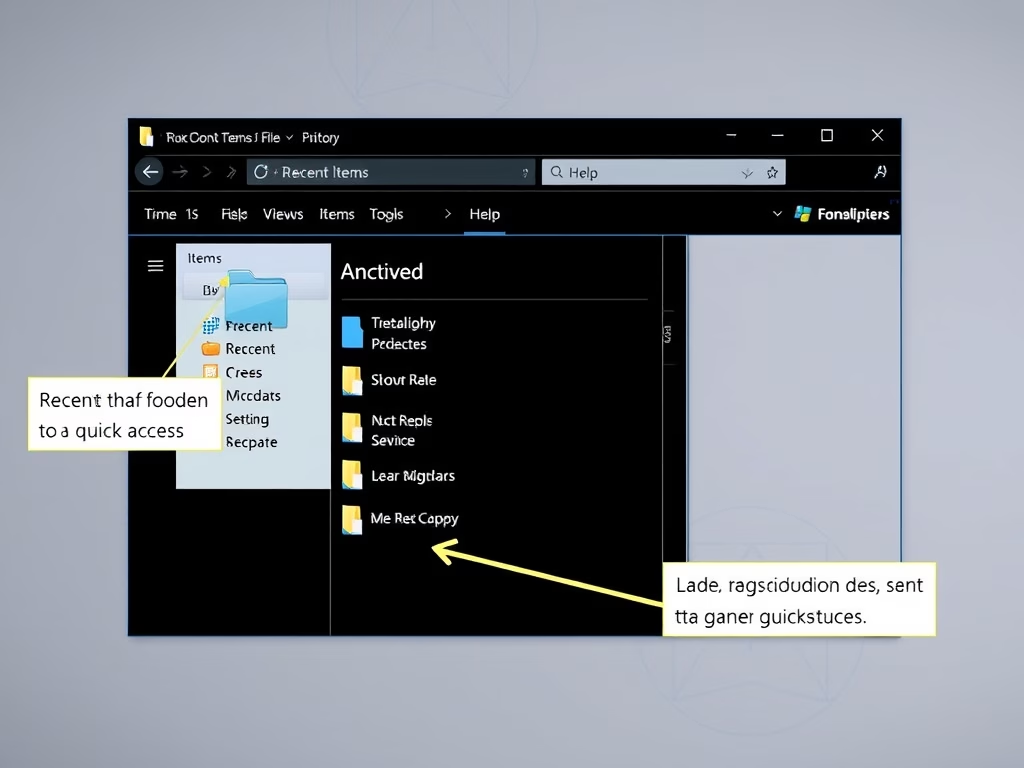
How to Pin Recent Items in Windows 11 Quick Access
This guide shows how to add Recent Items to the Quick Access area in Windows 11’s File Explorer for quicker access to…
-

Date:
How to Set Your Default Camera in Microsoft Teams
This guide explains how to select a default camera in Microsoft Teams for video calls, ensuring a better meeting experience. Users can…
-
Date:
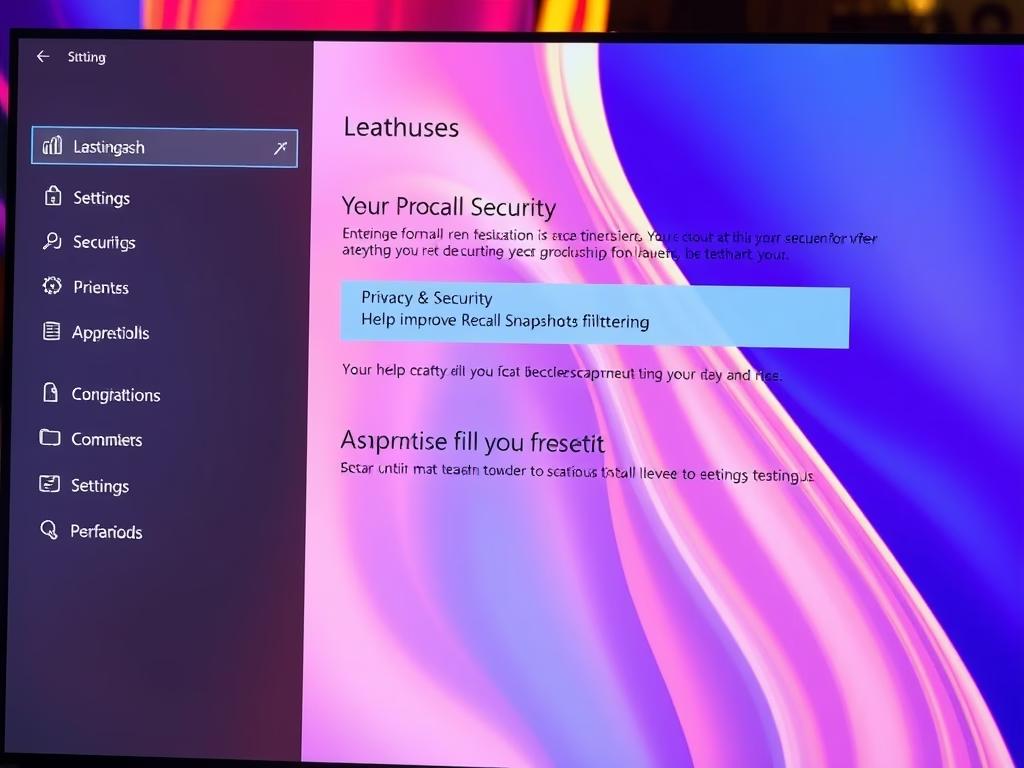
How to Improve Recall Snapshots Filtering on Windows 11
This guide explains how to enable or disable the “Help improve Recall snapshots filtering” feature in Windows 11, which allows anonymous sharing…
-
Date:
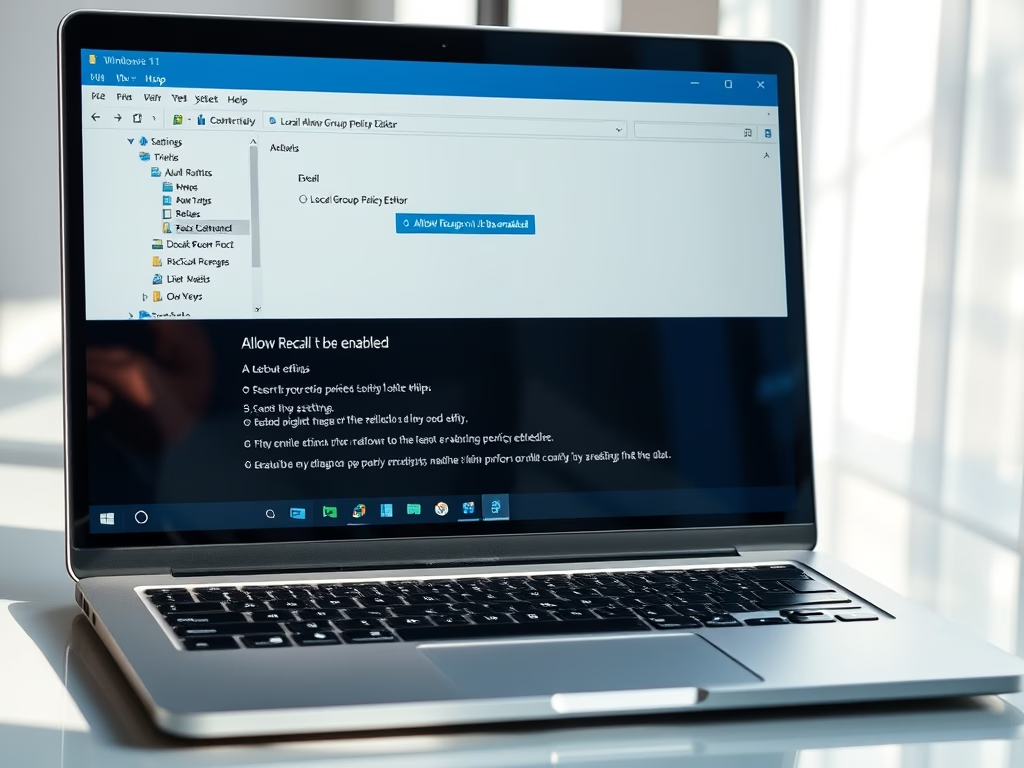
How to Enable or Disable Recall in Windows 11
Recall is a new feature in Windows 11 that captures snapshots of your screen, enabling users to later search for previously viewed…
-
Date:
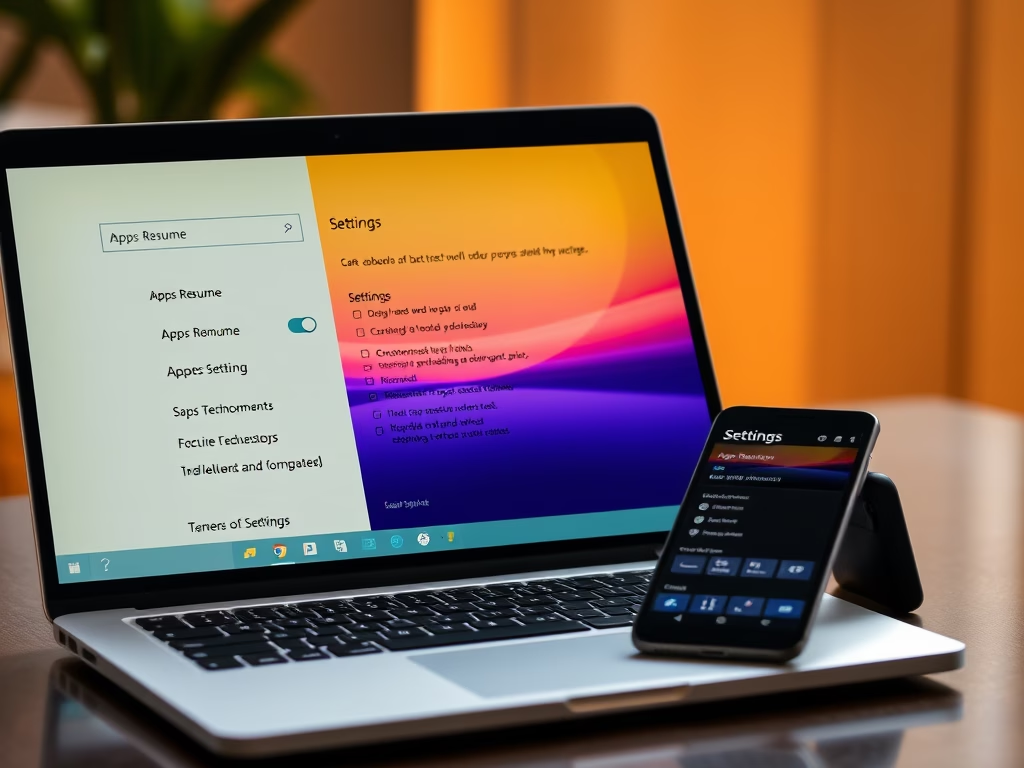
How to Enable or Disable Windows 11 App Resume Feature
Apps Resume is a Windows 11 feature that allows users to continue working on OneDrive files from their phone on a PC.…
-
Date:
How to Open Folders in New Tabs in Windows 11 File Explorer
Windows 11 introduces a feature allowing users to open folders in new tabs within File Explorer, enhancing file management. To enable it,…