
Category: Windows
-
Date:
How to Change the Magnifier Lens Size in Windows 11
Windows 11 includes a handy tool called Magnifier, which enlarges parts of the screen for better visibility. Users can adjust the lens…
-
Date:
How to Lock a BitLocker Drive in Windows 11
BitLocker in Windows 11 secures drives through encryption and password protection, ensuring only authorized users can access data. It allows users to…
-

Date:
Deny Write Access to Unprotected Removable Drives in Windows 11
This guide explains how to prevent Windows 11 from saving files to unprotected USB or removable drives by using BitLocker encryption. It…
-

Date:
How to Enable or Disable Narrator for Modifier Keys in Windows 11
This guide explains how to enable Windows 11’s Narrator to announce the names of modifier keys like Shift and Alt, assisting users…
-
Date:
How to Turn On or Off Narrator Announcing Keys in Windows 11
This guide explains how to enable or disable the Narrator feature in Windows 11 that announces navigational keys like Arrow and Tab.…
-
Date:
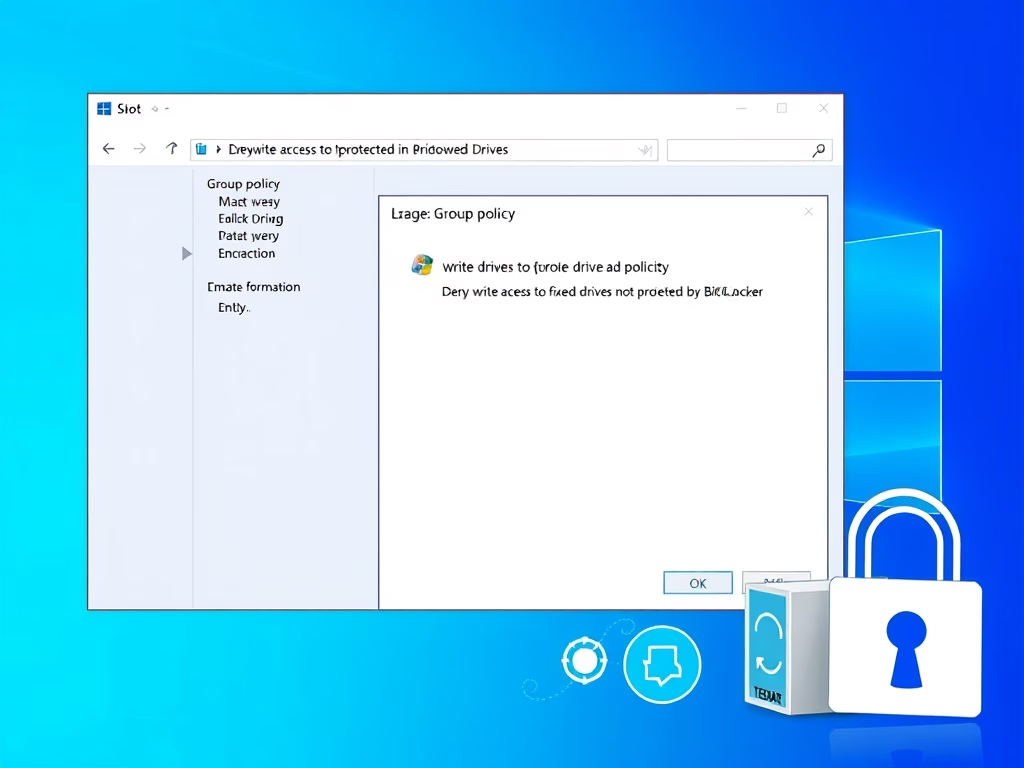
Deny Write Access to Unprotected Drives in Windows 11
This guide explains how to prevent Windows 11 from saving files to unprotected drives by using BitLocker encryption. It details steps to…
-
Date:
How to Enforce BitLocker Encryption on Removable Drives
This guide explains how to configure BitLocker encryption for removable drives on Windows 11, offering options for full encryption or used space…
-

Date:
How to Choose BitLocker Encryption Type on Windows 11 Drives
BitLocker is a built-in Windows 11 feature that encrypts drives to secure data access. Users can choose between full encryption or used…
-
Date:
How to Change the Maximum Storage for Snapshots in Windows 11
This guide explains how to change the storage limit for snapshots in Windows 11, allowing users to manage disk space effectively. It…
-
Date:
How to Delete Recall Snapshots in Windows 11
Windows 11 features Recall & Snapshots, which capture screen images for easy access later. However, these snapshots can consume storage. Users can…