
Category: Windows
-
Date:
How to Change Braille Display Input and Output Types in Windows 11
This guide explains how to customize braille display settings in Windows 11 to enhance readability and adaptability. It covers changing input and…
-
Date:
How to Change Braille Display Notification Timeout in Windows 11
This guide explains how to adjust notification visibility duration on a braille display using Windows 11. By accessing the Narrator settings in…
-
Date:
How to Change Braille Text Cursor in Windows 11
This guide explains how to customize the braille text cursor appearance when using Narrator on Windows 11. Narrator assists users with vision…
-
Date:
How to Enable or Disable Blinking Cursor on Braille Display in Windows 11
This guide explains how to toggle the blinking cursor on a Braille display while using the Narrator app in Windows 11. It…
-
Date:
How to Change Mouse Key Speed in Windows 11
Mouse Keys in Windows 11 allows users to control the mouse pointer with the keyboard’s number keys, which is helpful for those…
-
Date:
How to Change Mouse Key Speed Using CTRL and SHIFT in Windows 11
Windows 11 features Mouse Keys, allowing users to control the mouse pointer with the numeric keypad. You can adjust speed by holding…
-
Date:
How to Use Mouse Keys with Num Lock in Windows 11
Mouse Keys in Windows 11 allows users to control the mouse pointer using keyboard number keys, which is beneficial for those struggling…
-
Date:
How to Pause and Restart BitLocker on Windows 11
This guide explains how to temporarily pause and resume BitLocker on Windows 11, a tool that secures data by locking drives. Pausing…
-
Date:
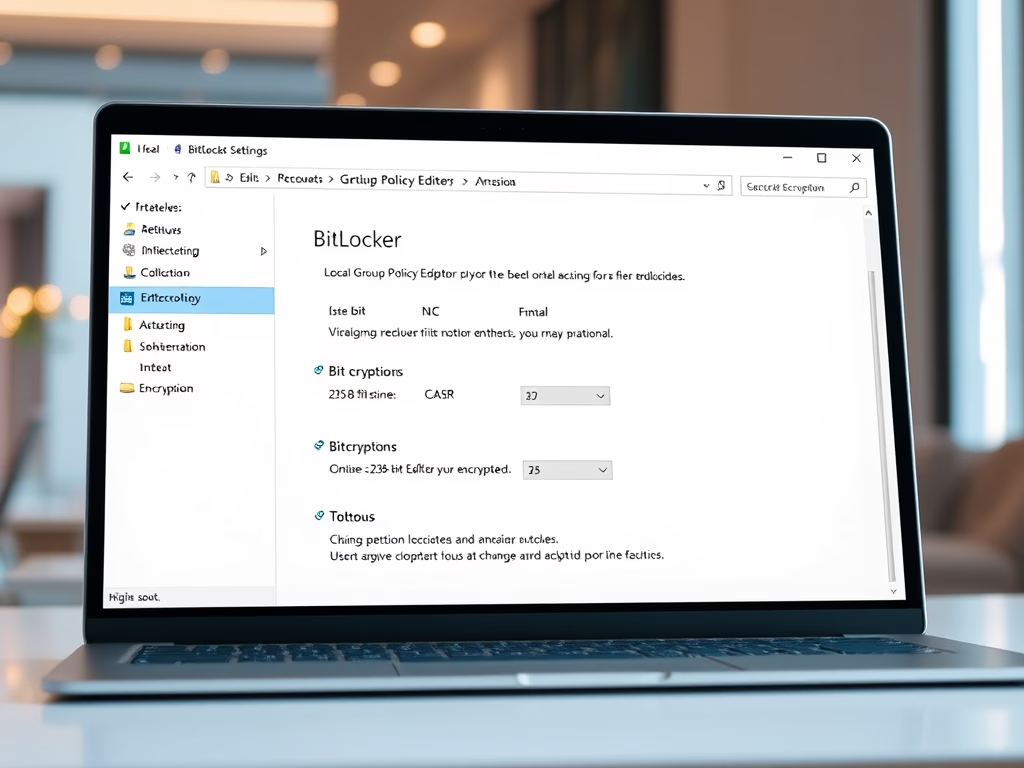
How to Change BitLocker Encryption in Windows 11
BitLocker in Windows 11 enhances data security through drive encryption, allowing only authorized users to access files. Users can switch from the…
-
Date:
How to Change the Magnifier Zoom Level in Windows 11
Windows 11 includes a tool called Magnifier that enlarges screen content for easier viewing. This guide offers simple methods to adjust the…