Skip to content
🪟

Windows

Windows 2 min read
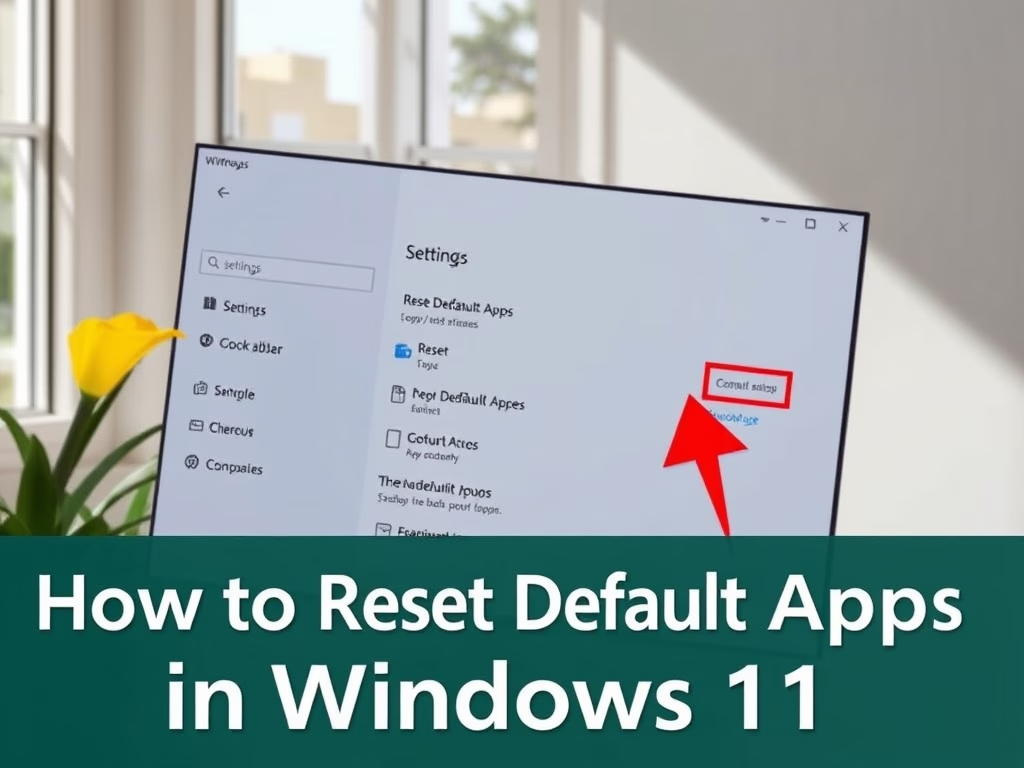
How to Reset Default Apps in Windows 11

This guide explains how to reset default apps in Windows 11 to Microsoft's original selections. Default apps are the programs designated to open specific files or links. The reset process only impacts your user account and is completed easily through the Settings app with a simple confirmation click.

Windows 4 min read
How to Create a Recovery Drive in Windows 11

This guide explains how to create a recovery USB drive for Windows 11, which can fix startup issues and restore your system. It is advisable to prepare this drive to prevent future problems, as it erases data on the USB. Regular updates ensure its effectiveness. Personal files will not be saved.

Windows 4 min read
How to Back Up and Restore Device Drivers in Windows 11

Device drivers enable communication between your computer and hardware. Before reinstalling Windows, back them up using commands like DISM, PnPUtil, or PowerShell to a designated folder. You can restore drivers individually or collectively via Device Manager or specific commands, ensuring optimal computer performance post-restoration.

Windows 4 min read
How to Change Wireless Adapter Power Saving Mode in Windows 11

To optimize Wi-Fi speed and battery life on Windows 11, users can adjust their wireless adapter's power saving settings. Options include Maximum Performance for the best speed and Maximum Power Saving to extend battery life. Changes can be made via Control Panel or Windows Terminal, catering to both laptops and desktops.

Windows 3 min read
How to Change Wi-Fi Roaming Aggressiveness in Windows 11

This guide explains how to adjust Wi-Fi roaming aggressiveness in Windows 11, which determines how quickly your device switches to stronger signals. It offers five levels of sensitivity, with the default being medium. Users can change settings through various methods to enhance their Wi-Fi experience based on usage patterns and connectivity issues.

Windows 3 min read
How to Enable or Disable Search Highlights in Windows 11

Search Highlights in Windows 11 enhance the search box with fun facts and important dates. Users can easily enable or disable this feature through Settings. Additionally, administrators can manage Search Highlights for multiple users using Group Policy. The feature provides useful updates and information about special days while allowing standard search functionality.

February 6, 2026 Read more →
Windows 3 min read
How to Add or Remove Microsoft Print to PDF in Windows 11

This guide explains how to add or remove the Microsoft Print to PDF feature on Windows 11. The tool allows users to save documents as PDFs without additional software. Changes can be made via Windows Features, Command Prompt, or PowerShell, requiring administrator access and confirming the Windows Modules Installer service is active.

Exit mobile version