You can access your phone’s recent apps directly on your Windows 11 PC using the Phone Link app. Phone Link allows you to mirror your phone’s screen and interact with…
You can easily change your default search engine in Microsoft Edge to Google, DuckDuckGo, or any other preferred provider. Microsoft Edge typically defaults to Bing for searches, but customizing this…
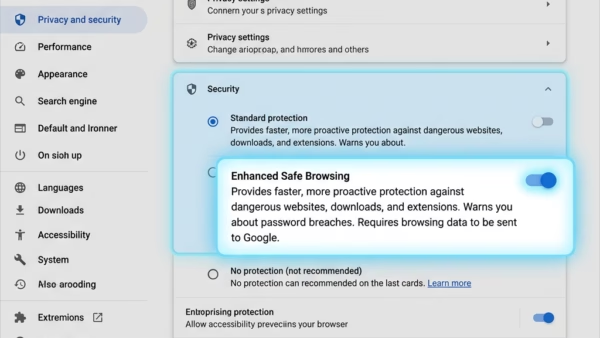
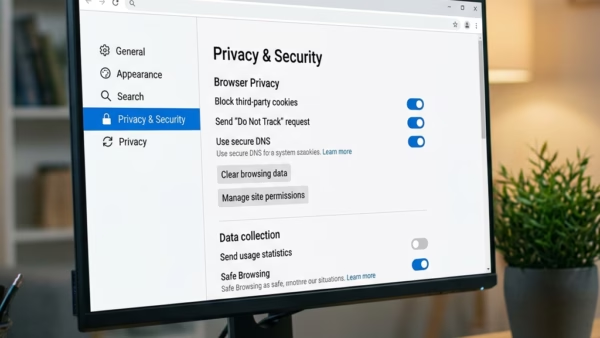
You turn on or off Microsoft Edge’s Local Network Access feature to control which websites can interact with devices on your home network. This feature acts as a security layer,…
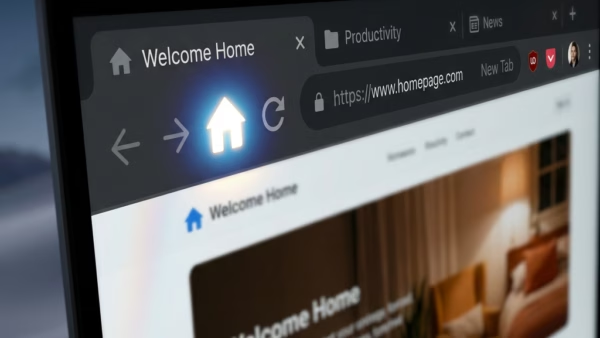
You can easily change your Microsoft Edge browser’s home page to any website you choose, like Google, your favorite news source, or even a specific work portal. Setting a custom…
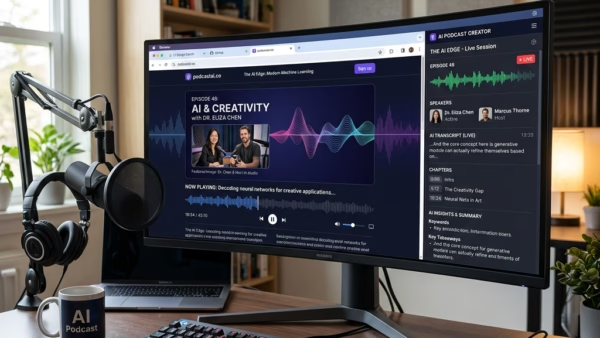
You can create an audio podcast directly from any webpage using Copilot in Microsoft Edge on Windows 11. Copilot is Microsoft’s AI assistant built into Edge, designed to help you…
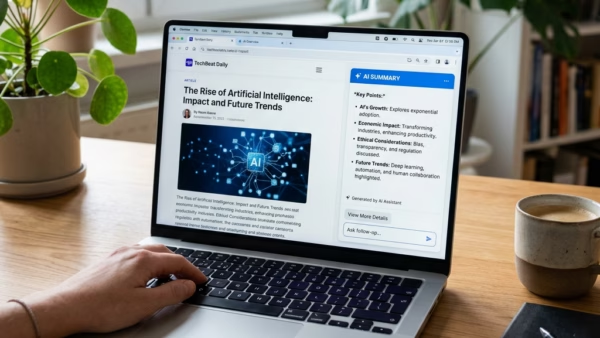
You can summarize a web page with Copilot in Microsoft Edge on Windows 11 to quickly grasp key information. Copilot is Microsoft’s AI assistant, integrated directly into Edge, and it…
You can control whether Microsoft Edge shares your browsing data with other Windows features, which can improve your PC experience. This setting lets Edge send anonymous browsing info to other…
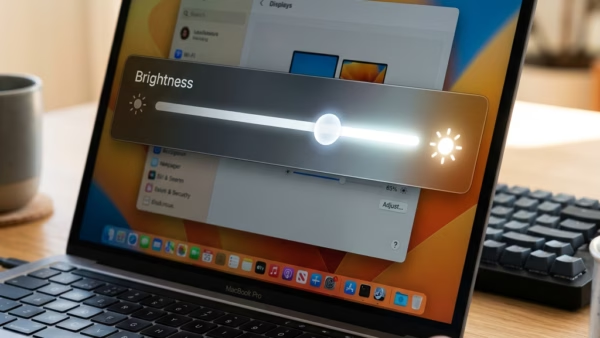
You can make Windows 11 automatically adjust your screen brightness based on what’s on display. This can improve your viewing experience and save battery life. This feature is called Content…
Windows 11 automatically adjusts your screen’s brightness based on the surrounding light. This helps improve how well you can see your screen and also saves battery power on laptops. This…
You can manually change your Windows 11 display brightness through the Settings app or Quick Settings. Windows 11 offers a few quick ways to fine-tune your display’s brightness. Quick Settings,…
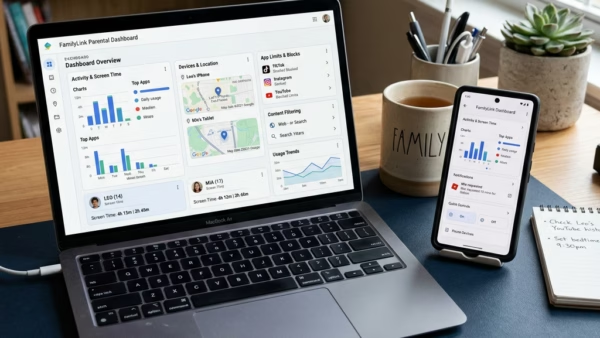
You can block Microsoft Copilot for your children using Microsoft Family Safety settings. Microsoft Family Safety is a tool that allows parents to manage and protect their children’s online experiences…
You can block or unblock specific apps on a child’s Windows PC, Xbox, or Android device using Microsoft Family Safety. Microsoft Family Safety is a free service that helps you…
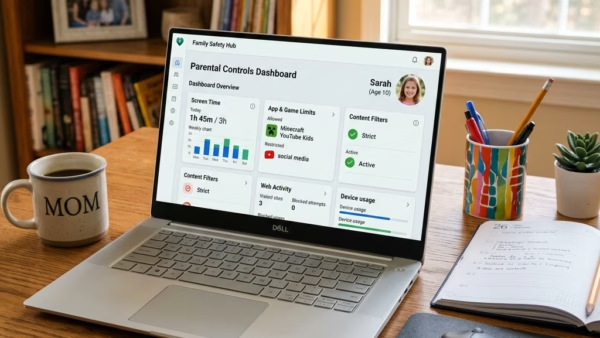
You can set app and game time limits on Windows 11 through Microsoft Family Safety to manage screen time effectively. Microsoft Family Safety helps families manage their digital lives. It…
You set screen time limits on Windows 11 using Microsoft Family Safety, a tool designed to manage device usage for your children. Microsoft Family Safety lets you schedule specific times…
You add your child’s Microsoft account to Windows 11 to manage their digital activity and screen time. Linking a child’s account allows you to set screen time limits, content restrictions,…