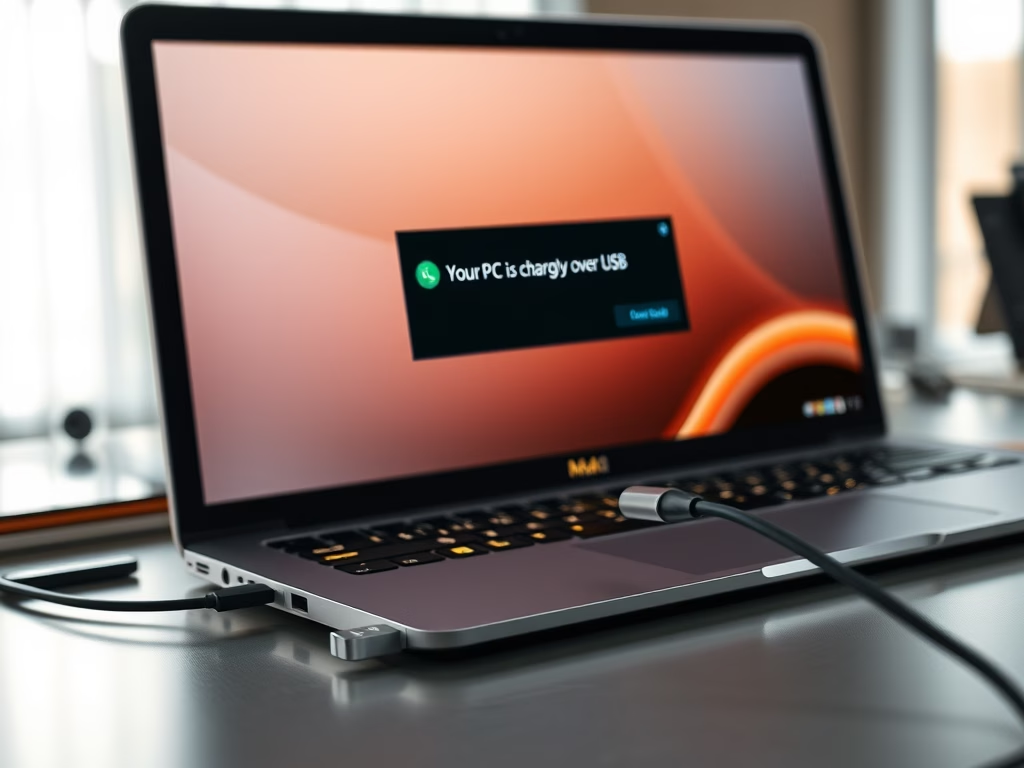
This tutorial shows you how to turn on or off the notification that says your PC is charging slowly over USB in Windows 11. Why This Matters Windows 11 shows…
You can enable or disable the “Improve inking and typing” feature in Windows 11 right from the Settings app. This setting lets Windows collect your inking and typing data. The…
You can enable or disable the “press lower right corner of the touchpad to right-click” function in Windows 11 using the Settings app. This feature lets you right-click by pressing…
You can turn on or off the “Tap twice and drag” touchpad gesture in Windows 11 to multi-select items without so much clicking. This handy feature lets you tap your…
You can enable or disable the two-finger tap for right-clicking on your Windows 11 touchpad by adjusting its settings in the Settings app. This feature lets you right-click by tapping…
You can turn on or off single-finger tap to single-click functionality on your Windows 11 touchpad by adjusting a setting. This feature lets you tap your touchpad once with a…
This tutorial will show you how to turn on or off the On-Screen Keyboard (OSK) in Windows 11. What Is the On-Screen Keyboard? The Windows 11 on-screen keyboard, also known…
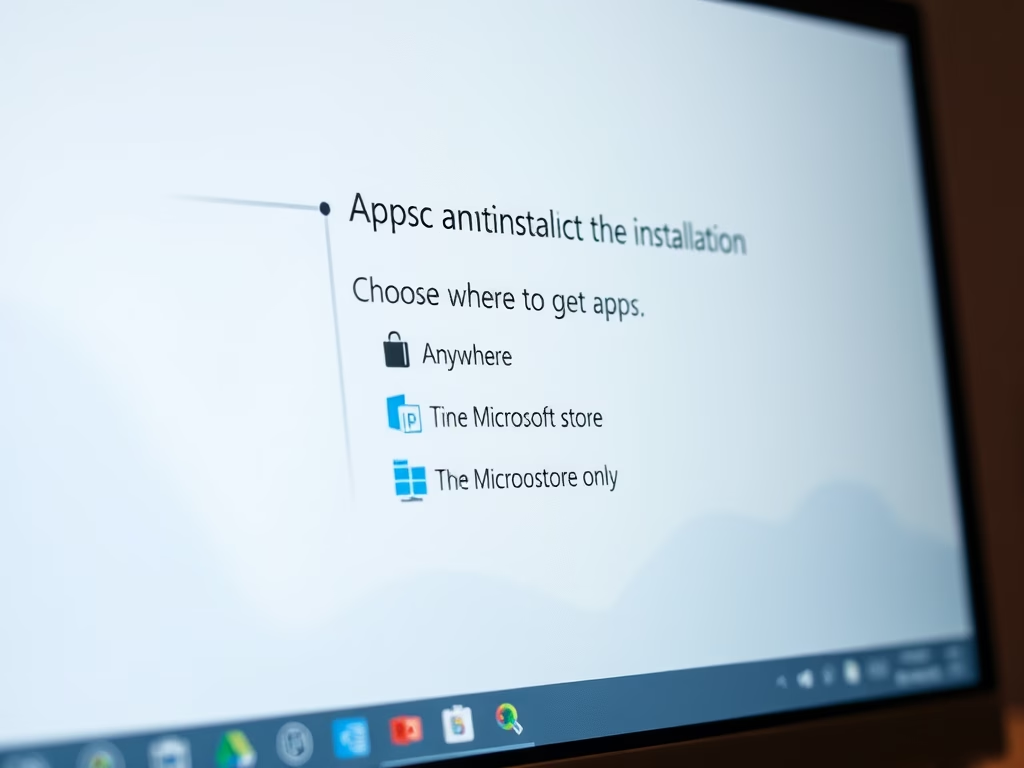
This tutorial will show you how to choose where apps can be installed from for all users in Windows 11. Why This Matters Choosing where to get apps in Windows…
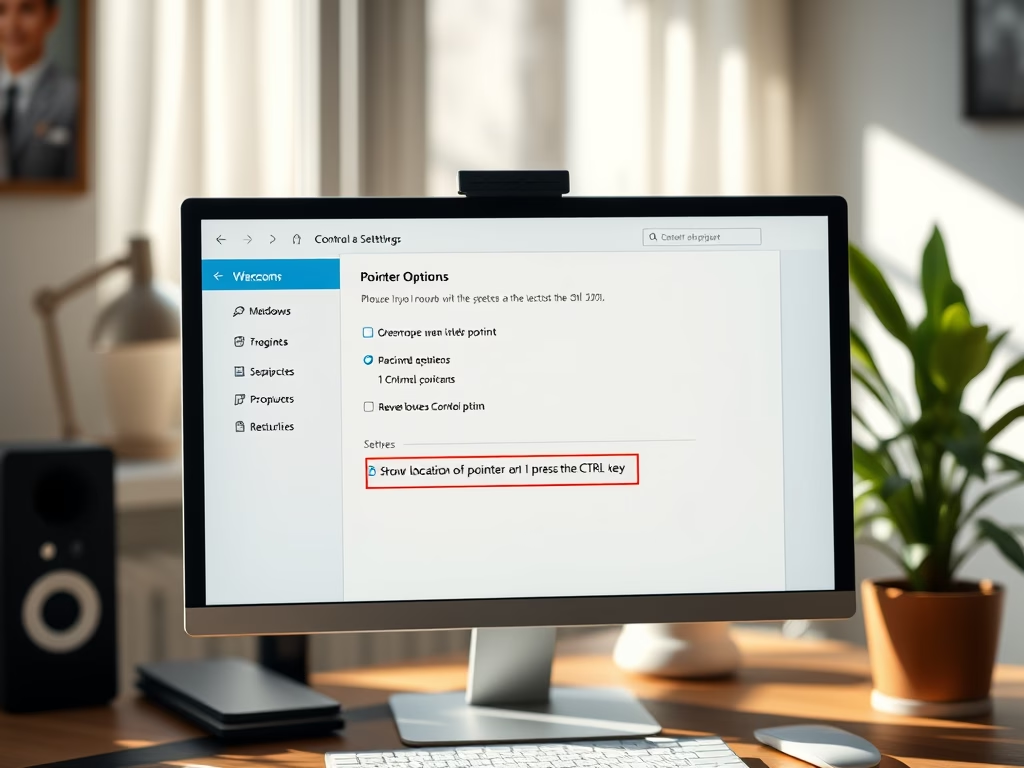
Want to make your mouse pointer easier to find in Windows 11? You can turn on a feature that reveals a circle around it whenever you press the Ctrl key.…
You enable or disable your touchpad in Windows 11 through the Settings app. A touchpad is that touch-sensitive surface on your laptop that works like a mouse, letting you move…
This tutorial will show you how to enable or disable an account in Windows 11. Why You Might Want to Do This You might want to disable an account in…
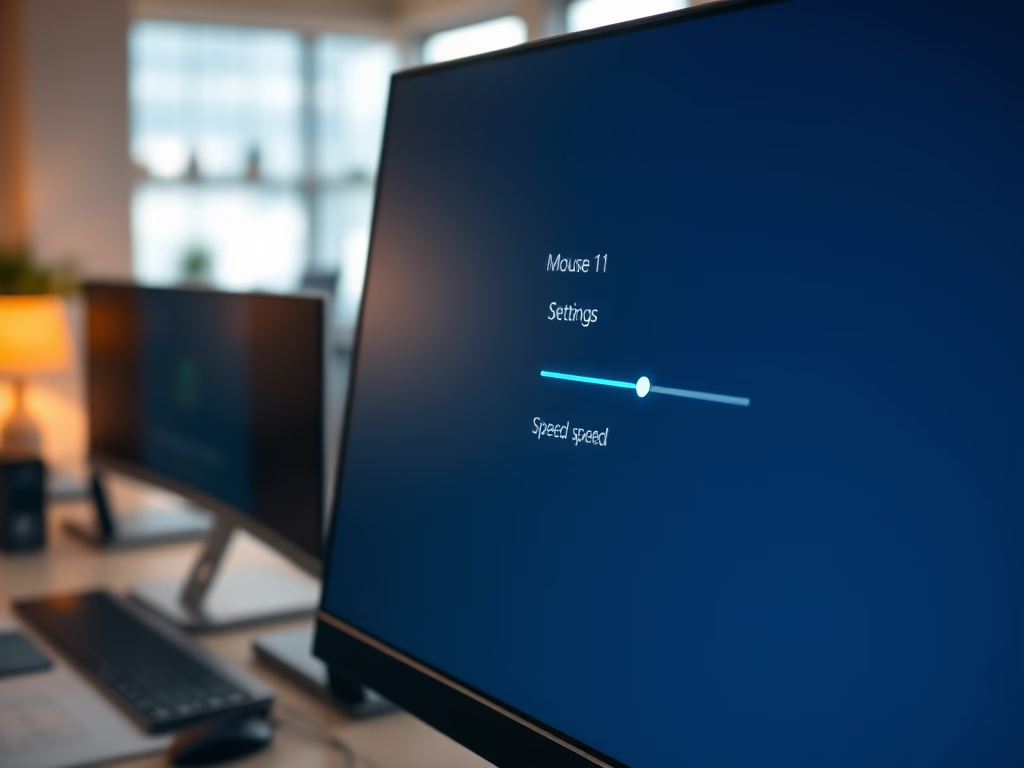
To change your mouse pointer speed in Windows 11, you’ll adjust a setting in Mouse Properties. The mouse pointer, or cursor, is the on-screen indicator that follows your physical mouse…
You can change your primary mouse button in Windows 11 by adjusting a single setting in the mouse configuration panel. Your primary mouse button is the one Windows uses for…
You can change how fast your mouse wheel scrolls in Windows 11 by adjusting the “Wheel scroll lines” setting. This setting controls how many lines your mouse wheel scrolls with…
Want to scroll through background windows in Windows 11 without clicking them first? Here’s how to control the “scroll inactive windows” feature. This handy accessibility option lets you scroll through…