

Category: Windows
-
Date:
Install Oracle Java JDK on Windows 11
This post instructs on how to install Oracle Java JDK on Windows 11 for developing Java-based applications. It details steps to download…
-

Date:
How to Clear Printer Queue in Windows 11
The post guides students and new users how to clear the printer queue in Windows 11. This can help resolve issues preventing…
-
Date:
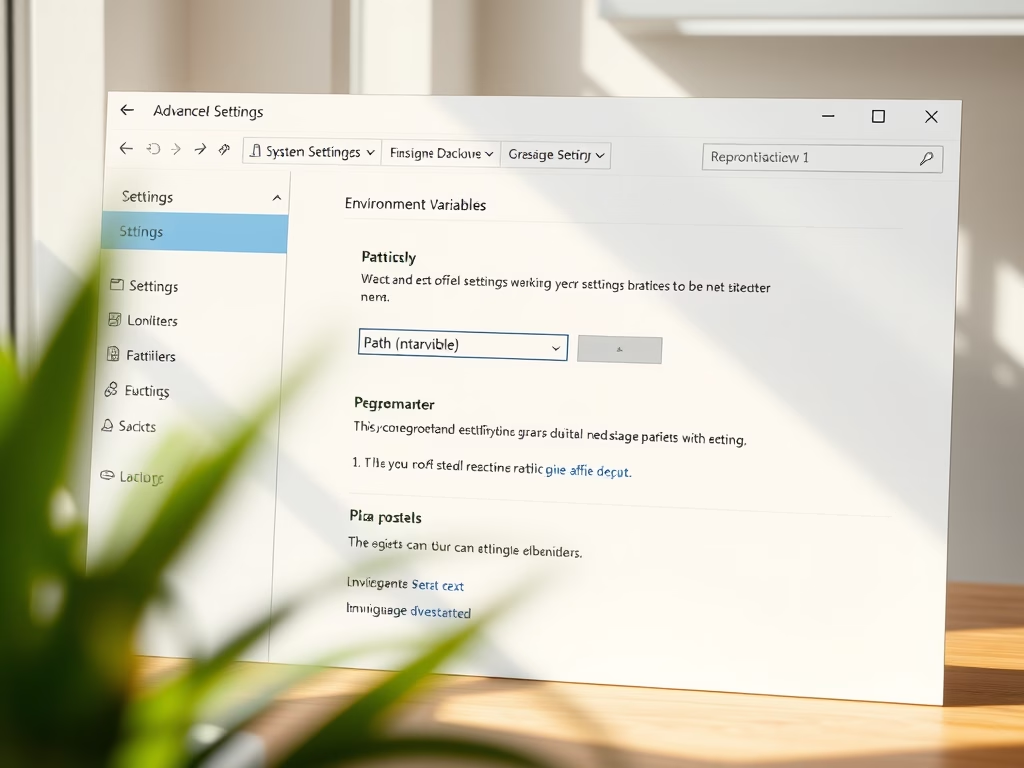
How to Add or Edit PATH Variables in Windows 11
The post guides students and new users on how to add or edit Windows PATH environment variables in Windows 11. The PATH…
-
Date:
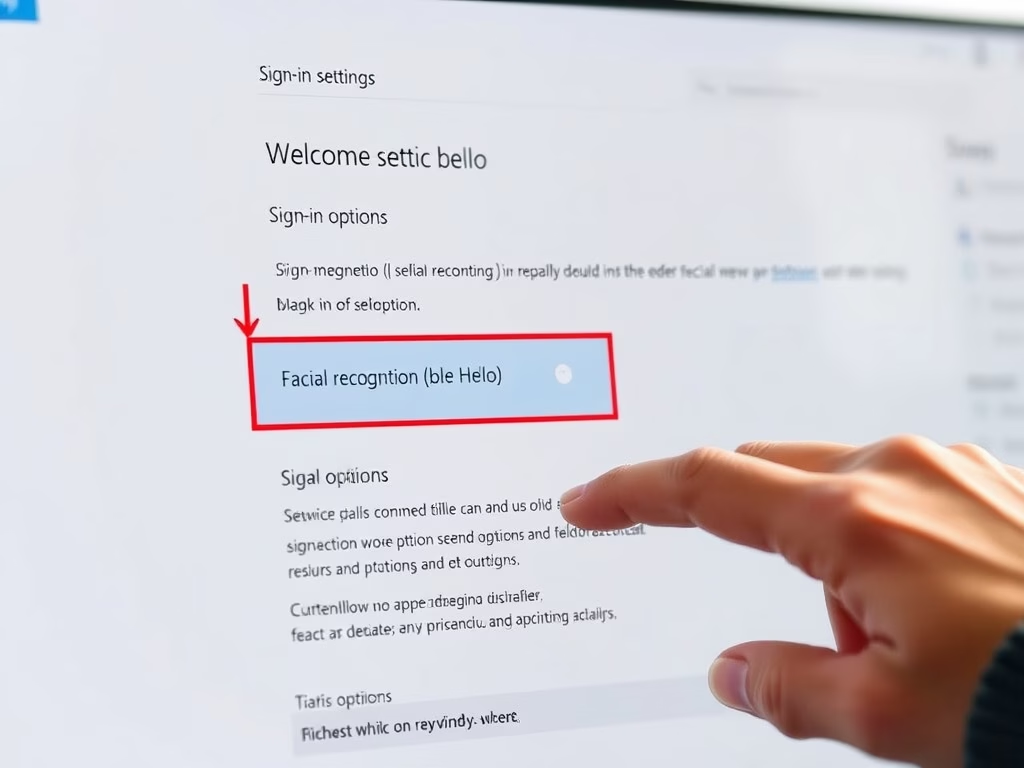
Disable Windows Hello Facial Recognition in Windows 11
This text provides a guide for deactivating the facial recognition login feature, Windows Hello, in Windows 11. Windows Hello offers personal and…
-
Date:
How to Use Windows Hello Facial Recognition in Windows 11
This text guides students and new users on setting up Windows Hello facial recognition in Windows 11, providing a more secure and…
-

Date:
How to Pin More Apps to Windows 11 Start Menu
The article provides a detailed process for adding or pinning more apps and recommended items to the Start Menu in Windows 11.…
-

Date:
Cancel Print Job in Windows 11: A Step-by-Step Guide
The post guides students and new users on canceling a print job in Windows 11. It details how to access the print…
-
Date:
How to Find the Documents Folder in Windows 11
This post teaches how to locate and use the Documents folder in Windows 11, the default location for user-created content. It explains…
-
Date:
Change Laptop Lid Action in Windows 11
This content guides students and new users on how to modify the lid open action in Windows 11, explaining that users can…
-

Date:
Remove Weather Widget from Windows 11 Taskbar
The post provides steps for removing the weather widget from the taskbar in Windows 11. This feature, recently added in new insider…