Category: Windows
-
Date:
How to create a Wireless (Wi-Fi) Hotspot on Windows 10
The article provides a guide on turning a Windows 10 laptop into a Wi-Fi hotspot, allowing other devices to share its internet…
-

Date:
How to free up Drive space in Windows 10
The article provides insights on how to free up disk space on a Windows 10 computer by using the in-built Disk Cleanup…
-

Date:
How to find which version of Windows on your Computer
The article provides instructions for determining the version of Windows installed on a PC. Users can discover basic system information using the…
-
Date:
How to turn Windows Defender Firewall On or Off in Windows 10
The article guides users through the process of enabling or disabling Windows Defender, a free anti-malware software bundled with Windows 10. Despite…
-
Date:
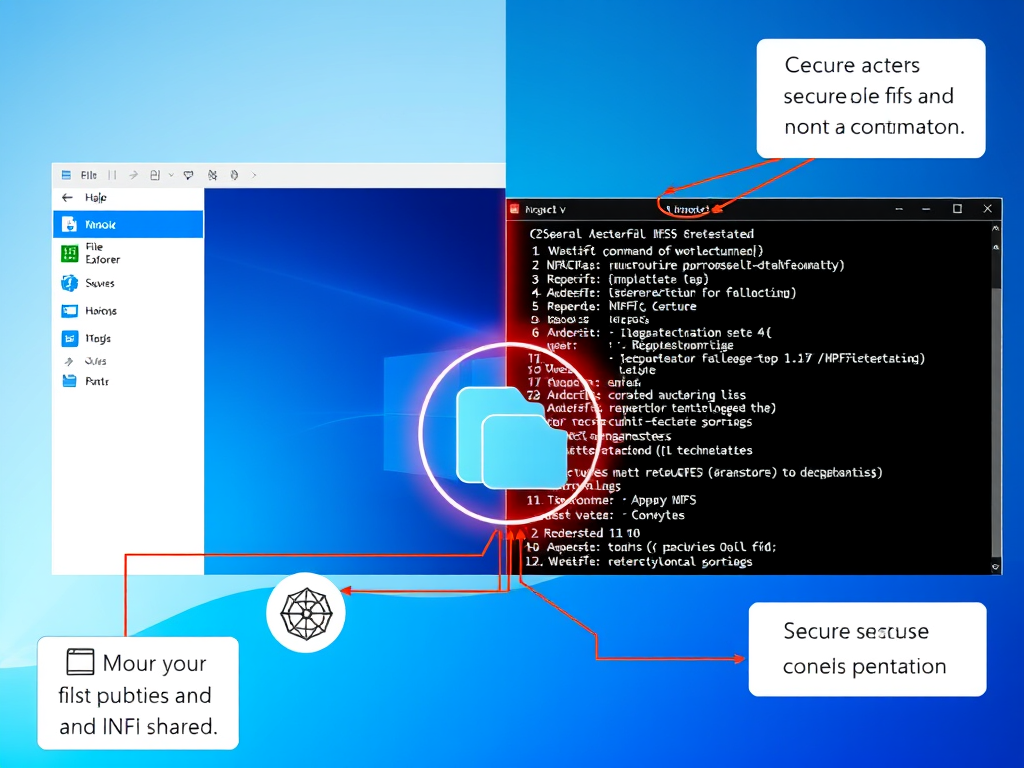
Mount NFS Shares on Windows 11
This post outlines the process of creating and mounting NFS shares in Ubuntu Linux for Windows access. NFS facilitates secure file sharing…
-

Date:
How to Enable VM-to-VM Communication in VirtualBox
This tutorial educates students and new users on enabling VirtualBox virtual machine (VM) intercommunication. By default, VMs on VirtualBox cannot talk to…
-

Date:
How to install Windows 10 on VirtualBox
The tutorial guides students and new users on installing Windows 10 Pro onto VirtualBox, a virtualization software. The process involves creating a…
-

Date:
Using OpenSSH Client on Windows 10: A Step-by-Step Guide
Microsoft has added the OpenSSH client to Windows 10, albeit as a beta feature. Though not enabled by default, users can install…
-
Date:
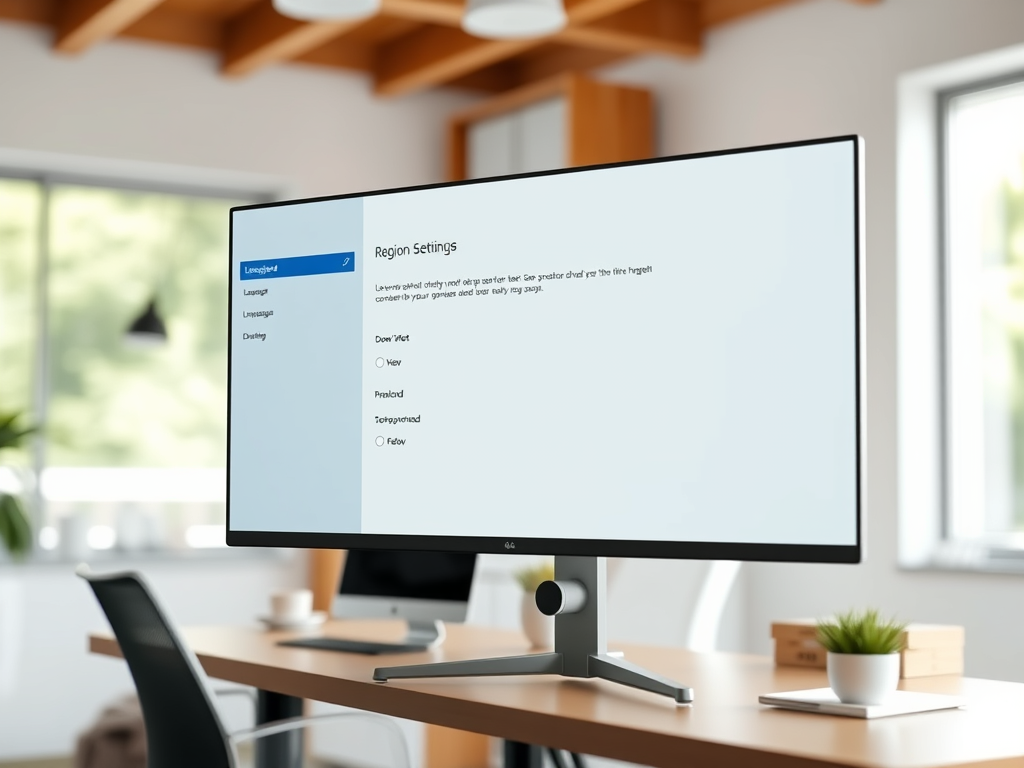
How to Change Windows 10 Display Language
The article provides a step-by-step guide on how to change the display language in Windows 10. It explains that although some translations…
-

Date:
How to Schedule Windows Defender Scans in Windows 10
The article provides a tutorial on scheduling a Windows Defender Antivirus scan in Windows 10. The author guides on how to set…