

Category: Windows
-
Date:
How to Enable or Disable Advertising ID in Windows 11
The post provides a step-by-step guide to deactivate the advertising ID in Windows 11, which is used by apps for tracking and…
-
Date:
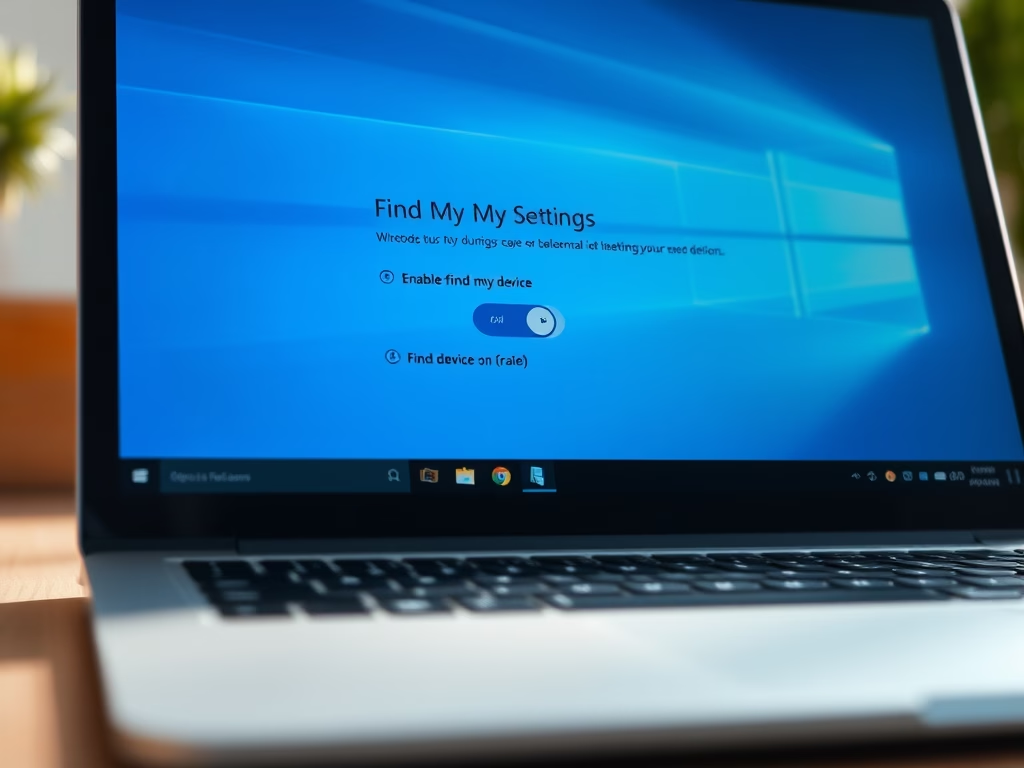
How to Enable Find My Device in Windows 11
This content guides users through enabling the “Find my device” feature in Windows 11, which helps locate lost or stolen devices. The…
-

Date:
How to Use Touchpad Gestures in Windows 11
The post provides instructions on using touchpad gestures on laptops with Windows 11. These gestures function like keyboard or mouse shortcuts, enabling…
-

Date:
Enable Touch Gestures in Windows 11
The post provides a guide on using touch gestures with Windows 11 touchscreen devices. Touch gestures, akin to keyboard shortcuts, allow performing…
-

Date:
How to Manage App Launch Tracking in Windows 11
This post provides a guide for students and users on how to turn app launch tracking on or off in Windows 11.…
-

Date:
How to Manage Most Used Apps on Windows 11 Start Menu
The post guides Windows 11 users on how to display or hide the ‘Most used apps’ list in the Start menu. It…
-

Date:
Enable Swift Pair in Windows 11
The content provides a guide on how to enable or disable Swift Pair, a Windows 11 feature that simplifies Bluetooth device connection…
-

Date:
Change Windows 11 Password via Command Prompt
The article is a tutorial on how to change or reset a user password in Windows 11. It provides instructions for changing…
-
Date:
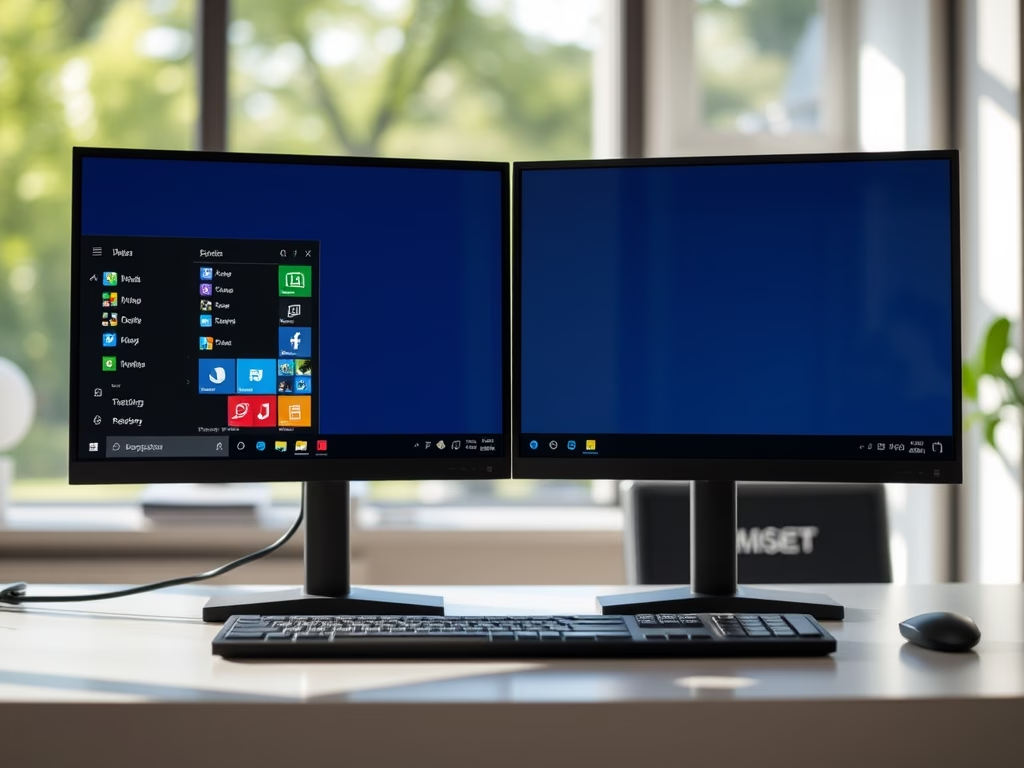
Show Taskbar Apps on All Displays in Windows 11
The post details how to manage taskbar app behavior in Windows 11 with multiple displays. Users can choose between showing tasks on…
-

Date:
Disable or Enable Welcome Experience in Windows 11
This article instructs on managing the Windows Welcome Experience in Windows 11, a feature that highlights new and suggested content post-update. The…