
Category: Windows
-
Date:
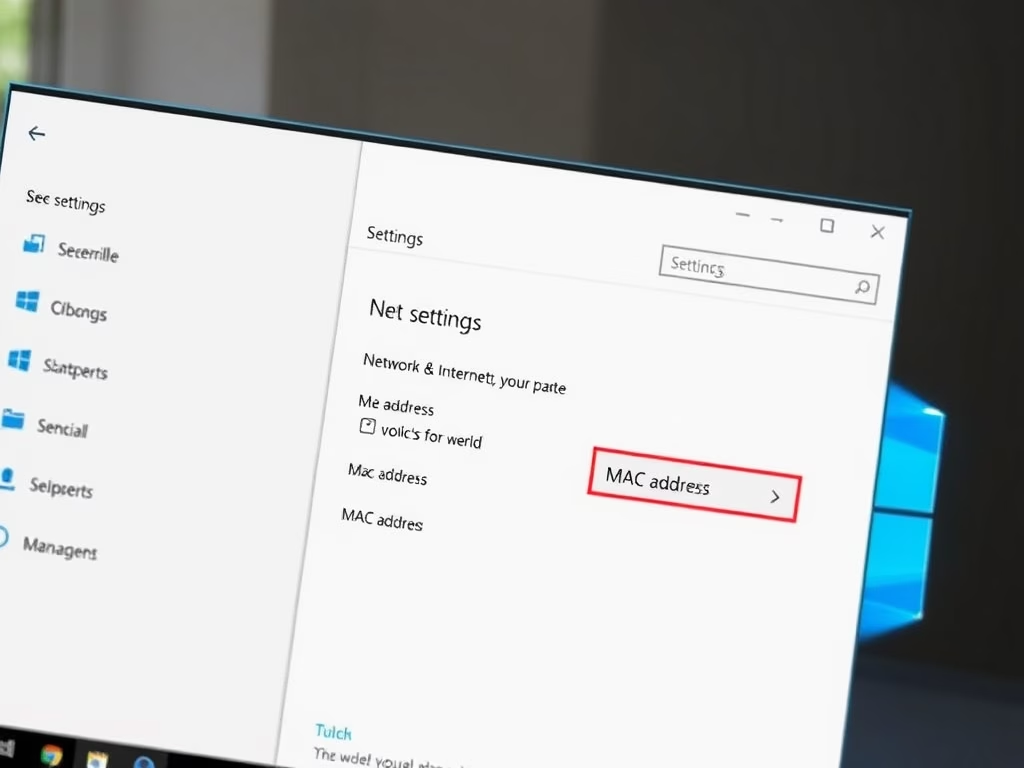
How to Find Your MAC Address in Windows 11
The article provides instructions for finding a Media Access Control (MAC) address in Windows 11. A MAC address, unique to each network…
-
Date:
How to Enable Public Folder Sharing in Windows 11
The post provides a guide for students and new users to enable or disable Public folder sharing in Windows 11. The Public…
-
Date:
How to Enable File and Printer Sharing in Windows 11
This is a guide for students and new users on altering File and Printer sharing settings in Windows 11. This Windows feature…
-
Date:
Enable Network Discovery in Windows 11
This post instructs how to activate or deactivate Network discovery in Windows 11. Network discovery, a Windows feature, lets devices find and…
-

Date:
Troubleshooting Blank Screen on Windows 11
This content guides users through various troubleshooting steps to solve blank or black screen problems in Windows 11. The issues can occur…
-
Date:
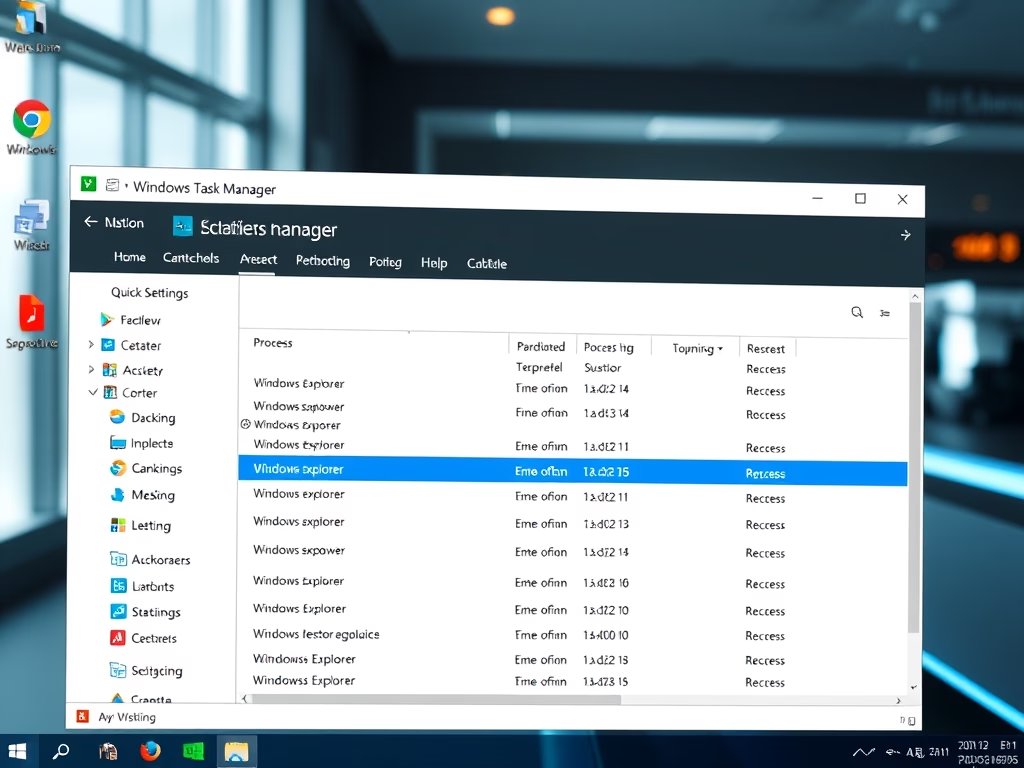
How to Restart Windows Explorer in Windows 11
The post outlines how to restart or reset Windows Explorer in Windows 11 to resolve common functionality issues, such as an unresponsive…
-
Date:
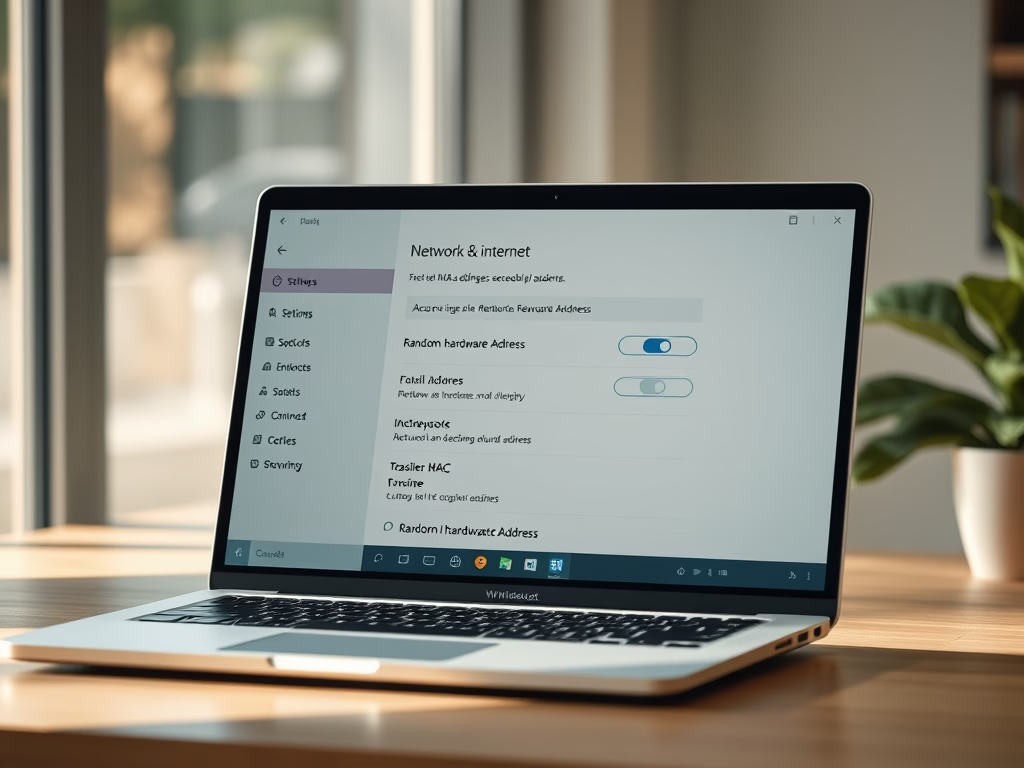
Enable Random MAC Addresses in Windows 11
The post guides students and new users on how to enable or disable the Random Hardware MAC addresses feature for Wi-Fi in…
-
Date:
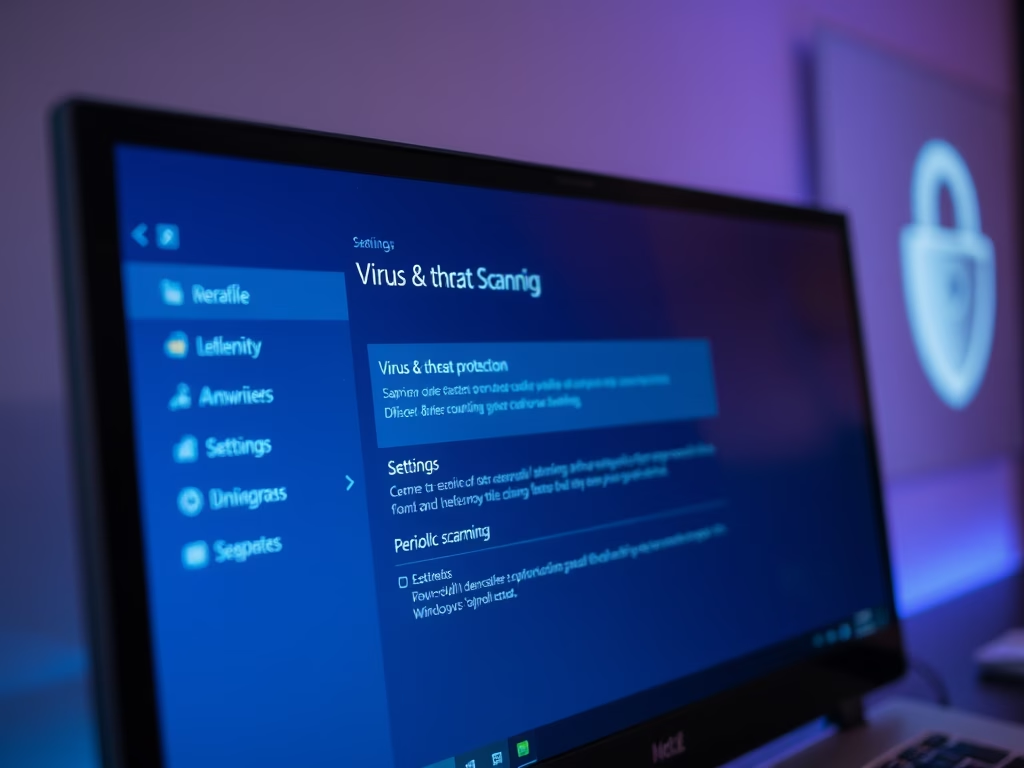
Enable Microsoft Defender Periodic Scanning in Windows 11
The post instructs users on how to toggle Microsoft Defender Antivirus’ Periodic Scanning feature on/off in Windows 11. Windows offers a built-in…
-
Date:
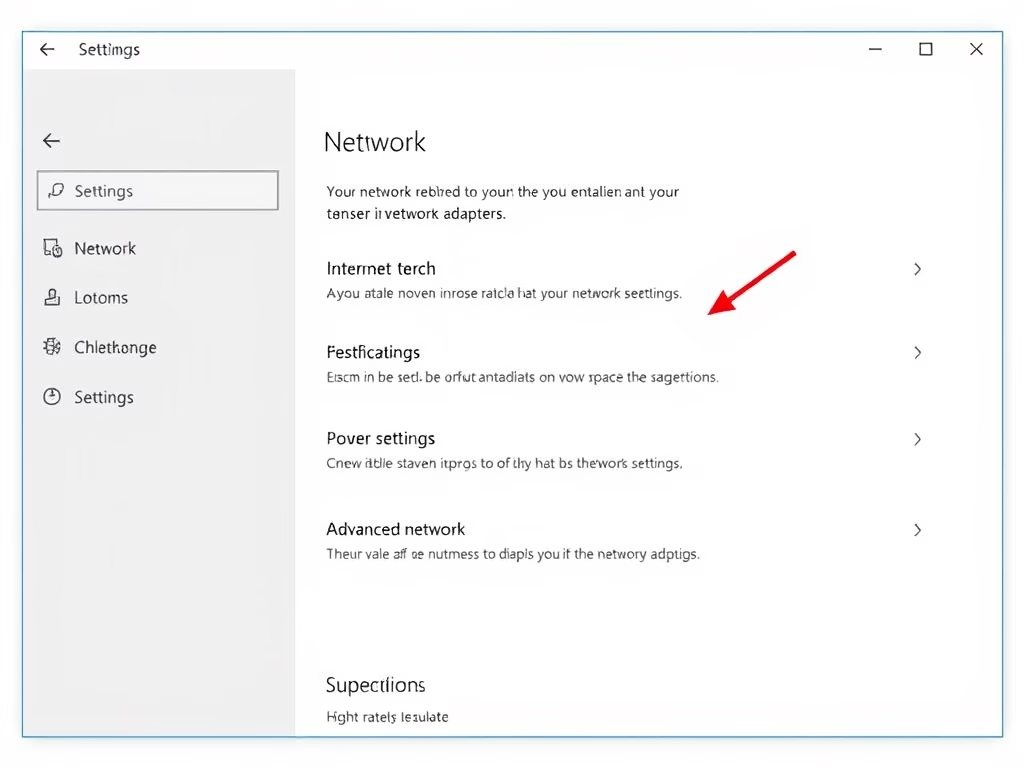
Enable or Disable Network Adapters in Windows 11
The post provides detailed steps on how to disable or enable a network adapter, which helps to connect a computer to a…
-
Date:
Enable OneDrive Sync in Windows 11 Battery Saver Mode
The article provides detailed instructions on how to manage OneDrive file sync in battery saver mode on Windows 11. By default, OneDrive…