
Todays Pick
Editor’s Pick
-
Date:
How to Change Power Saving Mode of Wireless Adapters in Windows 11
This tutorial will show you how to change the power saving mode of…
Trending Now
-
Date:
How to Change Power Saving Mode of Wireless Adapters in Windows 11
This tutorial will show you how to change the power saving mode of…
-
Date:
How to Change Screen Saver Grace Period to Require Sign-in in Windows 11
This tutorial shows you how to change the screen saver grace period in…
Latest Posts
-
Date:
How to Change Power Saving Mode of Wireless Adapters in Windows 11
This tutorial will show you how to change the power saving mode of your wireless adapter in Windows 11. Your…
-
Date:
How to Change Screen Saver Grace Period to Require Sign-in in Windows 11
This tutorial shows you how to change the screen saver grace period in Windows 10 and Windows 11. You can…
-
Date:
How to Enable or Disable Bluetooth Absolute Volume in Windows 11
This tutorial will show you how to enable or disable Bluetooth Absolute Volume for all users in and Windows 11.…
-
Date:
How to Add and Remove Quick Access Folders on Navigation Pane of File Explorer in Windows 11
Quick Access is a handy feature in File Explorer that lets you see your favorite folders right away. It’s part…
-
Date:
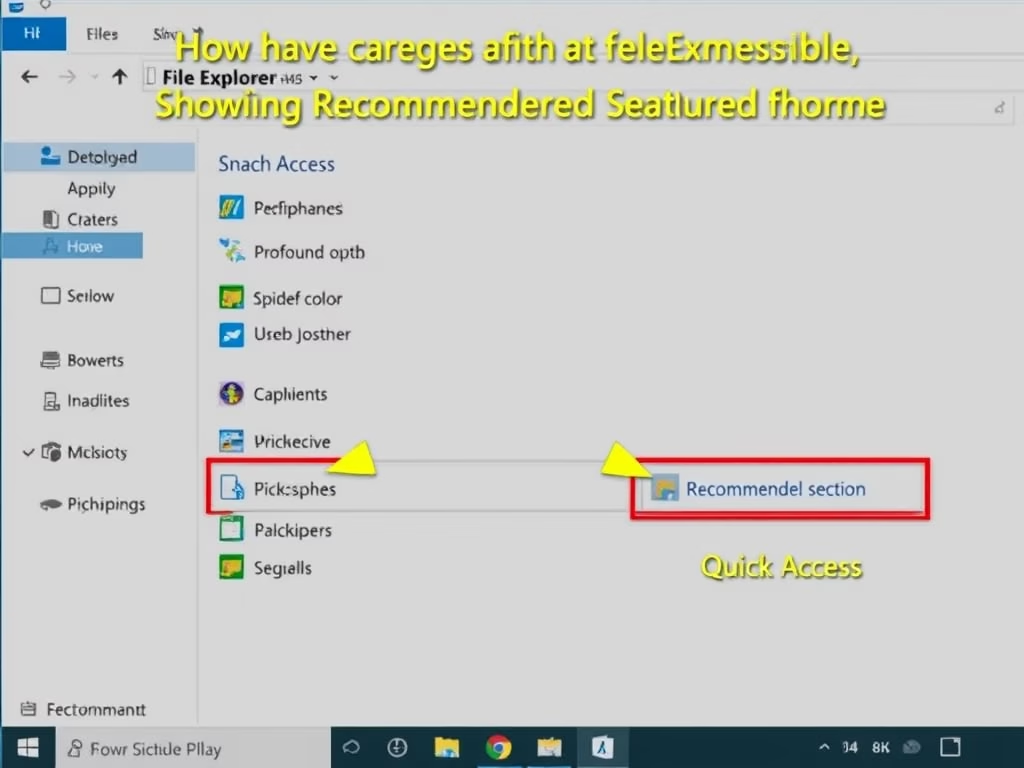
How to Enable or Disable Show Recommended Section in File Explorer Home in Windows 11
This tutorial shows you how to turn the Recommended section on or off in File Explorer Home on Windows 11.…
-
Date:
How to Enable or Disable Delete to Recycle Bin Confirmation Dialog in Windows 11
This tutorial will show you how to turn on or off the delete confirmation dialog when you send files to…