
Tag: Windows 11
-
Date:
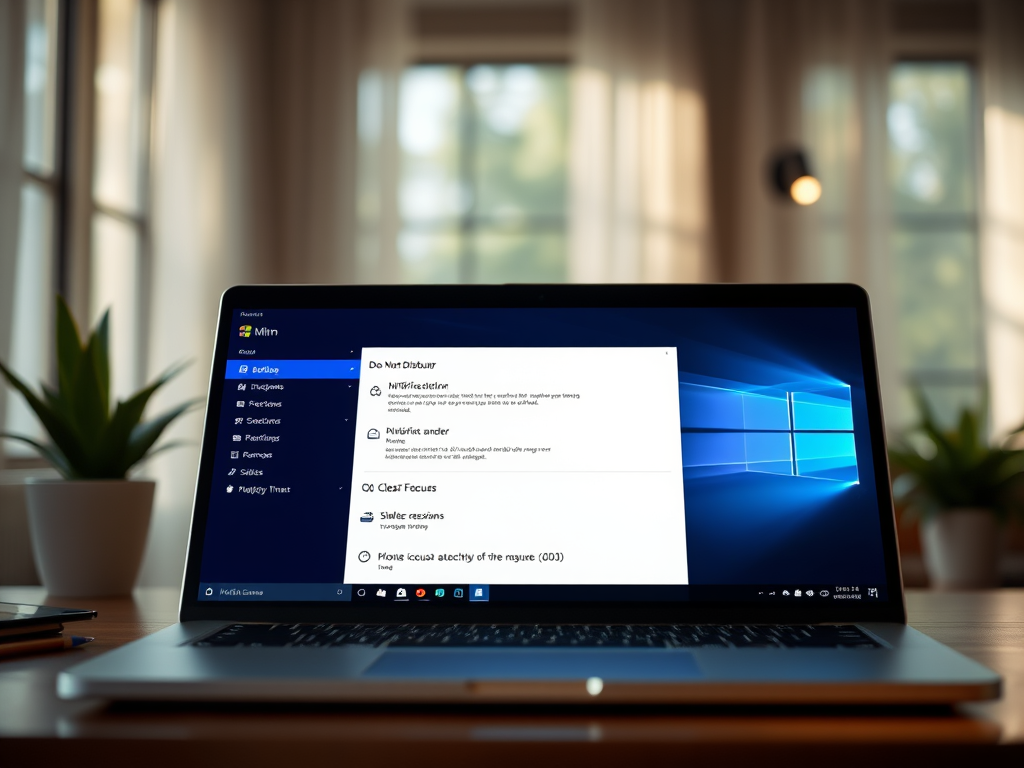
How to Use Do Not Disturb in Windows 11
The article provides a guide for students and new users on enabling or disabling the ‘Do Not Disturb’ (DND) feature in Windows…
-
Date:
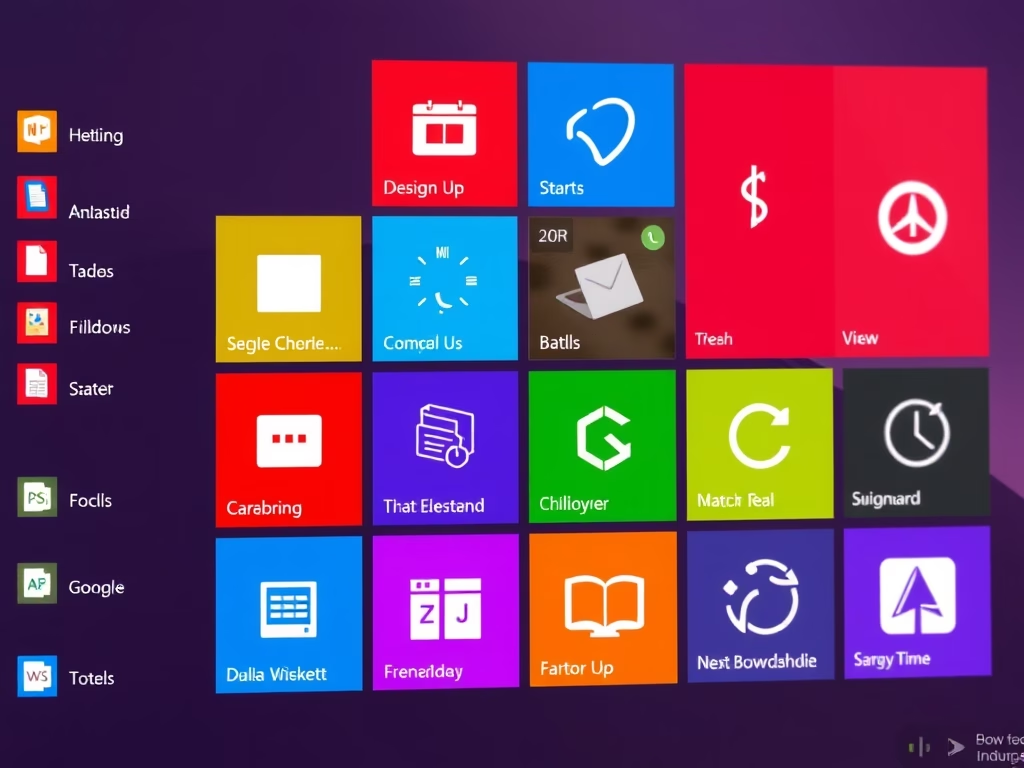
Organize Windows 11 Start Menu Apps into Folders
The post guides students and new users on grouping apps into folders on the Start menu of Windows 11. The feature, available…
-
Date:
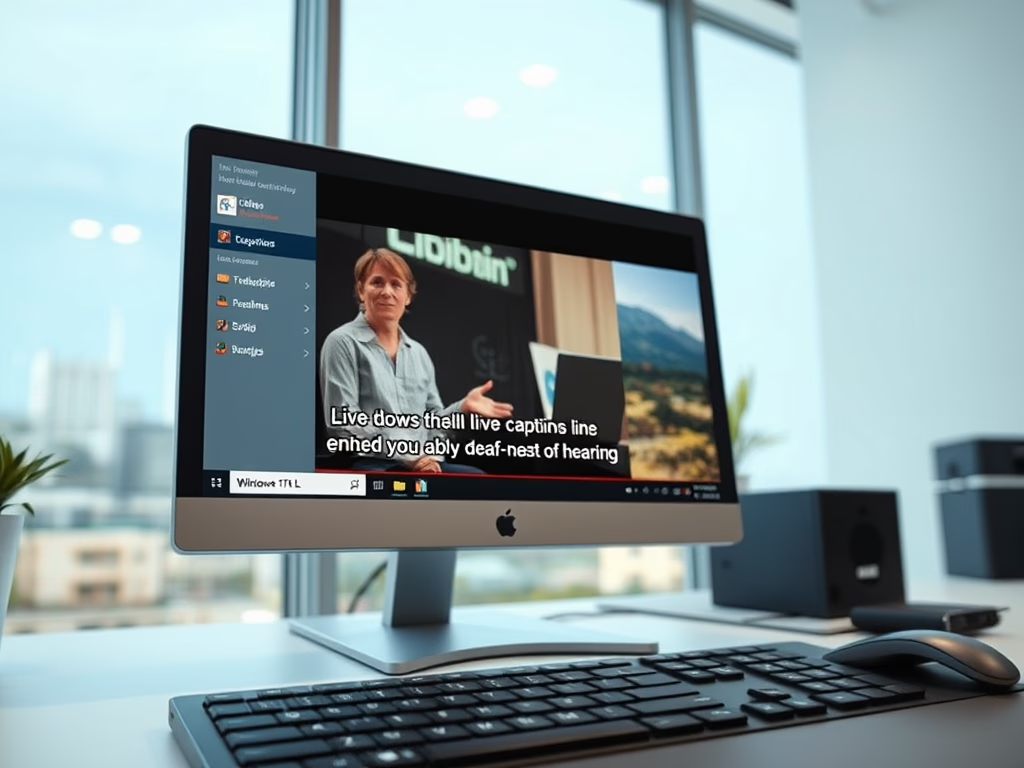
How to Enable Live Captions in Windows 11
The post provides a guide on how to enable or disable live captions in Windows 11. This feature, specific to Windows 11…
-
Date:
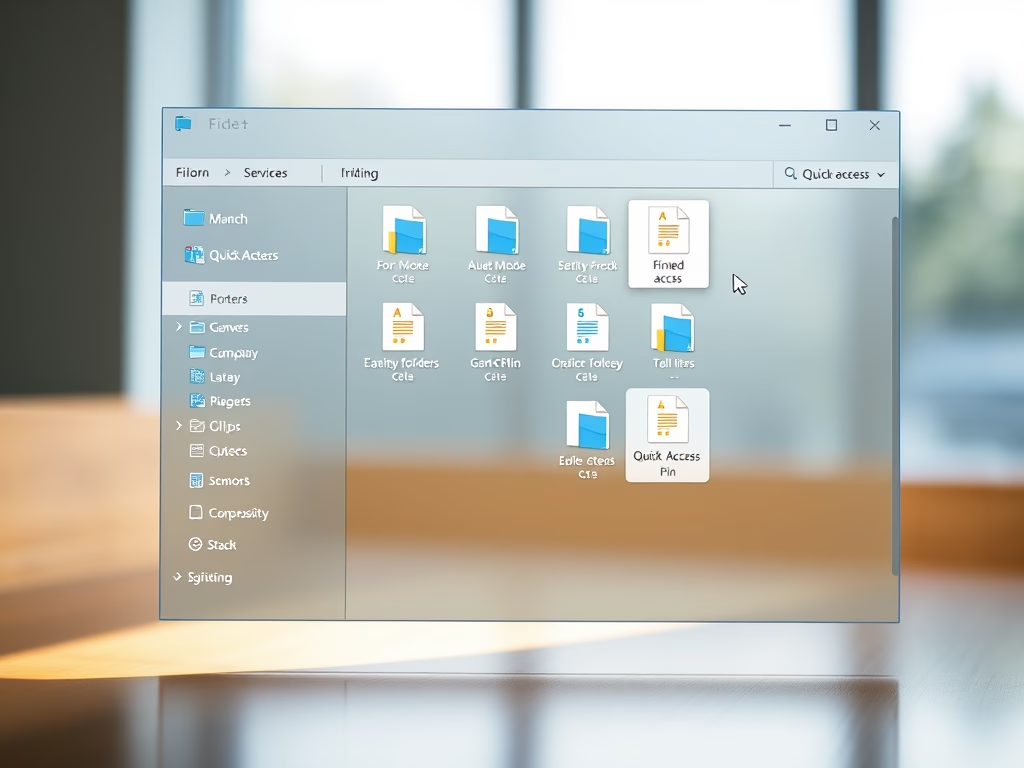
How to Pin Folders and Files in Windows 11 Quick Access
This content provides a guide for students and new users on how to pin folders and files to the Quick access pane…
-
Date:
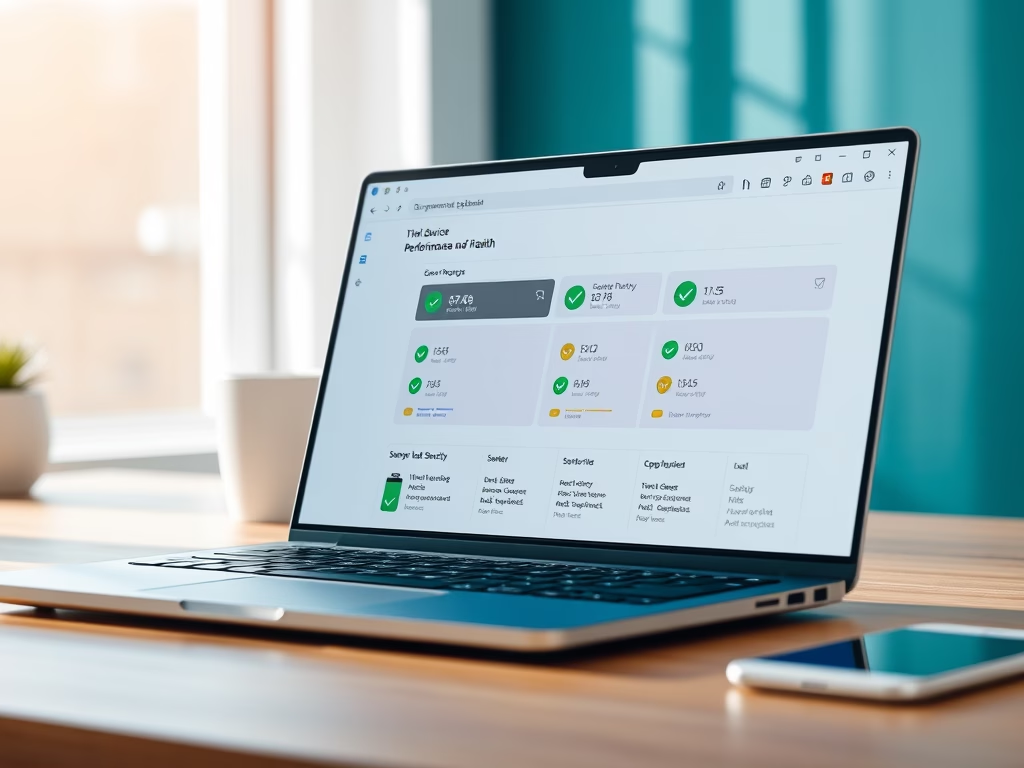
How to Check Device Performance in Windows 11
This text provides a guide on how to use the built-in tool in Windows 11 to view the health and performance report…
-
Date:
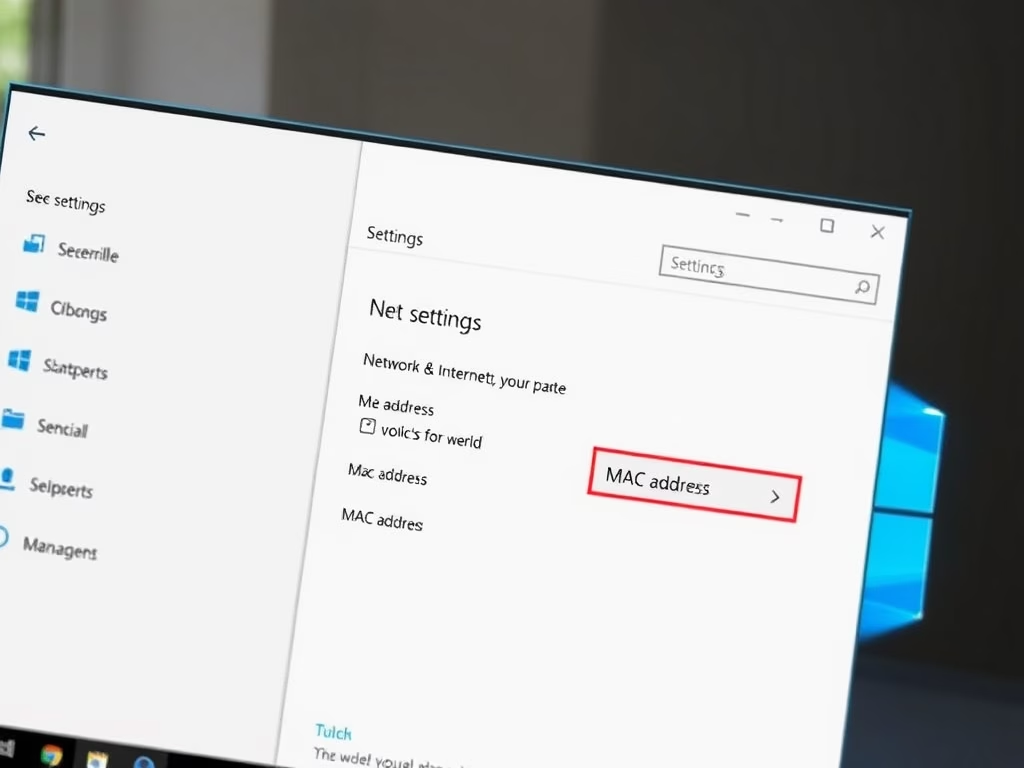
How to Find Your MAC Address in Windows 11
The article provides instructions for finding a Media Access Control (MAC) address in Windows 11. A MAC address, unique to each network…
-
Date:
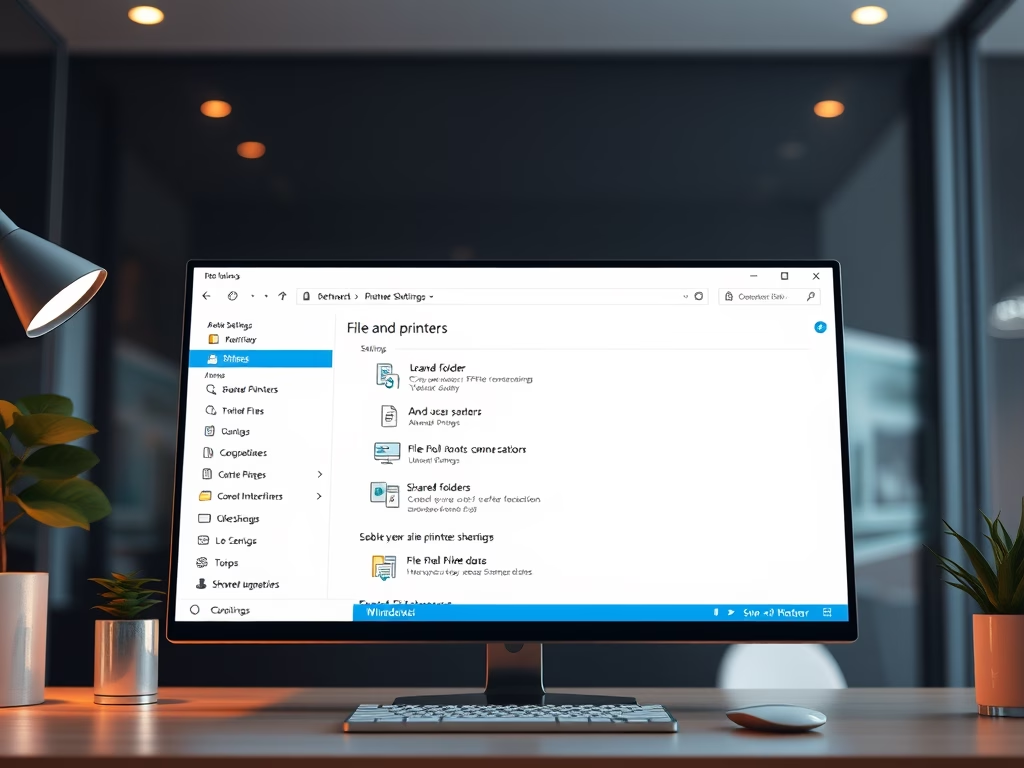
How to Enable File and Printer Sharing in Windows 11
This is a guide for students and new users on altering File and Printer sharing settings in Windows 11. This Windows feature…
-
Date:
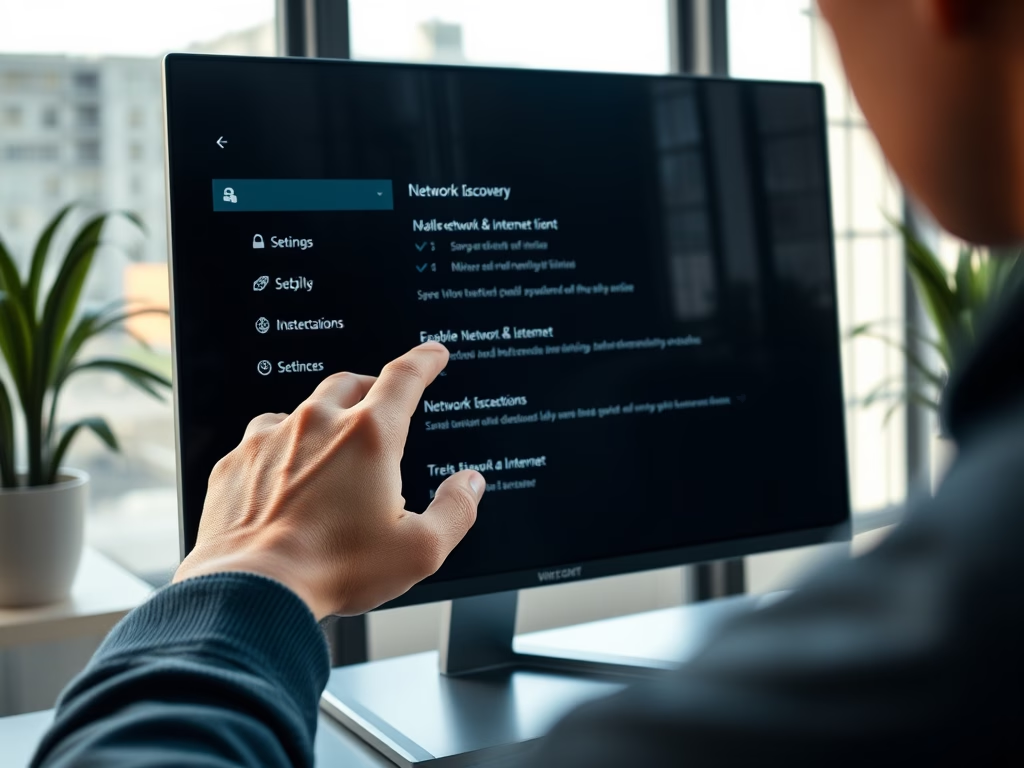
Enable Network Discovery in Windows 11
This post instructs how to activate or deactivate Network discovery in Windows 11. Network discovery, a Windows feature, lets devices find and…
-

Date:
Troubleshooting Blank Screen on Windows 11
This content guides users through various troubleshooting steps to solve blank or black screen problems in Windows 11. The issues can occur…
-
Date:
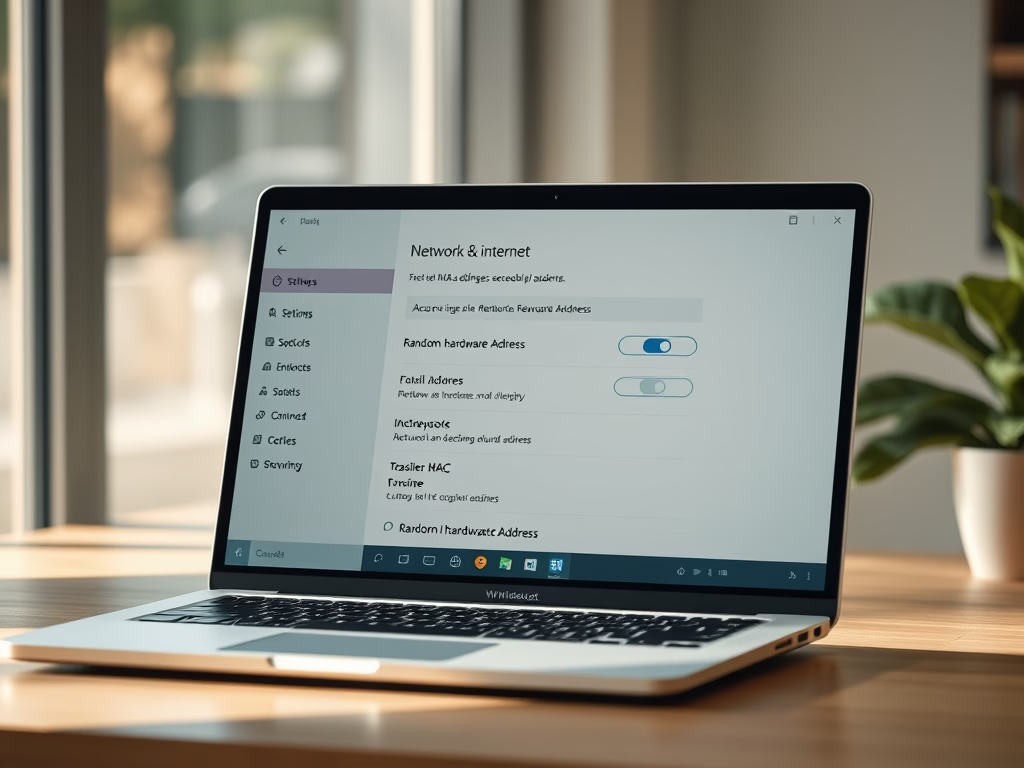
Enable Random MAC Addresses in Windows 11
The post guides students and new users on how to enable or disable the Random Hardware MAC addresses feature for Wi-Fi in…