Editor’s Pick
-
Date:
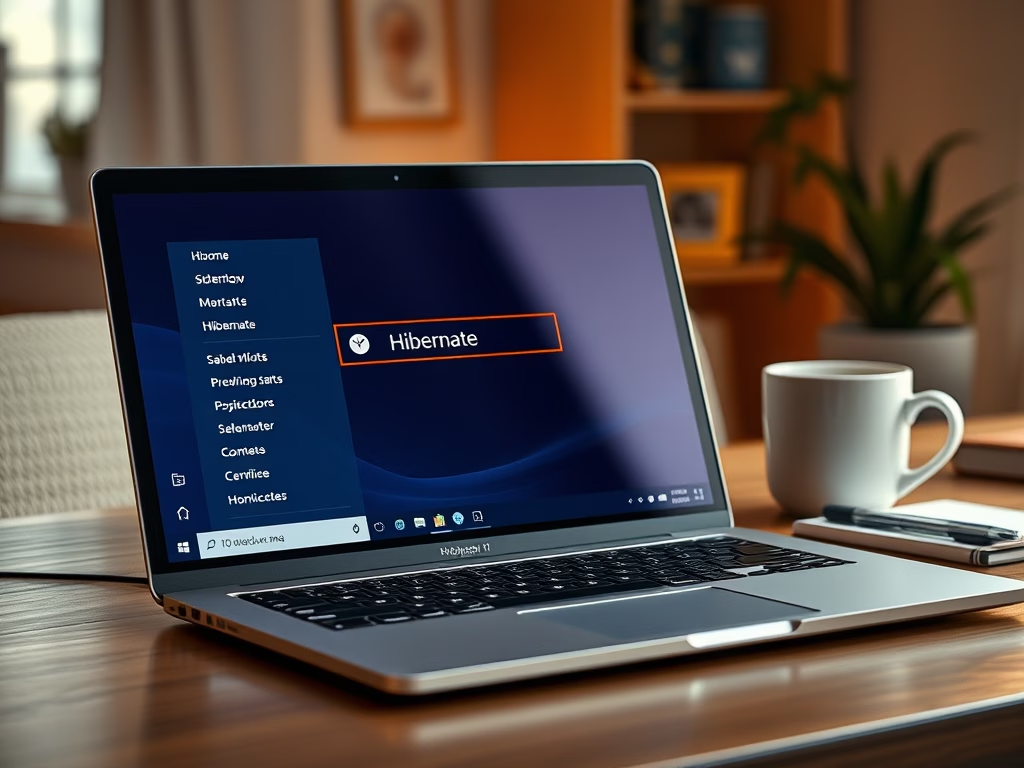
How to Turn On or Off Hibernate in Windows 11
Hibernate is a power-saving feature in Windows 11 that saves open files to…
Trending Now
-
Date:
How to Turn On or Off Hibernate in Windows 11
Hibernate is a power-saving feature in Windows 11 that saves open files to…
-
Date:
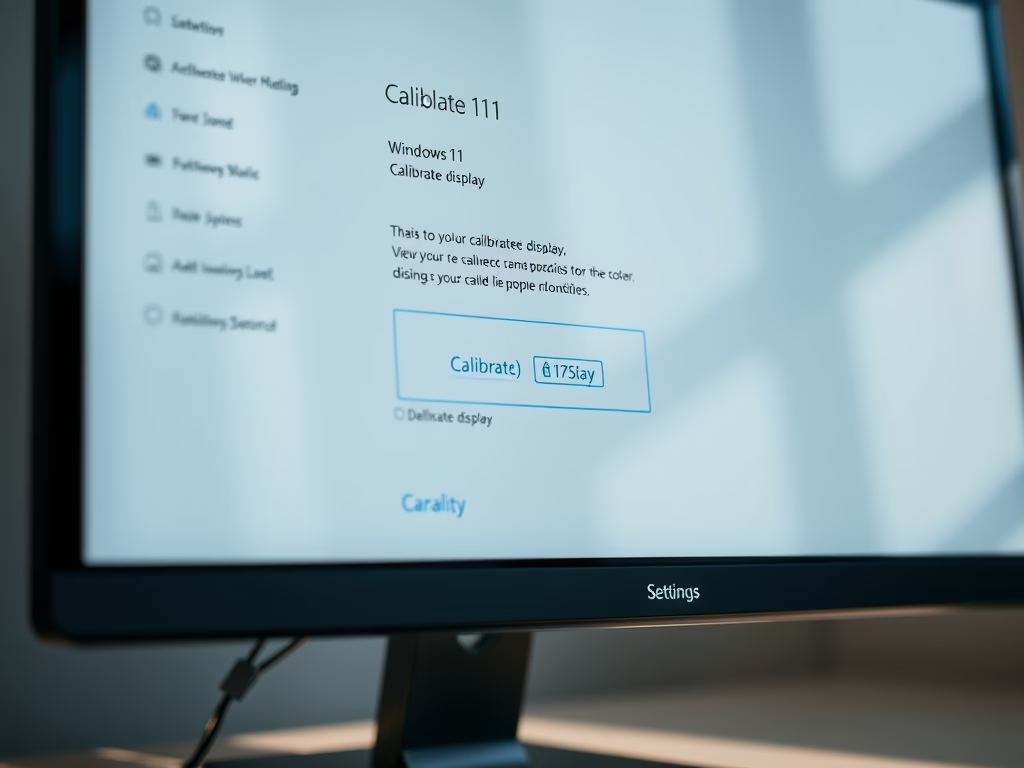
How to Calibrate Your Display Color in Windows 11
Windows 11 offers a display color calibration tool that enhances screen colors, brightness,…
Latest Posts
-
Date:
How to Turn On or Off Hibernate in Windows 11
Hibernate is a power-saving feature in Windows 11 that saves open files to the hard drive and fully powers off…
-
Date:
How to Calibrate Your Display Color in Windows 11
Windows 11 offers a display color calibration tool that enhances screen colors, brightness, and contrast for a more natural appearance.…
-
Date:
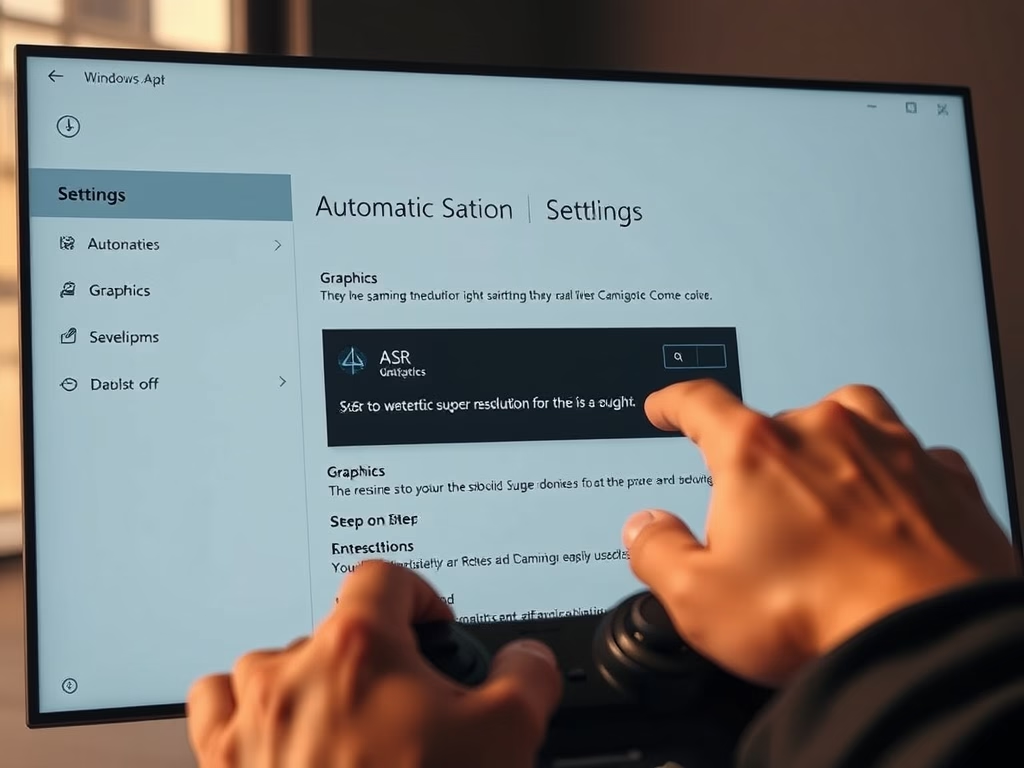
How to Turn On Automatic Super Resolution (ASR) in Windows 11
This guide outlines how to enable or disable Automatic Super Resolution (ASR) in Windows 11, enhancing game graphics. Users can…
-
Date:
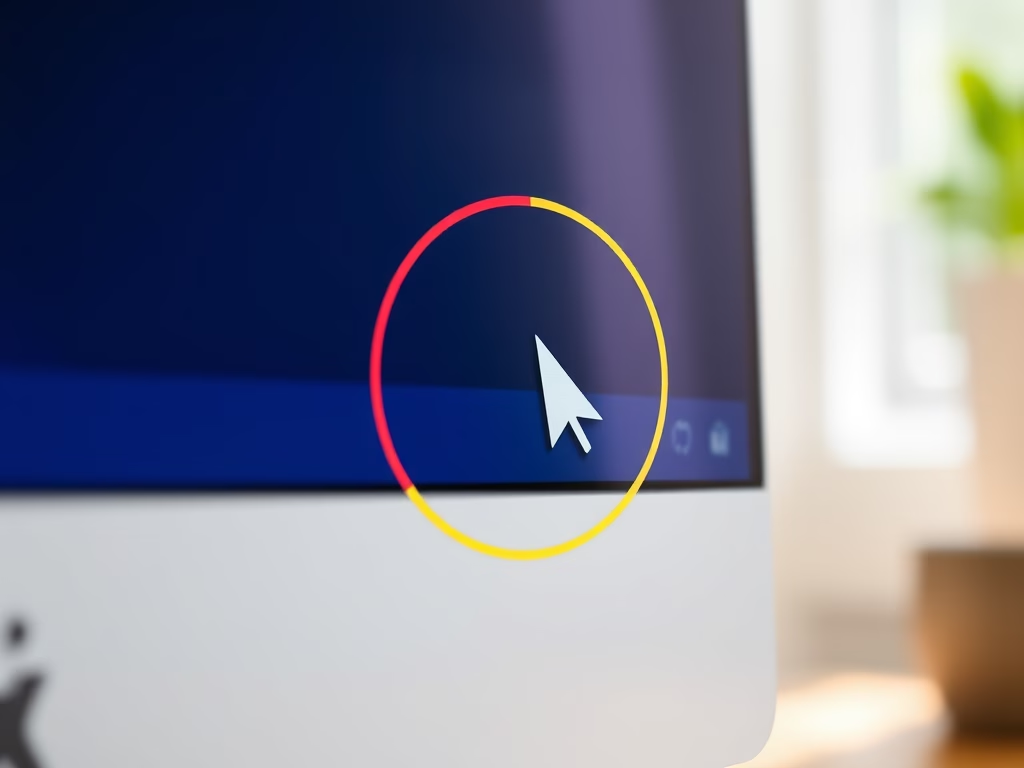
How to Enable Mouse Pointer Indicator in Windows 11
This guide explains how to enable or disable the Mouse Pointer Indicator in Windows 11, which adds a colored circle…
-
Date:
How to Check for Neural Processing Units in Windows 11
This guide explains how to determine if your Windows 11 PC has a Neural Processing Unit (NPU), which enhances AI…
-
Date:
How to Check if Your Windows 11 PC Supports Device Encryption
Device Encryption in Windows 11 secures your data by locking the hard drive to prevent unauthorized access, particularly if the…