How to Install Focalboard on Ubuntu Linux

This article explains how to install Focalboard on Ubuntu Linux in 2026. Focalboard is a free, open-source tool for managing projects using Kanban boards. It is a great alternative to paid tools like Trello or Notion.
Why use Focalboard? It helps teams organize tasks and reach goals in one place.
What happens when done? You will have a private, self-hosted project management platform running on your own server.
Install PostgreSQL on Ubuntu Linux
Focalboard needs a database to store your information. PostgreSQL is the recommended choice.
How to install PostgreSQL on Ubuntu Linux
After installing, log in to the database console:
sudo su - postgrespsql
Create your database and user. For better security, use environment variables or a secrets manager to handle your credentials instead of plain text files. Ensure you enable SSL/TLS for database connections to keep data private.
CREATE DATABASE focaldb;CREATE USER focaluser WITH PASSWORD 'your_secure_password';
Exit the console when finished:
\qexit
Download Focalboard on Ubuntu Linux
Visit the release in GitHub to find the latest version. Replace the version number in the command below with the most recent release found on that page.
wget https://github.com/mattermost/focalboard/releases/download/vLATEST_VERSION/focalboard-server-linux-amd64.tar.gztar -xvzf focalboard-server-linux-amd64.tar.gzsudo mv focalboard /opt
Edit the configuration file:
sudo nano /opt/focalboard/config.json
Update the database settings. Use your secure connection string with SSL enabled.
Create a Systemd service file for Focalboard
To run Focalboard safely, create a non-privileged system user first:
sudo useradd --no-create-home --shell /bin/false focalboardsudo chown -R focalboard:focalboard /opt/focalboard
Create the service file:
sudo nano /lib/systemd/system/focalboard.service
Paste this configuration:
[Unit]
Description=Focalboard server

[Service]
Type=simple
User=focalboard
Group=focalboard
Restart=always
RestartSec=5s
ExecStart=/opt/focalboard/bin/focalboard-server
WorkingDirectory=/opt/focalboard

[Install]
WantedBy=multi-user.target
Reload the system and start the service:
sudo systemctl daemon-reloadsudo systemctl start focalboardsudo systemctl enable focalboard
Accessing Focalboard
By default, Focalboard runs on port 8000. You can reach it at http://localhost:8000.
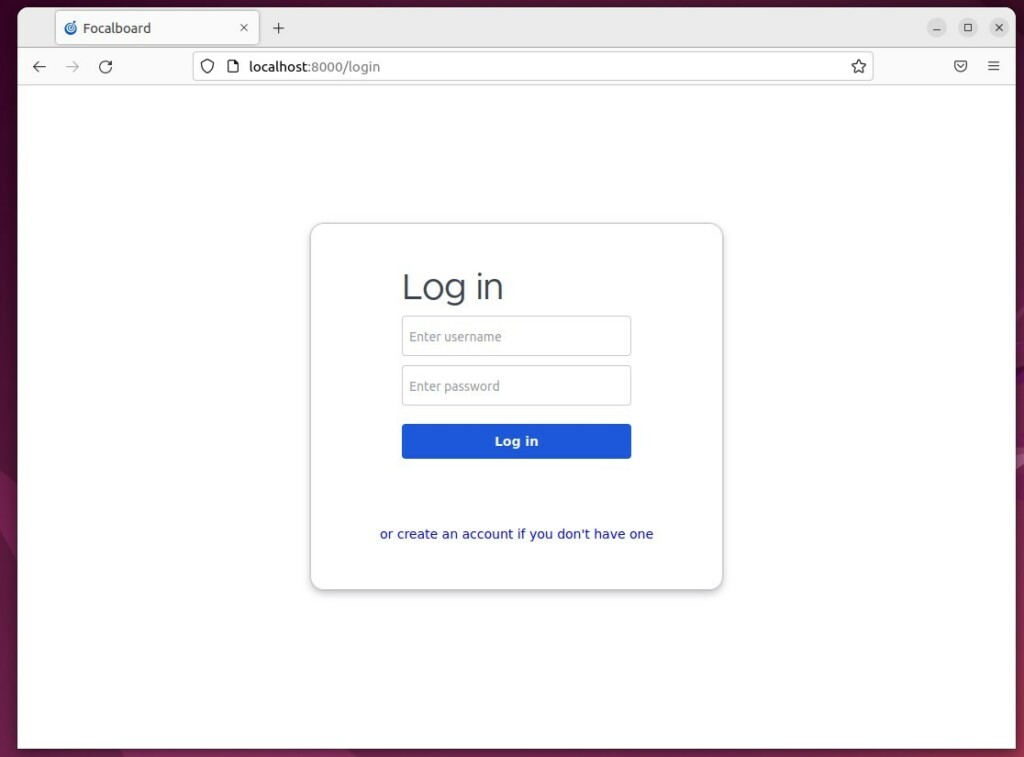
Create a reverse proxy server with Focalboard
For a professional setup, use Nginx with SSL via Certbot. This keeps your connection encrypted.
sudo nano /etc/nginx/conf.d/focalboard.conf
upstream focalboard {
   server localhost:8000;
}

server {
   listen 80;
   server_name focalboard.example.com;
   return 301 https://$host$request_uri;
}

server {
   listen 443 ssl;
   server_name focalboard.example.com;

   ssl_certificate /etc/letsencrypt/live/focalboard.example.com/fullchain.pem;
   ssl_certificate_key /etc/letsencrypt/live/focalboard.example.com/privkey.pem;

   location / {
       proxy_pass http://focalboard;
       proxy_set_header Host $host;
       proxy_set_header X-Real-IP $remote_addr;
       proxy_http_version 1.1;
       proxy_set_header Upgrade $http_upgrade;
       proxy_set_header Connection "upgrade";
   }
}
Reload Nginx to apply the changes:
sudo systemctl restart nginx
Visit your domain to log in.
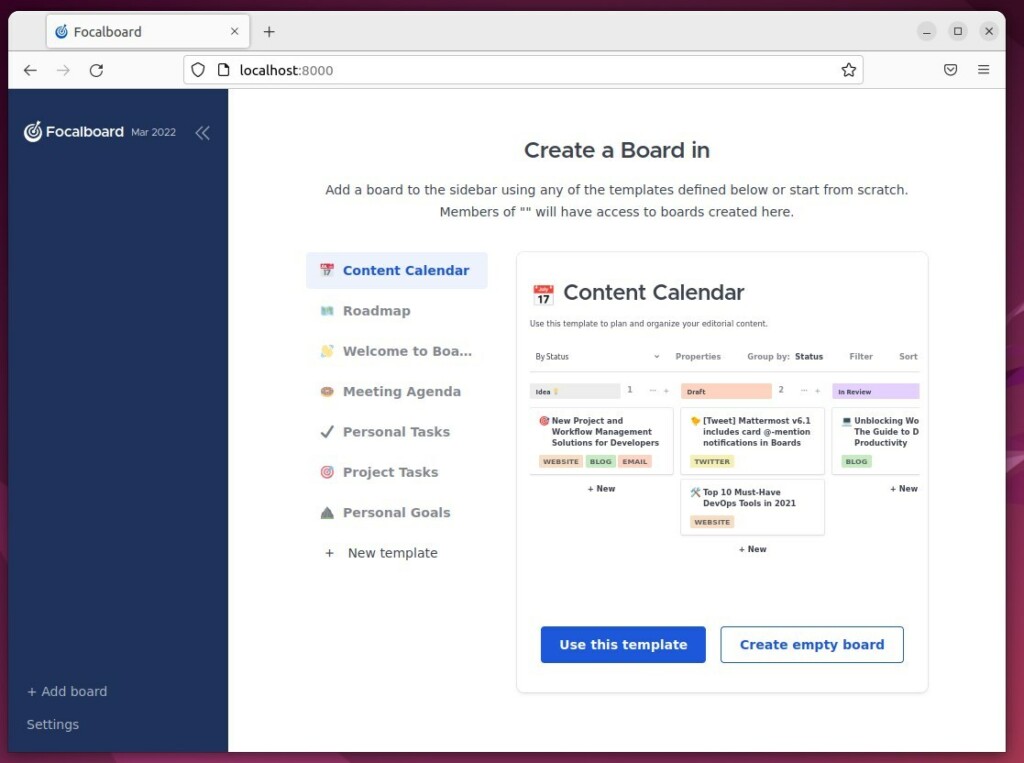
You have now successfully installed Focalboard using modern 2026 security standards.
[Unit] [Service] [Install]


Leave a Reply Cancel reply