

Category: Windows
-
How to Set Brave as Your Default Browser on Windows 11
This post advises students and new users on how to set Brave as their default web browser on Windows 11, highlighting Brave’s…
-

Date:
How to Change Account Types in Windows 11
The article provides detailed steps on how to change account types on Windows 11. Windows 11, a multi-user operating system, allows two…
-

Date:
Stop Skype from Auto Starting on Windows 11
This content provides instructions on how to disable Skype from starting automatically on Windows 11. There are various methods depending on how…
-
Date:
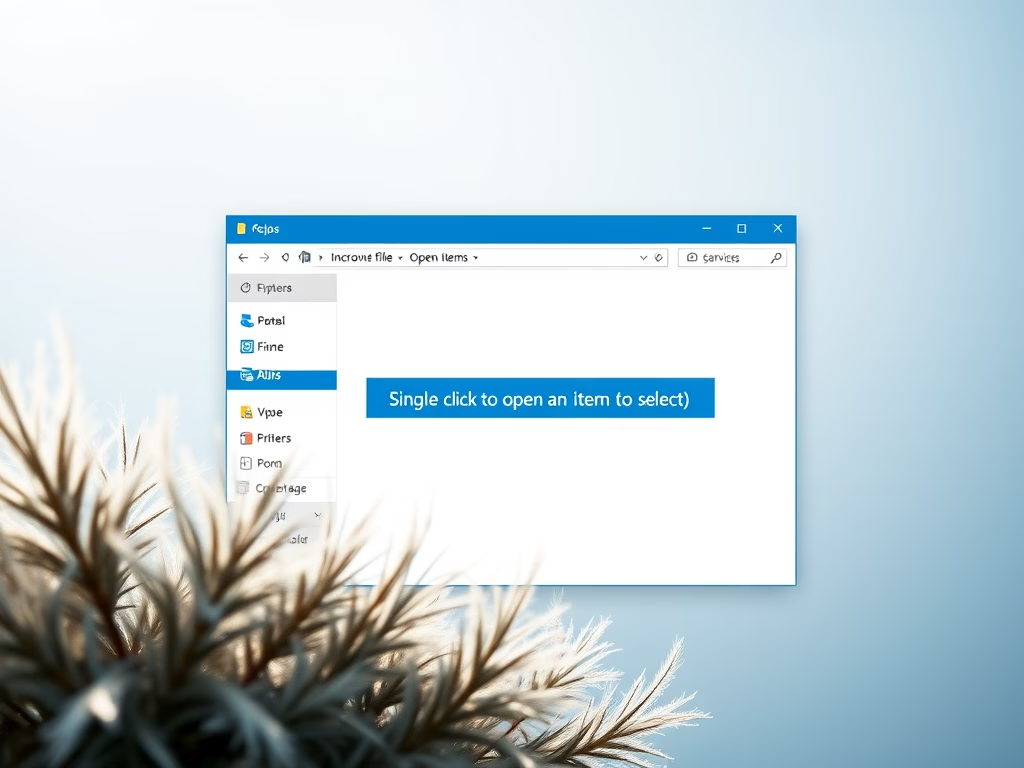
Enable Single-Click to Open Items in Windows 11
The post instructs on enabling single-click item opening in Windows 11, which by default requires a double-click. The steps involve opening File…
-

How to Set Firefox as Default Browser on Windows 11
This post provides a guide on setting Mozilla Firefox as the default web browser on Windows 11. Firefox, a privacy-focused browser unlike…
-
Date:
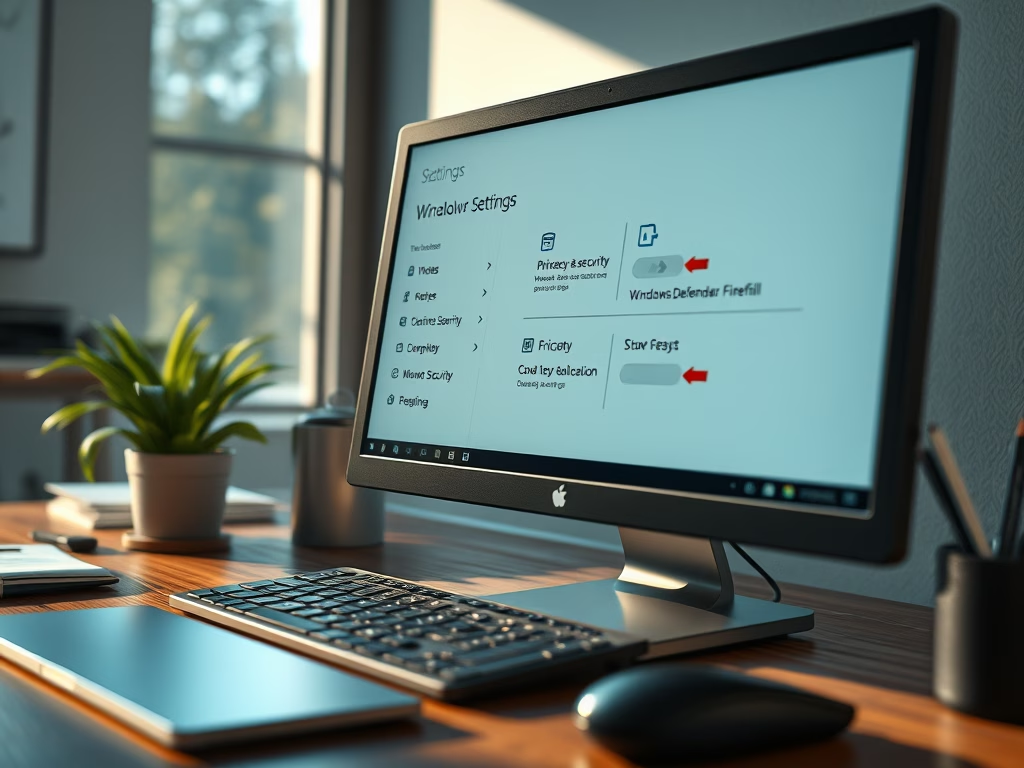
Disable Windows Firewall on Windows 11
The post instructs students and new users on how to disable Windows Defender Firewall on Windows 11 while highlighting the essential role…
-

Date:
Minimum System Requirements for Windows 11
This post outlines the minimum system requirements for running Windows 11, which are similar to Windows 10 with a few additional features.…
-

Date:
Disable Touchscreen on Windows 11
This content provides a step-by-step guide to disable the touch screen feature on a Windows 11 device. It explains how users can…
-

Date:
How to Connect a Wi-Fi Printer on Windows 11
The post provides a guide on how to add a Wi-Fi printer on Windows 11. It states that most new printers support…
-

How to Install Google Chrome on Windows 11
The post provides a guide on how to download, install, and use Google Chrome on Windows 11, as well as setting it…