
Author: Richard
-
Date:
Enable Internet Explorer Mode in Microsoft Edge
This post instructs on enabling Internet Explorer (IE) compatibility mode in the Microsoft Edge browser on Windows 11. Given that Microsoft has…
-

Date:
Find Your Wi-Fi Password in Windows 11
The post provides a tutorial for finding a saved Wi-Fi password in the new Windows 11. This can be done through the…
-
Date:
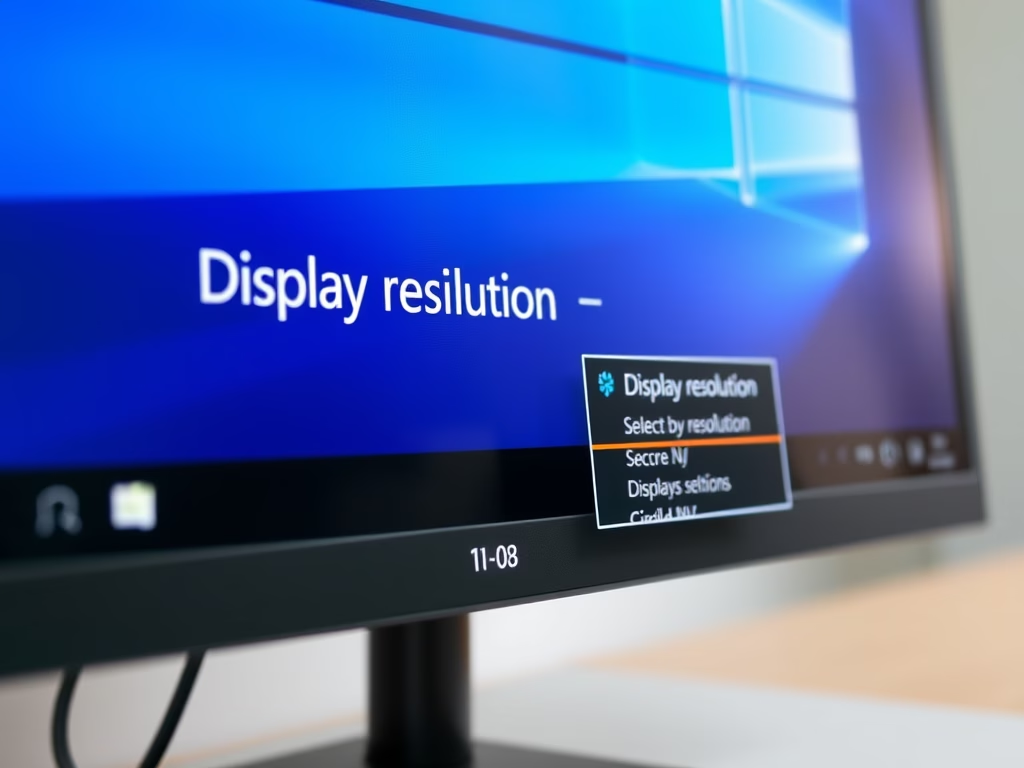
How to Change Display Resolution in Windows 11
The post provides a step-by-step guide for students and new users on how to alter display resolutions in Windows 11. It details…
-

Date:
How to Select Multiple Files in Windows 11
This article explains how to select multiple files and folders in Windows 11, enhancing file management efficiency. Users can select individual items…
-

Date:
Download Zoom on Windows 11: Easy Installation Guide
This content guides students and new users through downloading and installing the Zoom video conferencing app on Windows 11. The step-by-step guide…
-
Date:
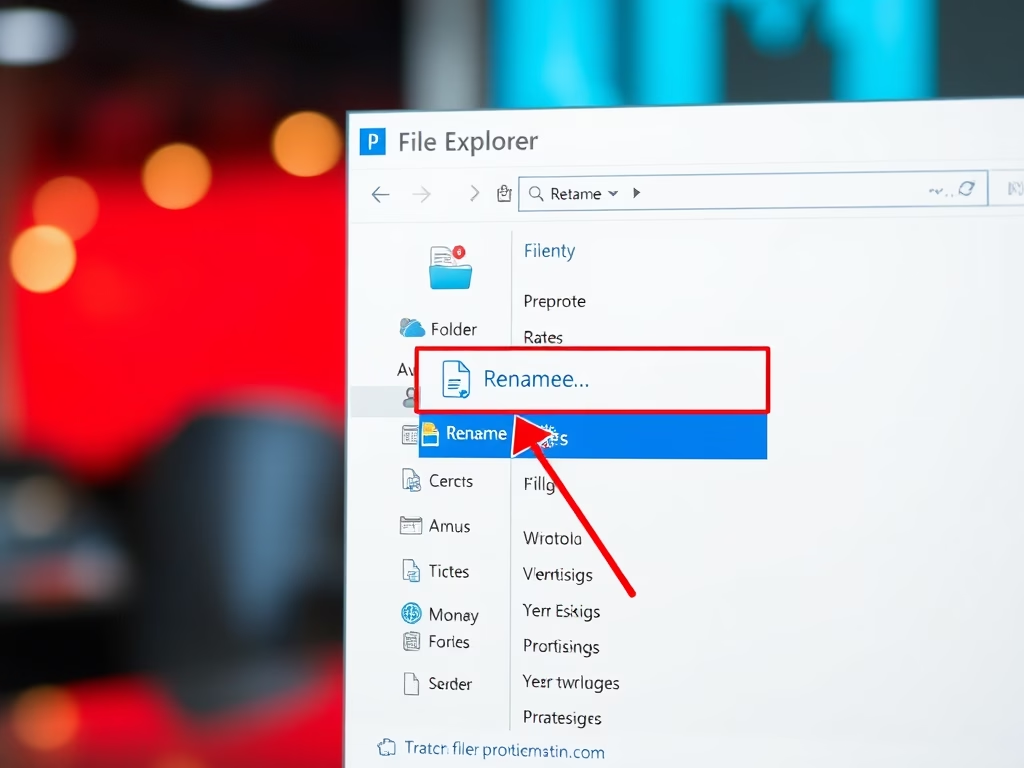
How to Rename Files and Folders in Windows 11
This article explains how to rename files and folders in Windows 11. Users can rename items using the File Explorer menu or…
-
Date:
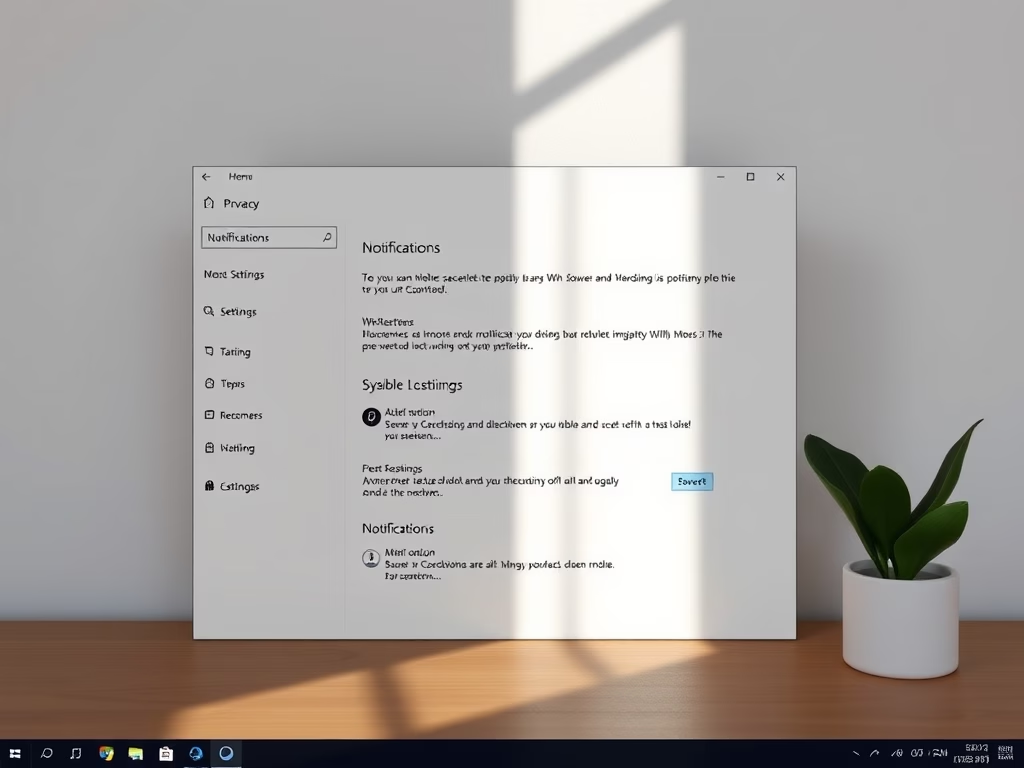
Disable Lock Screen Notifications in Windows 11
The article explains how to disable notifications on the lock screen of Windows 11 for privacy. Users can access System Settings and…
-

Date:
Share Documents Securely with Windows 11
The post details how Windows 11 enables file sharing with others, whether at home, office or globally, using File Explorer, OneDrive, and…
-

Date:
Extend Windows 11 Notification Duration
This content instructs on extending the visibility duration of Windows 11 notifications, which only remain up for 5 seconds by default. It…
-
Date:
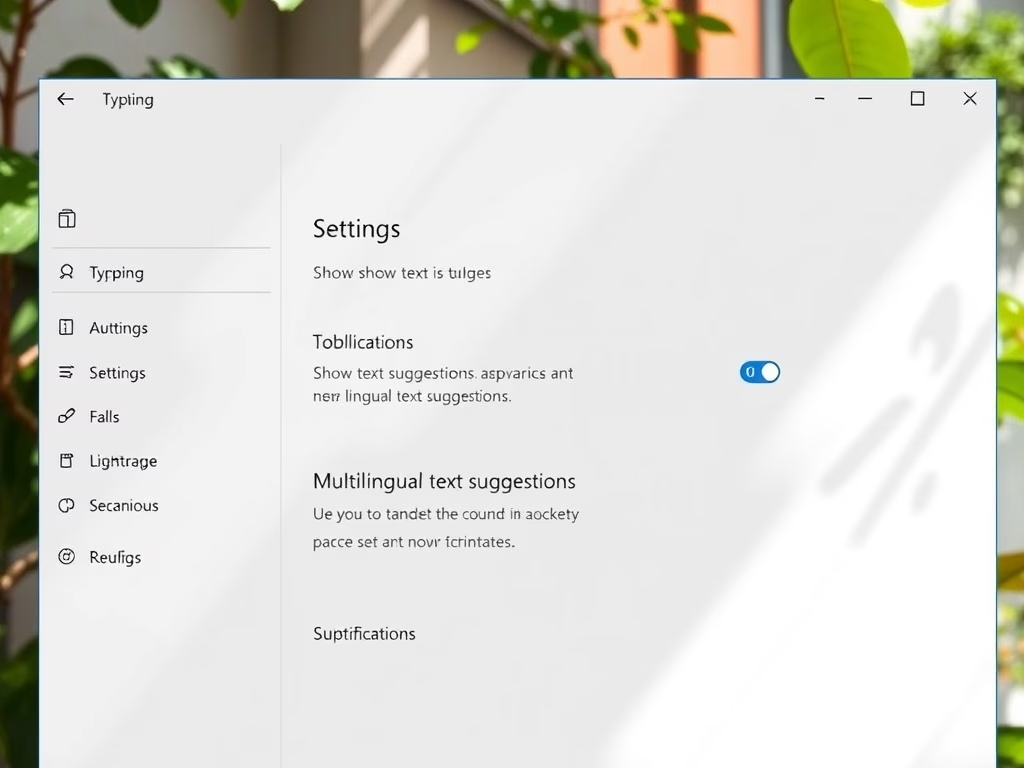
Enable/Disable Text Suggestions in Windows 11
This article outlines how to enable or disable “Text suggestions” in Windows 11, which aids typing by predicting words and sentences based…