Author: Richard
-
Date:
How to Open HEIC Files in Windows 11
The guide provides instructions for opening HEIC files in Windows 11, as these files, commonly used by Apple devices, are unsupported by…
-
Date:
How to Enable Fast Startup in Windows 11
The post provides a guide for students and new users on activating or deactivating Fast Startup mode in Windows 11. The Fast…
-
Date:
How to Use High Contrast Themes in Windows 11
The post guides students and new users on using Windows 11 high-contrast themes. This feature helps people with low vision or light…
-

Date:
How to Change Icon Sizes in Windows 11
This post explains how to resize icons in Windows 11 in different areas such as the desktop, folder view, or taskbar. You…
-
Date:
How to Move User Folders in Windows 11
The provided content provides a guide for students and new users on relocating folders from the user’s default home directory (C:\Users\Username) in…
-

Date:
Connect Windows 11 to Ubuntu: A Guide to XRDP
The post provides a guide for setting up a Remote Desktop Protocol (RDP) session from Windows 11 to Ubuntu Linux using xrdp,…
-
Date:
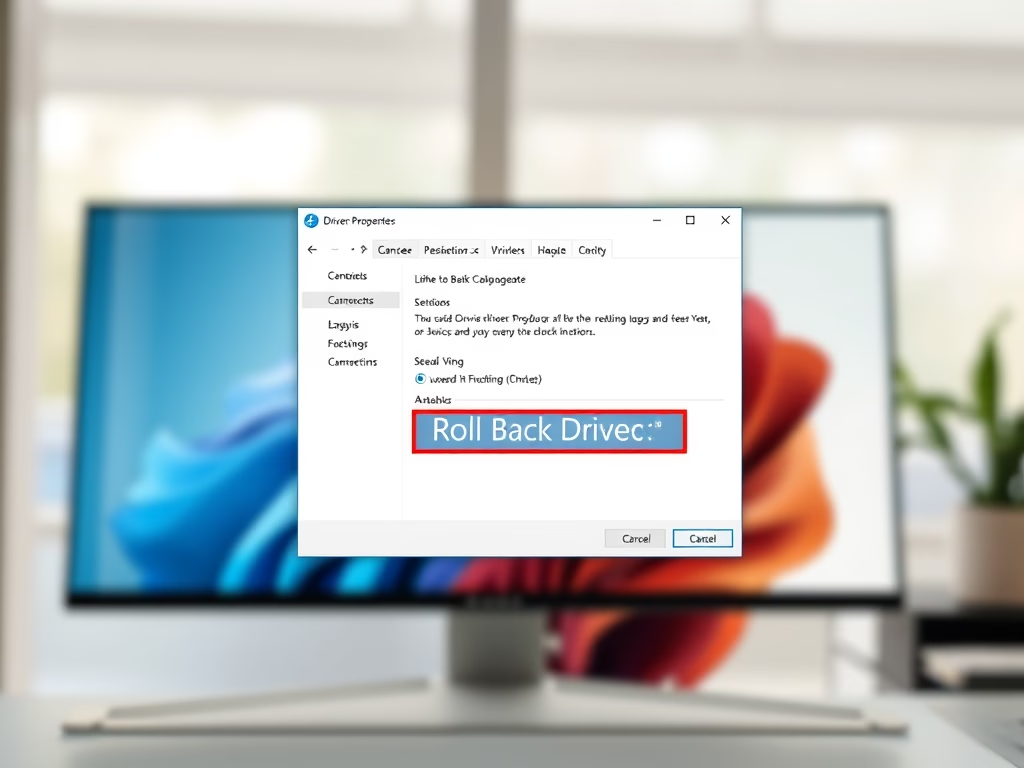
How to Roll Back Device Drivers in Windows 11
The post provides instructions on how to reverse a device driver update in Windows 11 when the new driver creates performance issues.…
-
Date:
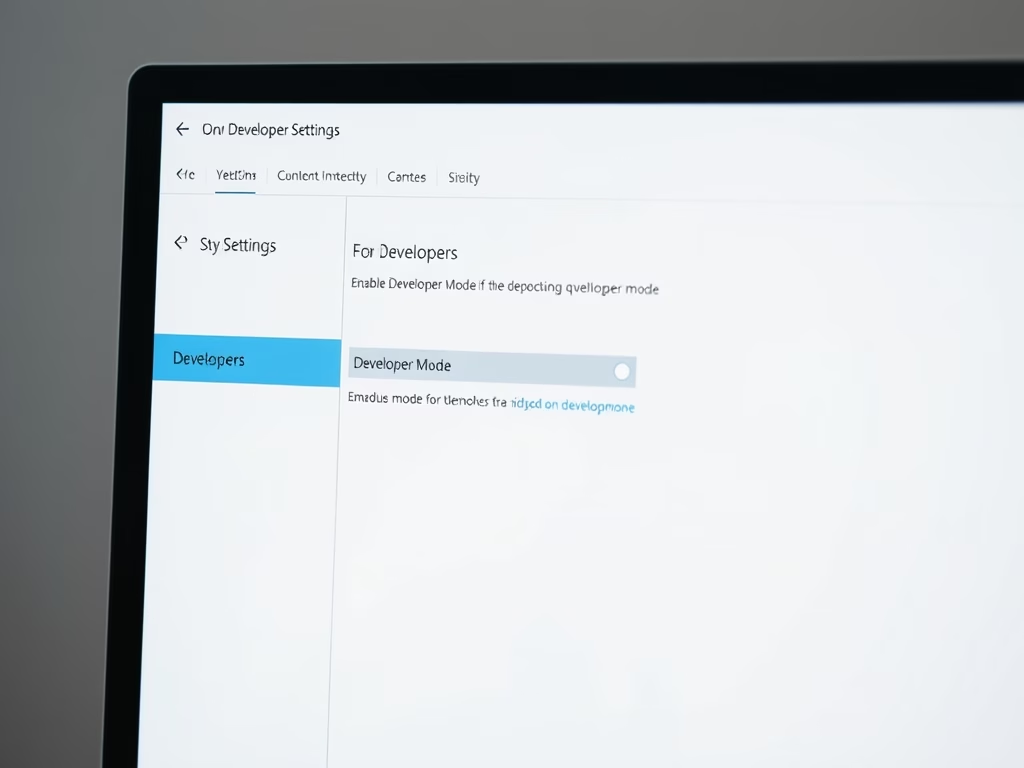
How to Enable Developer Mode in Windows 11
The post provides a guide for enabling/disabling developer mode in Windows 11. Developer Mode, usually off by default, allows users to sideload…
-
Date:
How to Safely Eject External Devices in Windows 11
The post provides a detailed guide for students and new users on how to safely eject external storage devices from Windows 11…
-
Date:
How to Mute Windows 11 On-Screen Keyboard Sounds
The post guides students and new users on how to disable sound on both the On-screen and Touch keyboards in Windows 11,…