
Tag: Windows 11
-
Date:
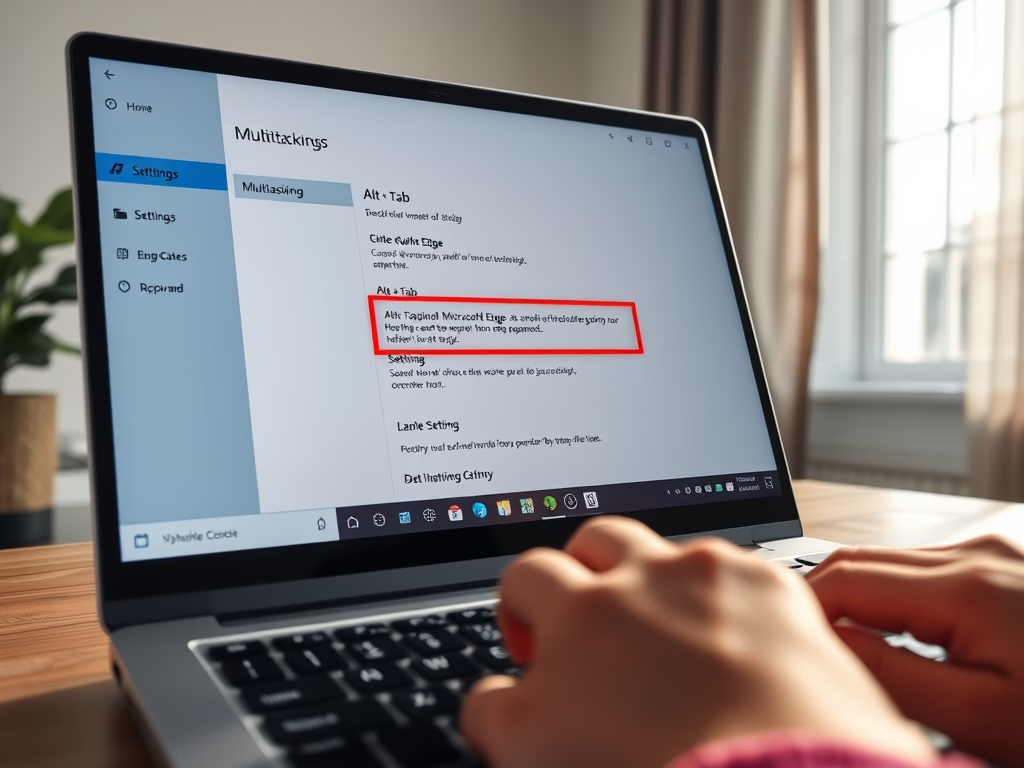
Disable Edge Tabs in Alt + Tab on Windows 11
The post provides a guide for students and new users on how to disable Microsoft Edge tabs when using the Alt +…
-
Date:
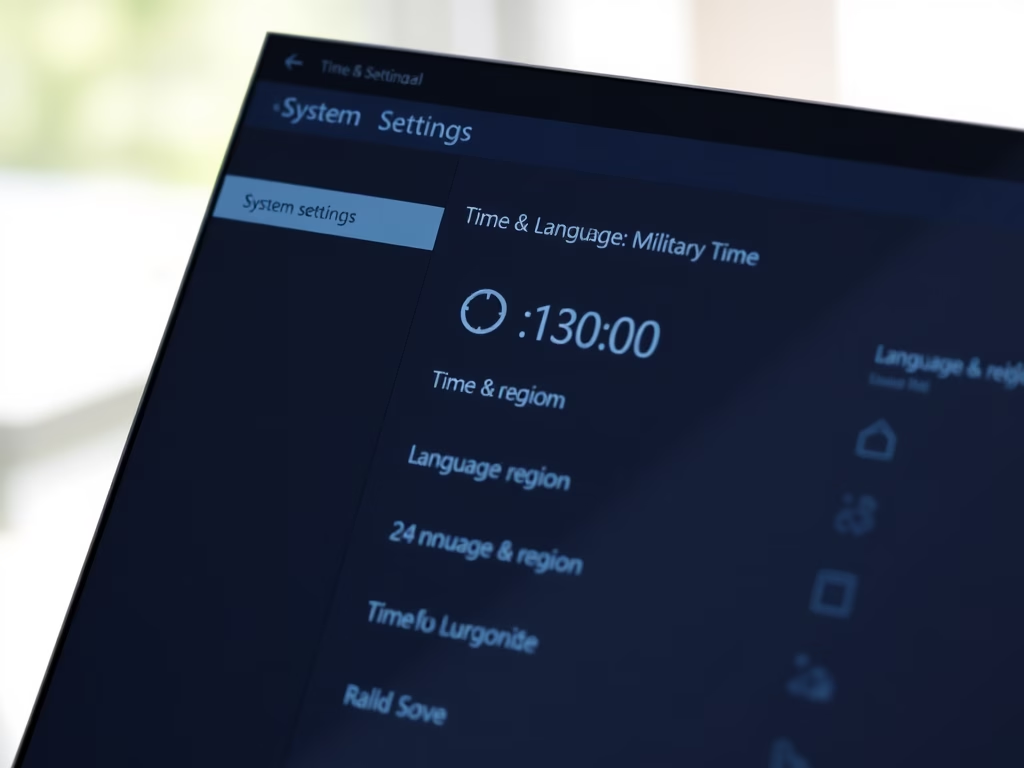
How to Change Time Format in Windows 11
The post outlines how to change the time format in Windows 11 from the standard 12-hour clock to a 24-hour military format.…
-
Date:
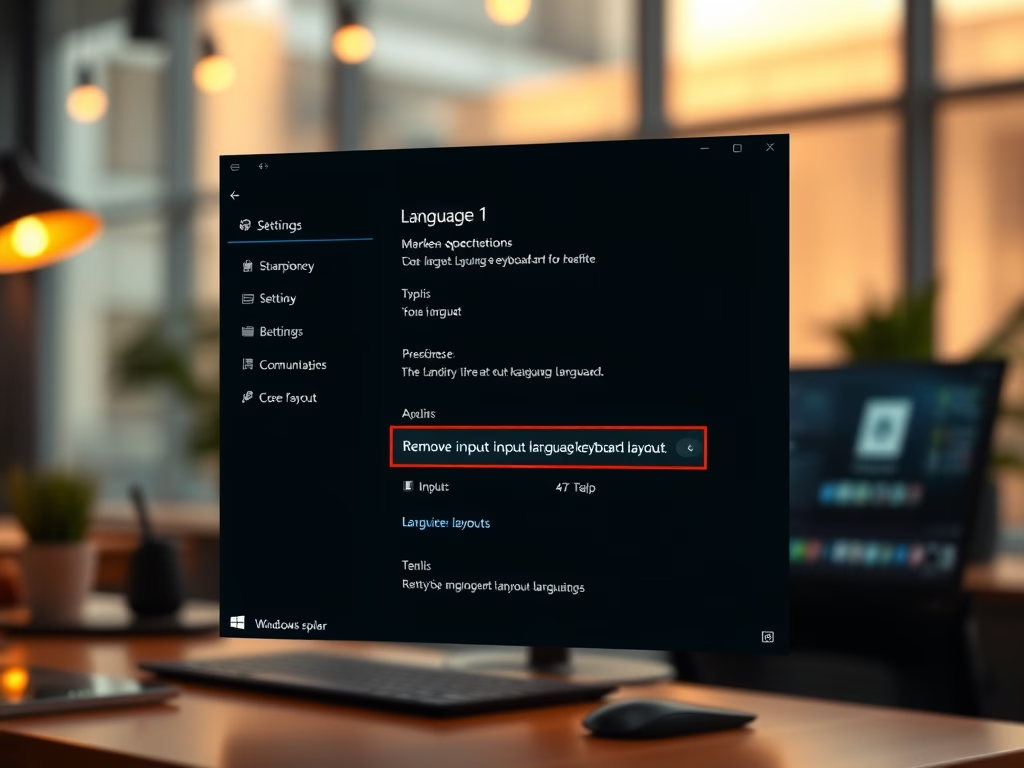
Remove Input Language Keyboard in Windows 11
The article provides a guide for students and new Windows 11 users on how to remove an installed input language keyboard layout.…
-
Date:
How to Override Default Input Method in Windows 11
This text guides students and users on overriding the default input method in Windows 11, allowing for the use of preferred language…
-
Date:
How to Change Keyboard Layout in Windows 11
This text details how to change the keyboard layout in Windows 11. Windows allows the installation of additional languages and keyboards, enabling…
-
Date:
Install Input Language Keyboard in Windows 11
The post provides detailed instructions on how to install an input language keyboard in Windows 11. This process allows users to set…
-
Date:
How to Install Language Packs in Windows 11
This post guides students and new users on how to install a language pack in Windows 11. Language packs can be installed…
-
Date:
How to Change Display Language in Windows 11
This content guides users on how to change the display language in Windows 11. It advises installing multiple language packs to allow…
-

Date:
How to Remove Language Packs in Windows 11
The post discusses how to uninstall extra language packs or keyboard languages in Windows 11, especially when device storage is low. The…
-
Date:
Easy Steps to Add Language Packs in Windows 11
This summary discusses how to install a language on Windows 11 after the initial setup. Users can add language packs for features…