


How to Configure Startup Applications from Settings in Windows 11
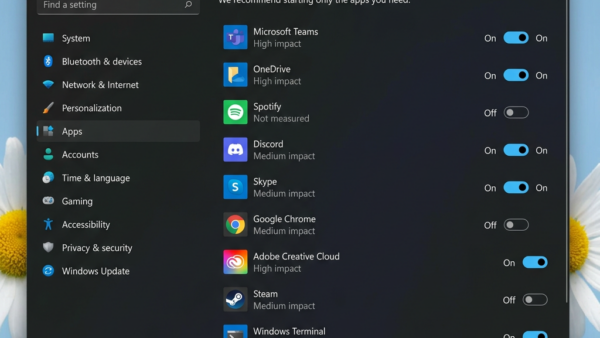
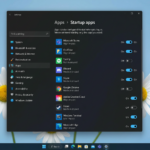
Startup applications in Windows 11 are programs that automatically run when you turn on your PC. These apps can slow down your computer's boot…
Step-by-step guides for Windows, Linux, networking and everything tech — written by experts, verified for accuracy.
Most recently published
Startup applications in Windows 11 are programs that automatically run when you turn on your PC. These apps can slow down your computer's boot…
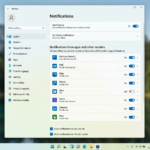
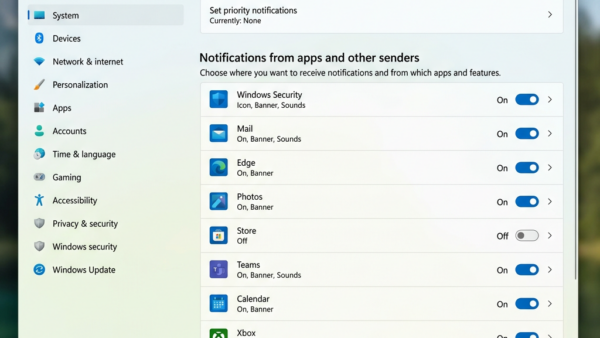
Windows 11 lets you control app notification sounds, allowing you to mute alerts for specific programs. This means you can stop certain apps from…
Windows notifications can be helpful for staying informed, but they can also become a distraction. You can control whether notification content appears on your…
Controlling app notifications in Windows 11 lets you manage alerts from individual apps directly within the Notification Center. The Notification Center in Windows 11…
Windows 11 notification banners let you control which apps can pop up alerts. These banners are those small pop-up messages that appear briefly in…
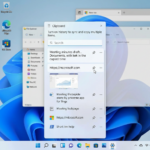
Windows Clipboard History keeps a record of your recently copied items, and you can delete entries one by one. This feature, available in Windows…
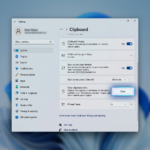
Clipboard history in Windows 11 lets you see and manage multiple items you've copied. When you copy text or an image, it normally disappears…
Quick Assist in Windows 11 lets a trusted person remotely view and control your PC to help you fix problems. This built-in Windows tool…