



How to let Windows 11 Change Brightness Automatically based on Content
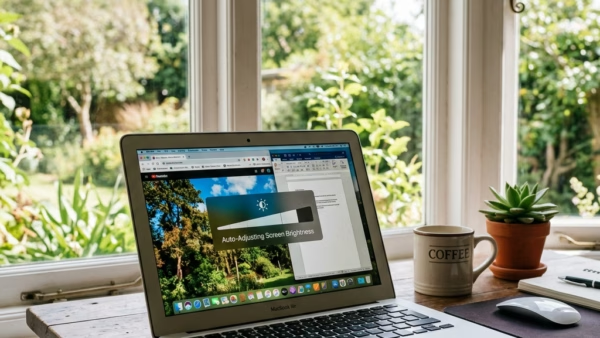
You can let Windows 11 automatically adjust your screen brightness based on the content displayed to improve your viewing experience and save battery life.…
Step-by-step guides for Windows, Linux, networking and everything tech — written by experts, verified for accuracy.
Most recently published
You can let Windows 11 automatically adjust your screen brightness based on the content displayed to improve your viewing experience and save battery life.…
Windows 11 automatically adjusts screen brightness using ambient light sensors to improve visibility and save battery life. This feature, often called adaptive brightness, uses…
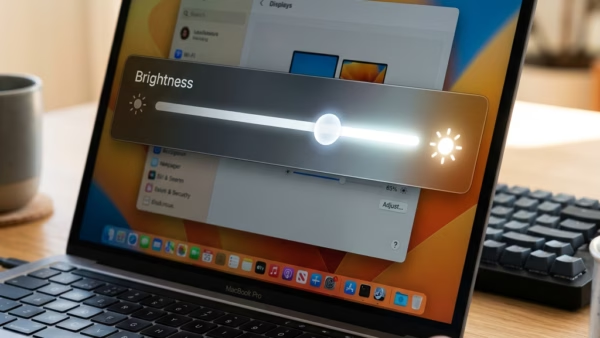
You can manually change your Windows 11 display brightness through the Settings app or the Quick Settings. Windows 11 offers several quick ways to…
You can block Microsoft Copilot for your children using Microsoft Family Safety settings. Microsoft Family Safety is a tool that allows parents to manage…
You can block or unblock specific apps on a child's Windows PC, Xbox, or Android device using Microsoft Family Safety. Microsoft Family Safety is…
You can set app and game time limits on Windows 11 through Microsoft Family Safety to manage screen time effectively. Microsoft Family Safety is…
You set screen time limits on Windows 11 using Microsoft Family Safety to manage device usage for your children. Microsoft Family Safety allows you…

You add your child's Microsoft account to Windows 11 to manage their digital activity and screen time. Linking a child's account allows you to…