Install Symfony 5 on Ubuntu with Apache

This guide helps you install the Symfony 5 framework on Ubuntu. Symfony is a tool for developers that makes building websites and apps faster. It handles the repetitive coding tasks so you don’t have to.
Why use Symfony? It provides ready-made components that save you time and help you build professional web applications more efficiently.
What happens when done? You will have a working web server running the Symfony framework, ready for you to start building your own web projects.
To learn more, visit the official Homepage website.
Install Apache2, PHP, and Composer using apt commands. Then, download Symfony 5 with composer create-project, and configure Apache virtual hosts by creating a symfony.conf file in /etc/apache2/sites-available/. Finally, enable the site with a2ensite and restart Apache.
Step 1 Install the Apache2 Web Server
To get Symfony 5 running on Ubuntu, you first need a web server, and Apache2 is a great choice for this task.
sudo apt update
sudo apt install apache2
Use these commands to manage the server:
sudo systemctl stop apache2.service
sudo systemctl start apache2.service
sudo systemctl enable apache2.service
Check if it works by opening your web browser and typing:
http://localhost
Step 2Install PHP
Since Symfony 5 is built with PHP, you’ll need to install it along with some essential modules to make sure everything works smoothly.
sudo apt-get install software-properties-common
sudo add-apt-repository ppa:ondrej/php
sudo apt update
sudo apt install php7.2 libapache2-mod-php7.2 php7.2-common php7.2-sqlite3 php7.2-mysql php7.2-gmp php7.2-curl php7.2-intl php7.2-mbstring php7.2-xmlrpc php7.2-soap php7.2-ldap php7.2-gd php7.2-bcmath php7.2-xml php7.2-cli php7.2-zip
Now, edit your PHP configuration file:
sudo nano /etc/php/7.2/apache2/php.ini
Update the file with these settings and save your changes:
file_uploads = On
allow_url_fopen = On
short_open_tag = On
memory_limit = 256M
upload_max_filesize = 100M
max_execution_time = 360
date.timezone = America/Chicago
Restart Apache to apply the new settings:
sudo systemctl restart apache2.service
Create a test file to make sure PHP is working correctly:
sudo nano /var/www/html/phpinfo.phpAdd this code to the file and save:
<?php phpinfo( ); ?>
Open your browser and visit:
http://localhost/phpinfo.php
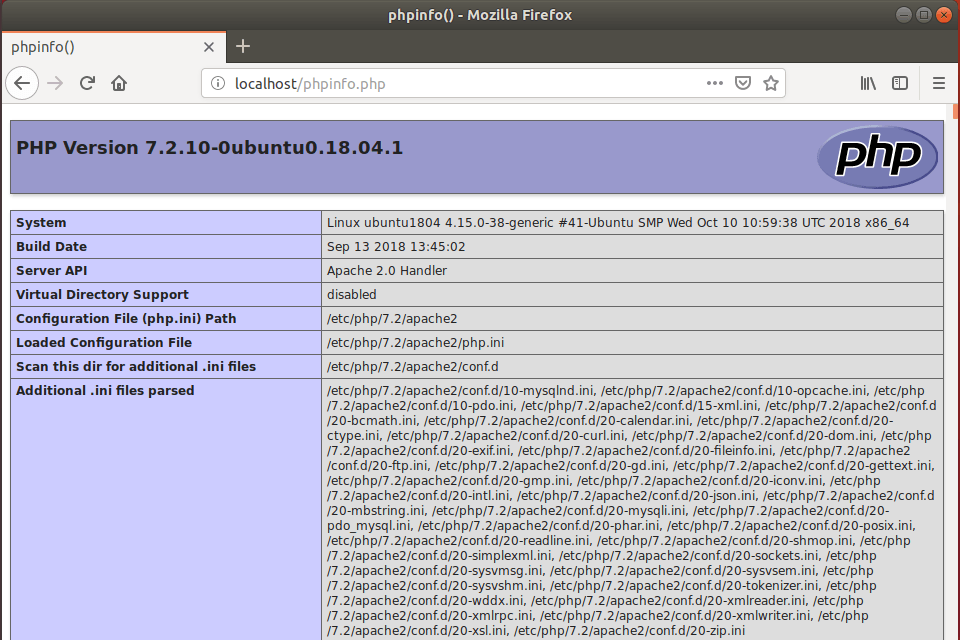
Step 3Download Symfony
Next, you’ll download Symfony 5 onto your Ubuntu system using a handy tool called Composer, which helps manage project dependencies.
sudo apt install curl git
curl -sS https://getcomposer.org/installer | sudo php -- --install-dir=/usr/local/bin --filename=composer
Change to the web directory and create your project folder:
cd /var/www/
sudo composer create-project symfony/skeleton symfony5
Set the correct permissions so the server can access the files:
sudo chown -R www-data:www-data /var/www/symfony5/
sudo chmod -R 755 /var/www/symfony5/
Step 4Configure Apache
Now, you need to create a specific configuration file for Apache so it knows how to properly serve your new Symfony 5 project.
sudo nano /etc/apache2/sites-available/symfony.conf
Paste this content into the file. Make sure to update your domain name and folder path:
<VirtualHost *:80>
     ServerAdmin admin@example.com
     DocumentRoot /var/www/symfony5/public
     ServerName example.com
     ServerAlias www.example.com

     <Directory /var/www/symfony5/public/>
          Options FollowSymlinks
          AllowOverride All
          Require all granted
     </Directory>

     ErrorLog ${APACHE_LOG_DIR}/error.log
     CustomLog ${APACHE_LOG_DIR}/access.log combined
</VirtualHost>
Step 5Enable Symfony
Activate your new configuration and restart the server. Requires admin privileges.
sudo a2ensite symfony.conf
sudo systemctl restart apache2.service
Visit your site in your browser:
http://example.com/
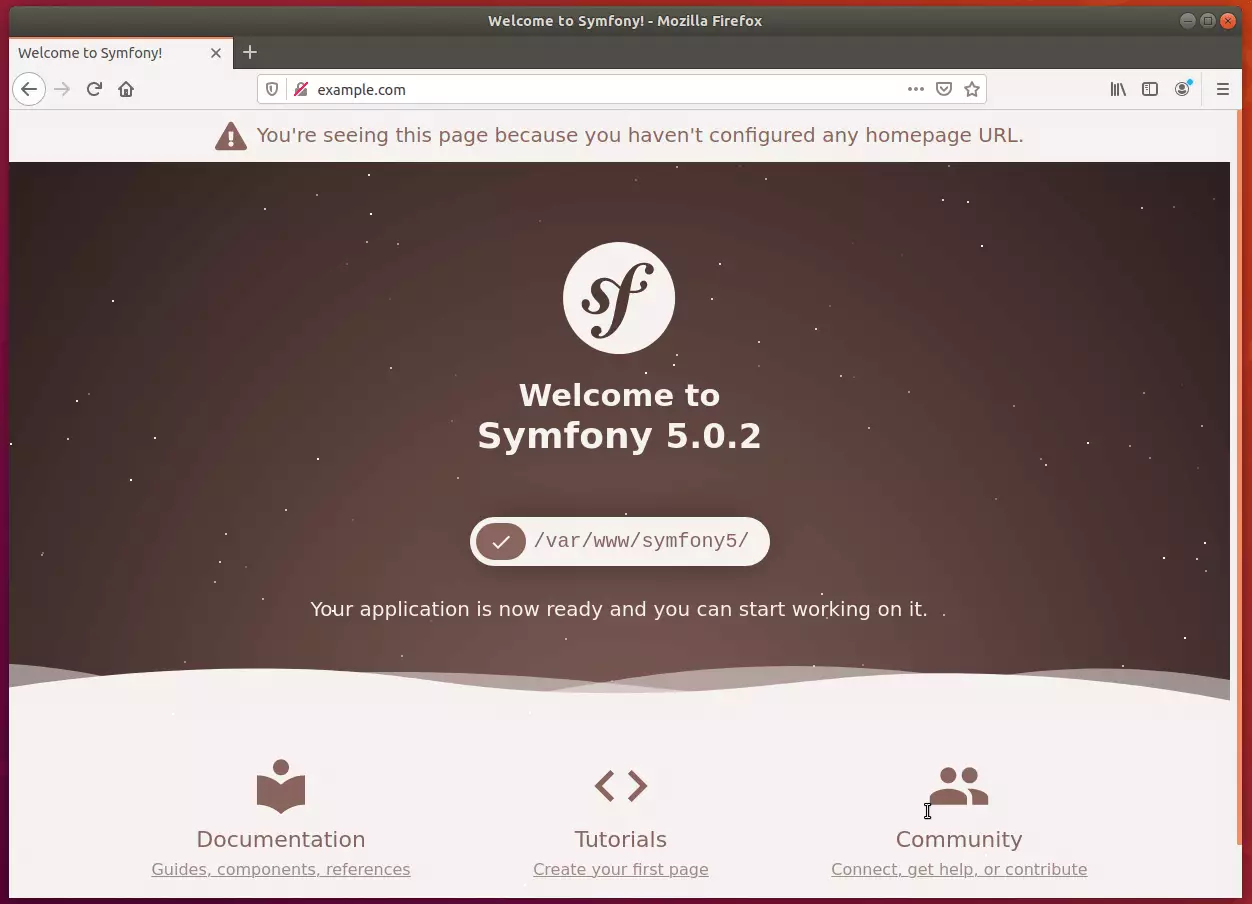
Your Symfony 5 setup is complete and ready for use.
Summary
In this tutorial, we installed the Apache2 web server, set up PHP, downloaded the Symfony 5 framework using Composer, and configured the server to display your new application. You are now ready to begin developing your web projects.
Was this guide helpful?

About the Author
Richard
Tech Writer, IT Professional
Richard, a writer for Geek Rewind, is a tech enthusiast who loves breaking down complex IT topics into simple, easy-to-understand ideas. With years of hands-on experience in system administration and enterprise IT operations, he’s developed a knack for offering practical tips and solutions. Richard aims to make technology more accessible and actionable. He's deeply committed to the Geek Rewind community, always ready to answer questions and engage in discussions.




hello, i have a problem would you help me please?
[Composer\Downloader\TransportException]
Content-Length mismatch, received 640535 bytes out of the expected 1912309
thank you
All my steps went well, but it keeps displaying Apache2 Ubuntu Default Page?
https://askubuntu.com/questions/337874/change-apache-document-root-folder-to-secondary-hard-drive
I managed to display the symfony page by editing the 000-default.conf from apache.
I changed the line:
DocumentRoot /var/www/symfony5/public
Also I added the block:
Options FollowSymlinks
AllowOverride All
Require all granted
I don’t know if this has any negativ effects.
Hello, very good tutorial which was very useful to me since I am new to symfony. I just wanted to add that I had some problems accessing my web page http://www.example.com from my web browser on windows. I am using windows 10 and I installed symphony on a virtual machine with the operating system Ubuntu 18 server. however I was able to solve the problem by editing the etc / hosts file under windows. Otherwise the tutorial is good.
Thank you so much !
Nice point.
Thanks,
I would like the same for Ubuntu 20.04
php 7.4.10
I’ve installed XAMPP and it works fine but I would like to continue with Symfony 5
Great achievement, I really appreciate.
Hello! This is one of the best tutorials for this theme i’ ve seen, because everything else i try – simply doesnt work. But in the last step here i have again some trouble – when i try to open http://www.example.com, it opens page with text Example Domain in a gray square in middle of screen. Not the symfony page that you have in picture in the ending. What to do?
Nice tutorial and very easy to follow. I installed Symfony on my Ubuntu 20.04 LTS and it works perfectly.
As I have to use Symfony and Doctrine with PostgreSQL, I had to add the command below in order to enable the PHP module for the database:
$ sudo apt install php7.2-pgsql
very nice tuto. All working fine.
Just added 127.0.0.1 example.com into /etc/hosts
Thank you very much bro