

Category: Windows
-
Date:
How to Pin Microsoft Store App to Taskbar in Windows 11
This guide explains how to add or remove the Microsoft Store app icon from the Windows 11 taskbar. Users can pin or…
-
Date:
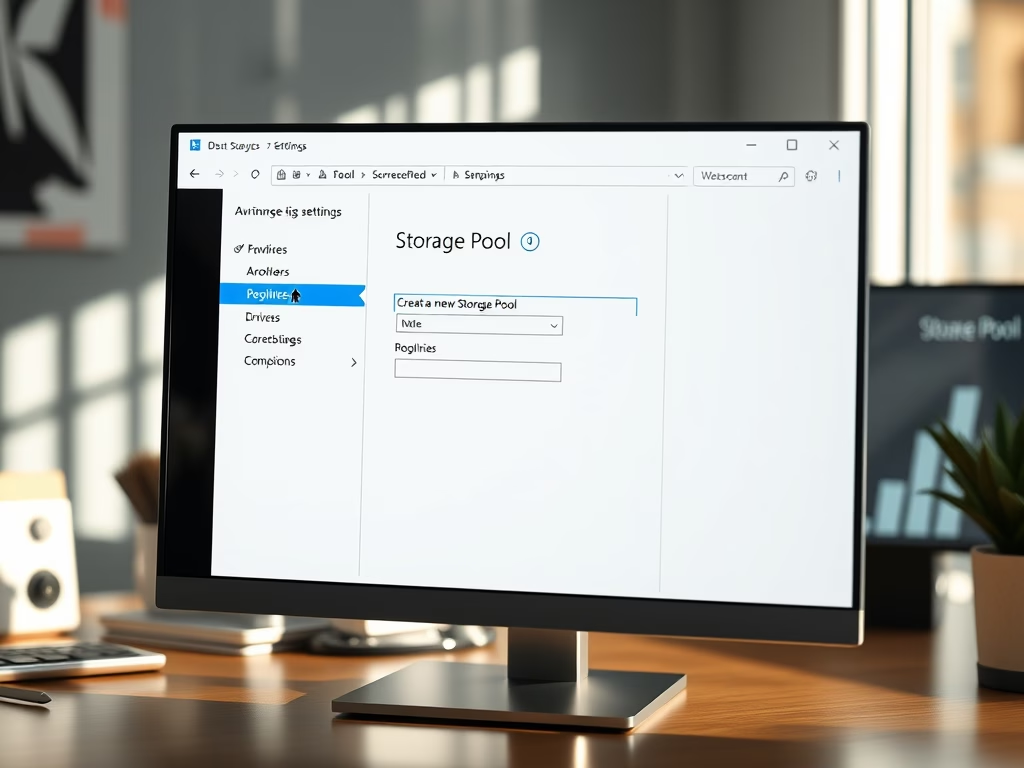
How to Create a Storage Pool in Windows 11
Storage Pools in Windows 11 allow users to merge multiple hard drives into a single virtual drive, enhancing file management and data…
-
Date:
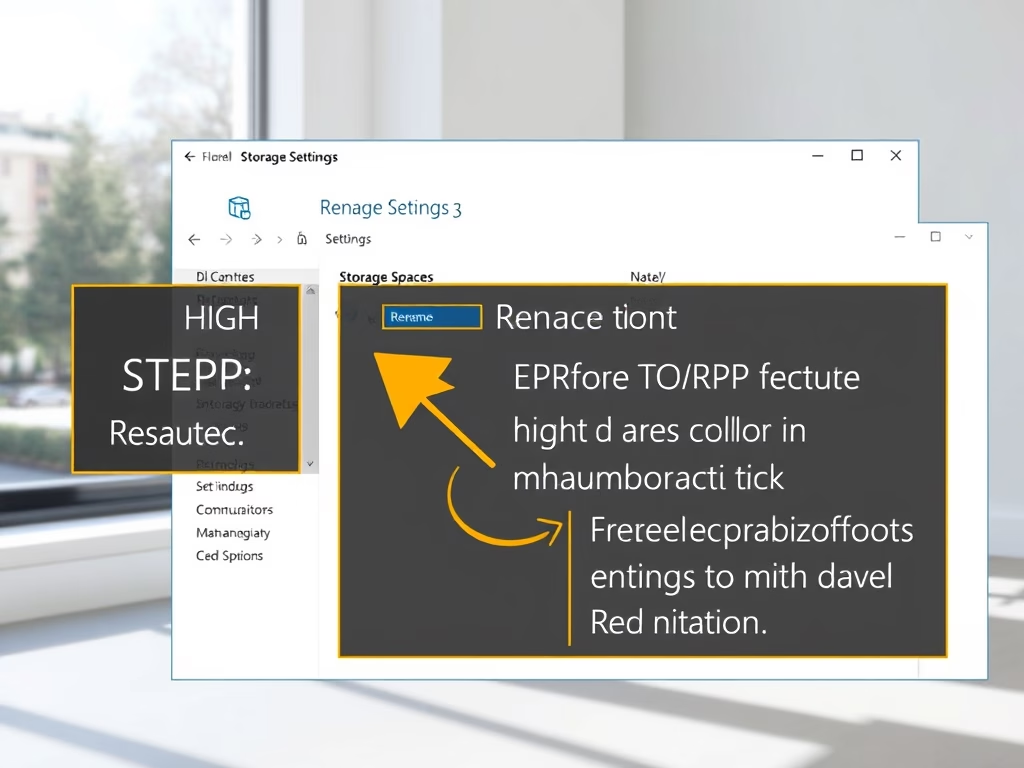
How to Rename a Storage Pool in Windows 11
This guide explains how to rename a Storage Pool in Windows 11, which combines multiple hard drives into one manageable unit for…
-
Date:
How to Add More Storage Space to Your Windows 11 Storage Pool
Storage Spaces on Windows 11 allows users to merge multiple physical drives into a single virtual drive, simplifying storage management and enhancing…
-
Date:
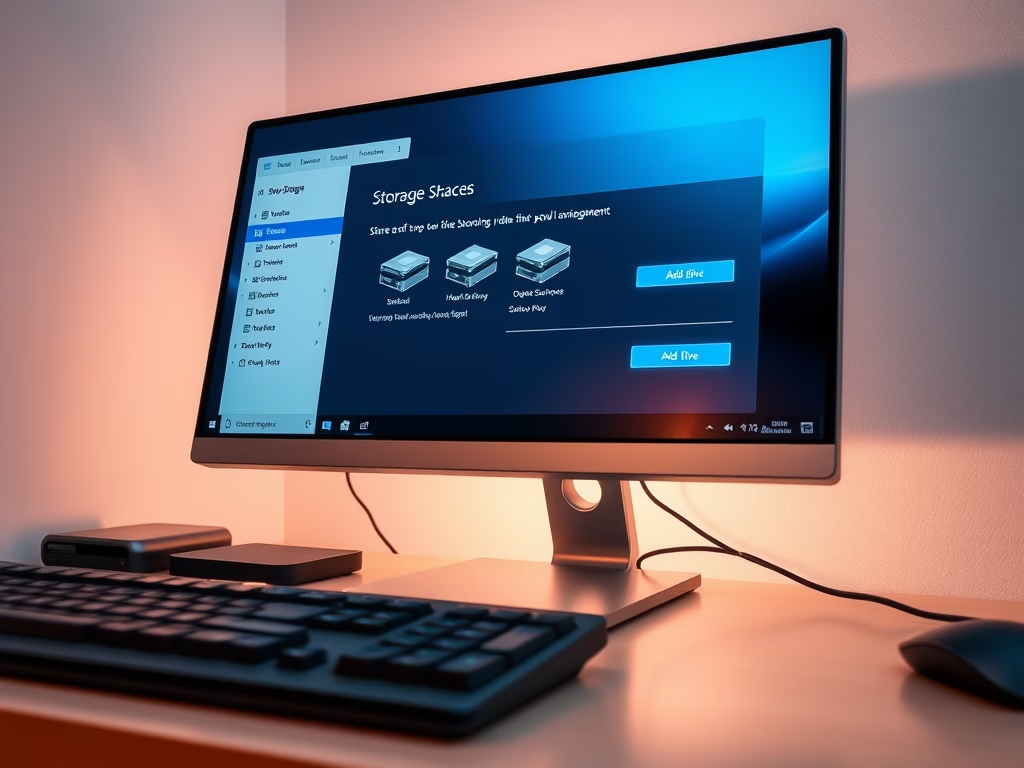
How to Add a Drive to a Storage Pool in Windows 11
Windows 11’s Storage Spaces feature allows users to combine multiple drives into a single virtual drive, enhancing storage capacity and data protection…
-
Date:
How to Optimize Storage Pools in Windows 11
This guide explains how to optimize Storage Pools in Windows 11, which allows users to combine multiple hard drives into a single…
-
Date:
How to Make More Storage Space in Windows 11
Windows 11 offers a feature called Storage Spaces, allowing users to combine multiple drives into a single virtual drive, thus increasing storage…
-
Date:
How to Rename Physical Disks in Windows 11 Storage Pool
Windows 11 allows users to create storage pools by combining multiple hard drives, managed through the Storage Spaces feature. Naming each physical…
-
Date:
How to Connect or Disconnect Storage Spaces in Windows 11
Storage Spaces in Windows 11 allows users to combine multiple hard drives or SSDs into a single virtual drive for easier management.…
-
Date:
How to Delete a Storage Pool in Windows 11
This guide details how to delete a Storage Pool in Windows 11, which combines multiple hard drives into one virtual drive for…