
Category: Windows
-
Date:
How to Make Coloring Book Pages Using Paint on Windows 11
The Paint app on Windows 11 allows users to easily create personalized coloring pages using a new AI feature called Coloring book.…
-
Date:
How to Enable or Disable Windows Protected Print Mode in Windows 11
Windows Protected Print Mode (WPP) in Windows 11 enhances document security by utilizing trusted drivers, particularly for sensitive environments like banks and…
-
Date:
Change How Mouse Pointer and Text Cursor Work with Magnifier in Windows 11
This guide explains how to adjust the mouse pointer and text cursor behavior when using the Magnifier tool on Windows 11. Users…
-

Date:
How to Enable or Disable Smooth Edges for Images and Text When Using Magnifier in Windows 11
This guide explains how to enhance the appearance of pictures and text using the Magnifier tool on Windows 11. Users can toggle…
-
Date:
How to Turn On or Off Finding and Downloading New Extensions When Narrator Starts in Windows 11
Geek Rewind› Windows This guide will help you easily turn on or off the feature that lets Narrator find and download new…
-
Date:
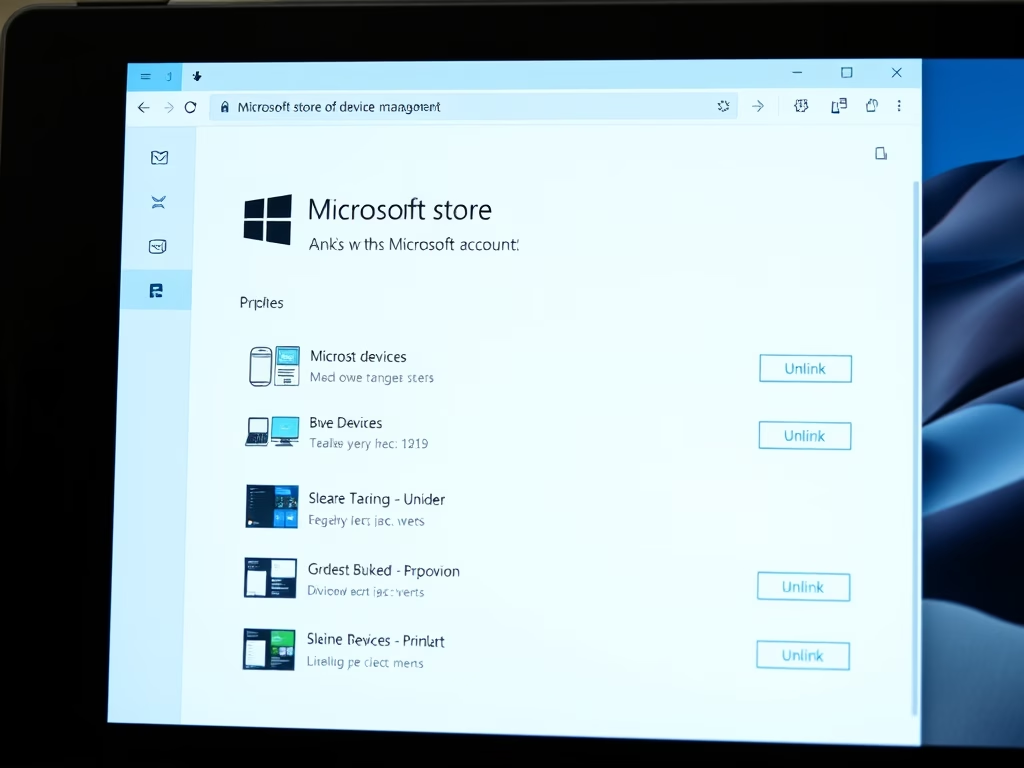
How to Remove Devices from Your Microsoft Account
If you encounter issues downloading apps from the Microsoft Store due to the device limit of ten, you can easily remove linked…
-
Date:
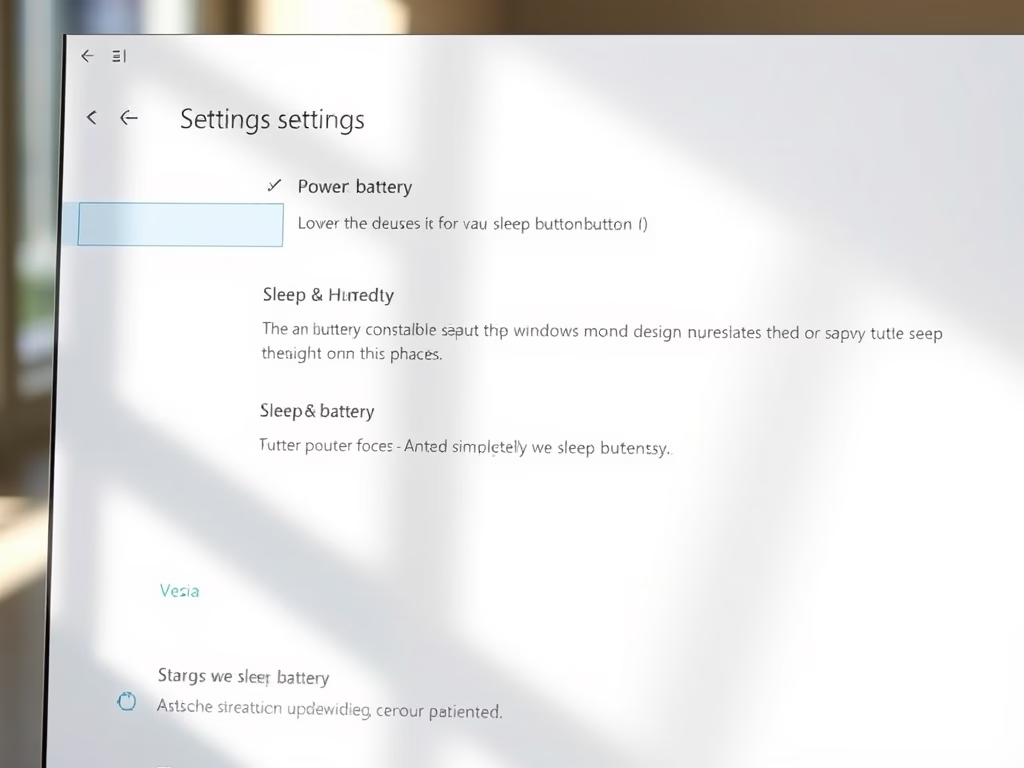
How to Change Sleep Button Function in Windows 11
This guide explains how to customize the behavior of the sleep button on a Windows 11 computer. Users can now easily change…
-
Date:
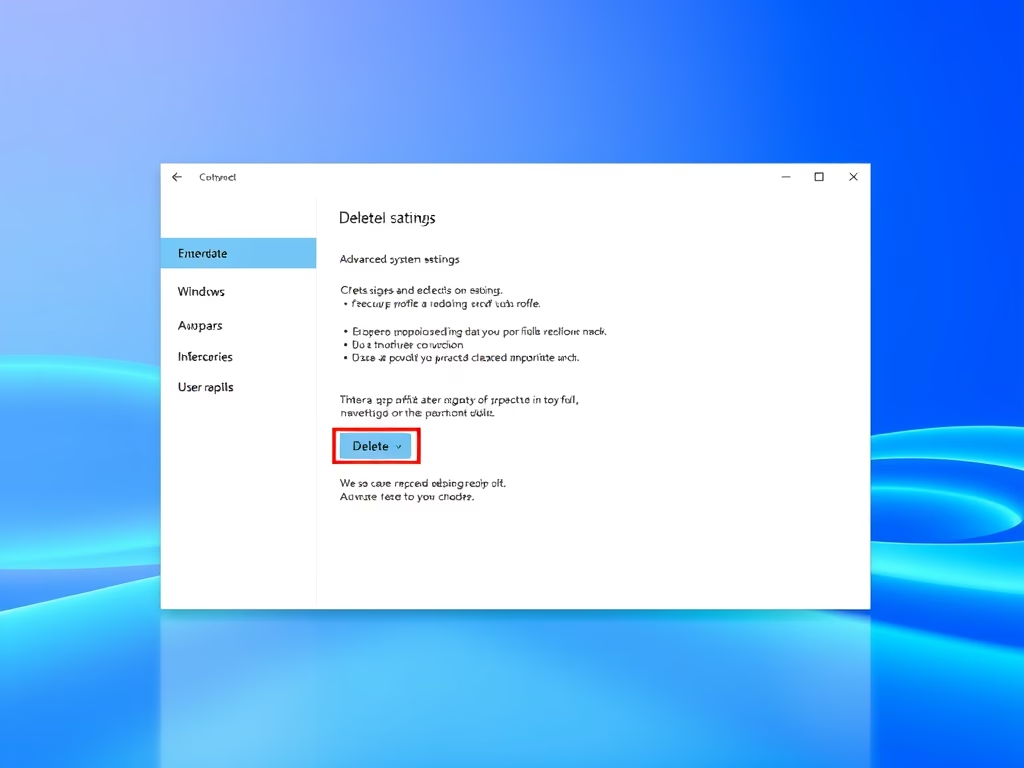
How to Delete a User Profile on Windows 11
To remove a user profile from a Windows 11 PC, ensure the user is signed out and that you are logged in…
-
Date:
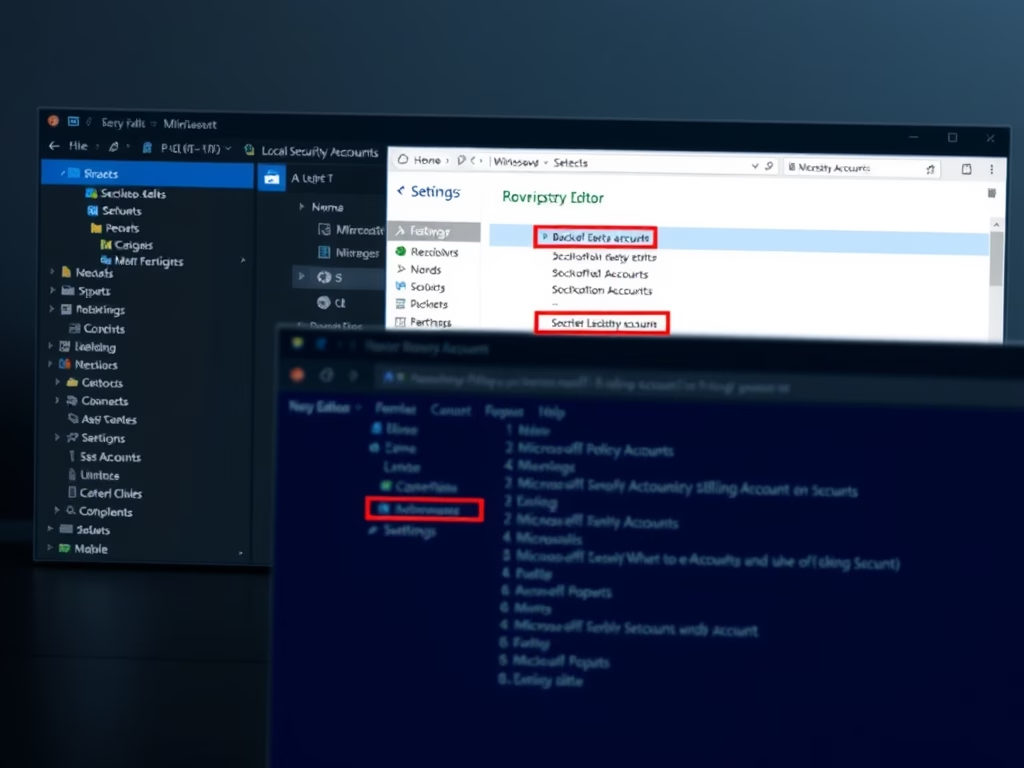
How to Enable or Disable Microsoft Accounts on Windows 11
This guide explains how to manage Microsoft account access on Windows 11. Users can enable or disable accounts via the Local Security…
-

Date:
How to Uninstall and Reinstall Outlook on Windows 11
This guide explains how to uninstall and reinstall the new Outlook app on Windows 11. Users can remove Outlook via Settings or…