
Category: Windows
-
Date:
Setup External Monitors in Windows 11
The post provides detailed instructions on how to add a second or external monitor in Windows 11. It explains how Windows can…
-

Date:
Check When Windows Was Installed on Your PC
This post provides a guide for determining the date and time Windows was installed on a computer. Users can locate this information…
-

Date:
Guide to Open and Edit Windows 11 Registry
The post provides a guide for students and new users on how to open, browse, and edit the Windows 11 registry, a…
-
Date:
How to Run Apps as Administrator in Windows 11
This tutorial guides students and new users in running an application as an administrator in Windows 11. By default, applications run with…
-
Date:
Change Backgrounds on Each Monitor in Windows 11
The post provides a guide on how to set different wallpaper backgrounds for each monitor in Windows 11. By default, multiple monitors…
-
Date:
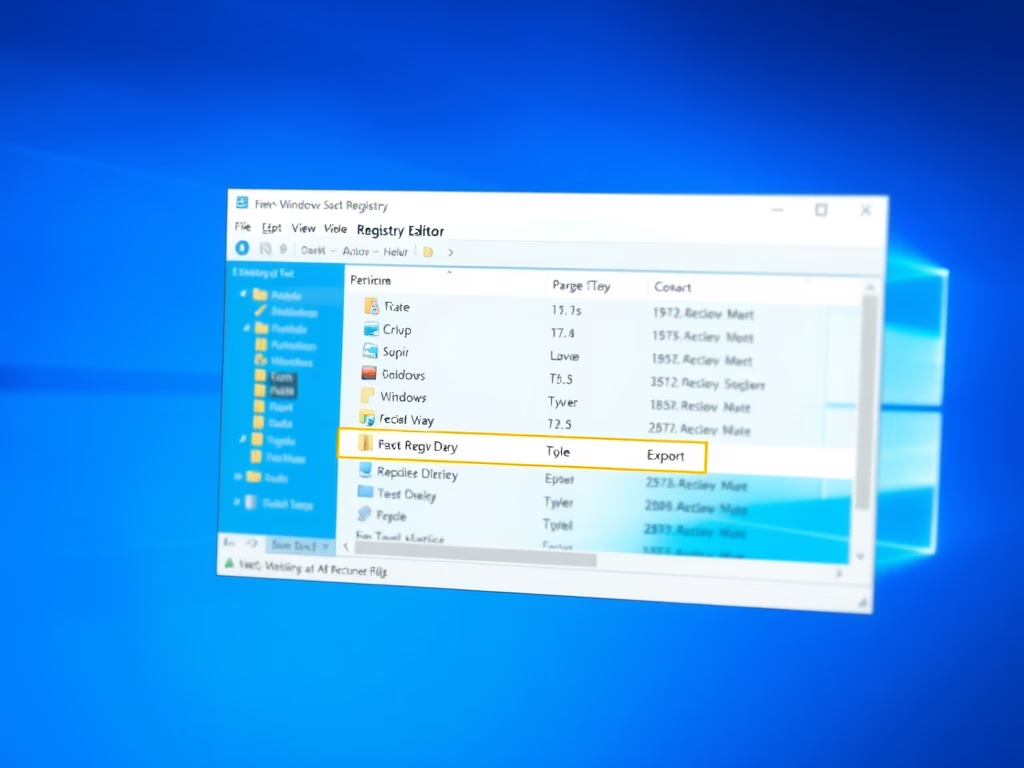
How to Back Up and Restore Windows 11 Registry
The post details how to back up and restore the Windows 11 registry using its export and import feature. It emphasizes the…
-
Date:
How to Reset Your Microsoft Account Password
The post discusses steps for Microsoft account password recovery, including identifying the correct username, receiving verification codes via associated email or phone…
-
Date:
How to Restore Files in OneDrive
This piece provides instructions on how to restore previous versions of files using OneDrive. It consists of various methods like using the…
-
Date:
How to Locate Your Windows 11 Product Key
The post provides a guide on how to find a Windows 11 product (activation) key to verify the authenticity of a Windows…
-

Date:
Step-by-Step Guide to Clean Boot Windows 11
The post teaches how to perform a clean boot in Windows 11, to isolate and address third-party programs/services potentially causing instability. A…