
Category: Windows
-
Date:
How to Open PowerShell in Windows 11
This post guides students and new users on how to open and use PowerShell in Windows 11 through different methods. PowerShell, a…
-
Date:
How to Access Command Prompt in Windows 11
This post provides a guide for students and new users on how to open and use the Command Prompt in Windows 11.…
-
Date:
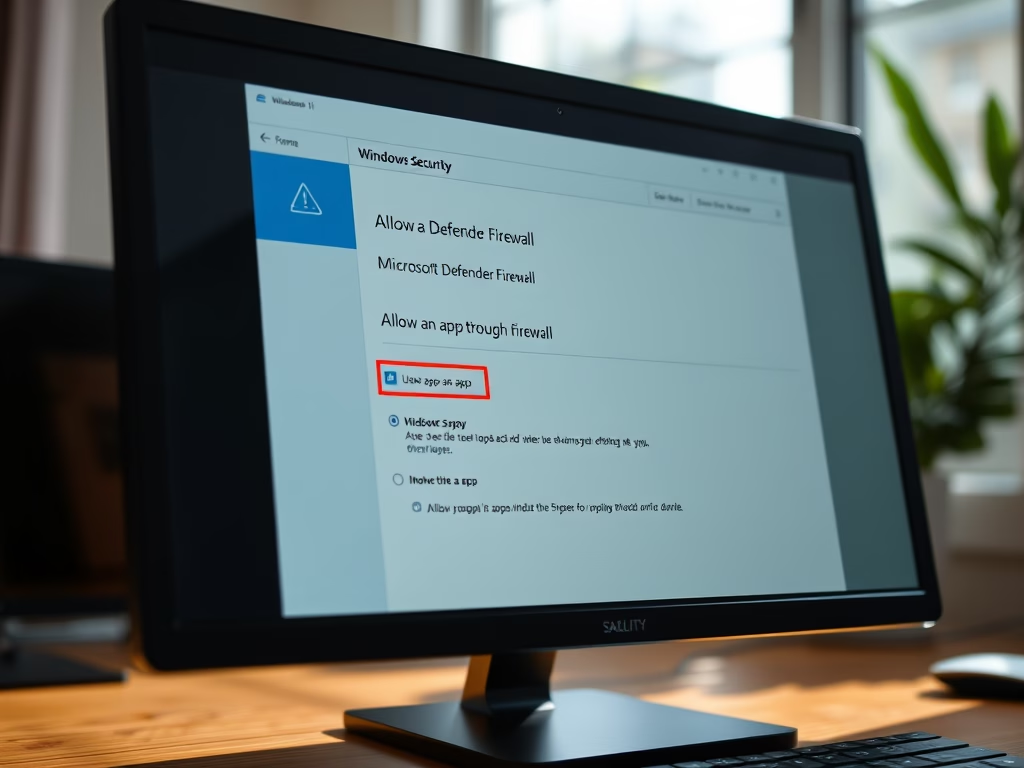
Allow Apps Through Microsoft Defender Firewall in Windows 11
The article provides a step-by-step guide on how to allow an app through the Microsoft Defender Firewall in Windows 11 without disabling…
-
Date:
Enable Multilingual Text Suggestions in Windows 11
The post provides instructions for enabling/disabling multilingual text suggestions in Windows 11, helping users type in multiple languages without manual switching. Users…
-
Date:
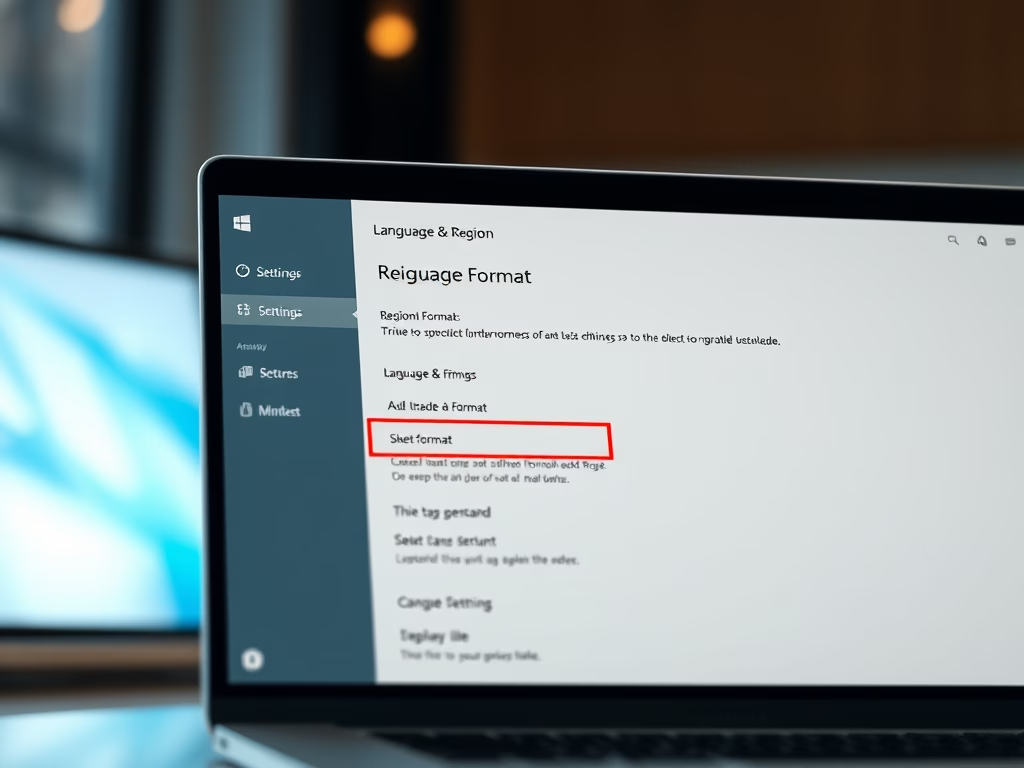
How to Change Regional Format in Windows 11
This content guides Windows 11 users on changing their regional format – a critical setting for system applications and data that adjust…
-

Date:
Back Up and Restore Linux on WSL: A Step-by-Step Guide
This article provides a tutorial for students and new users on how to back up and restore a Linux distribution on Windows…
-

Date:
Enable Per-App Keyboard Layouts in Windows 11
This post guides students and new users on how to enable or disable the input language keyboard layout for each app in…
-
Date:
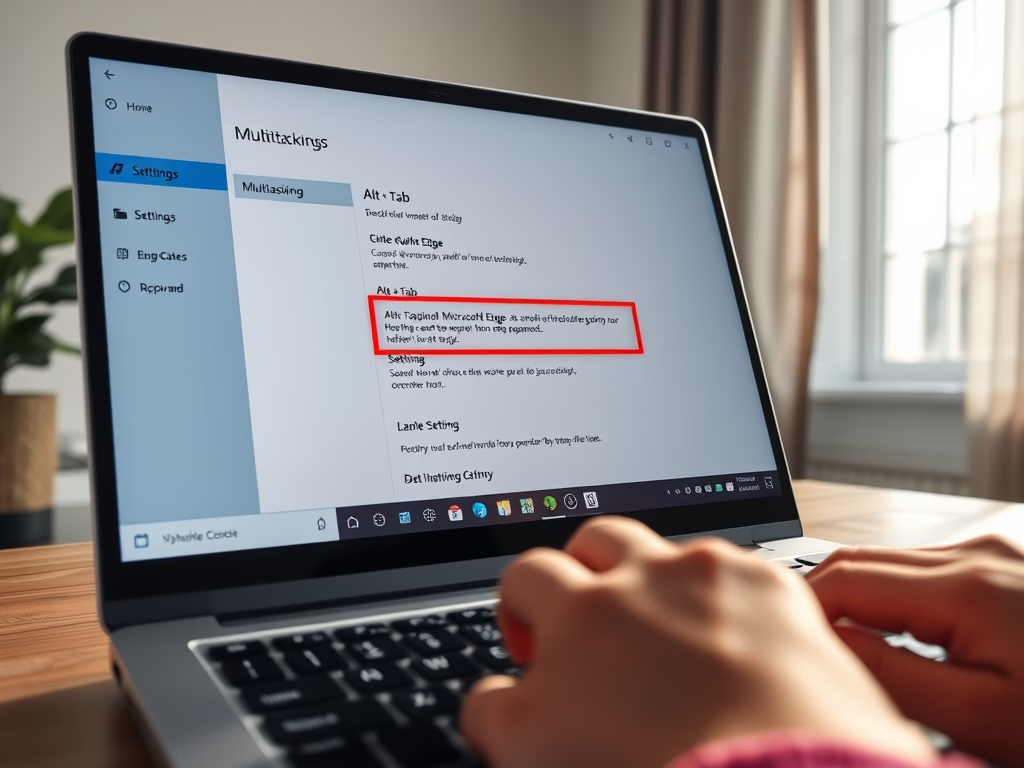
Disable Edge Tabs in Alt + Tab on Windows 11
The post provides a guide for students and new users on how to disable Microsoft Edge tabs when using the Alt +…
-
Date:
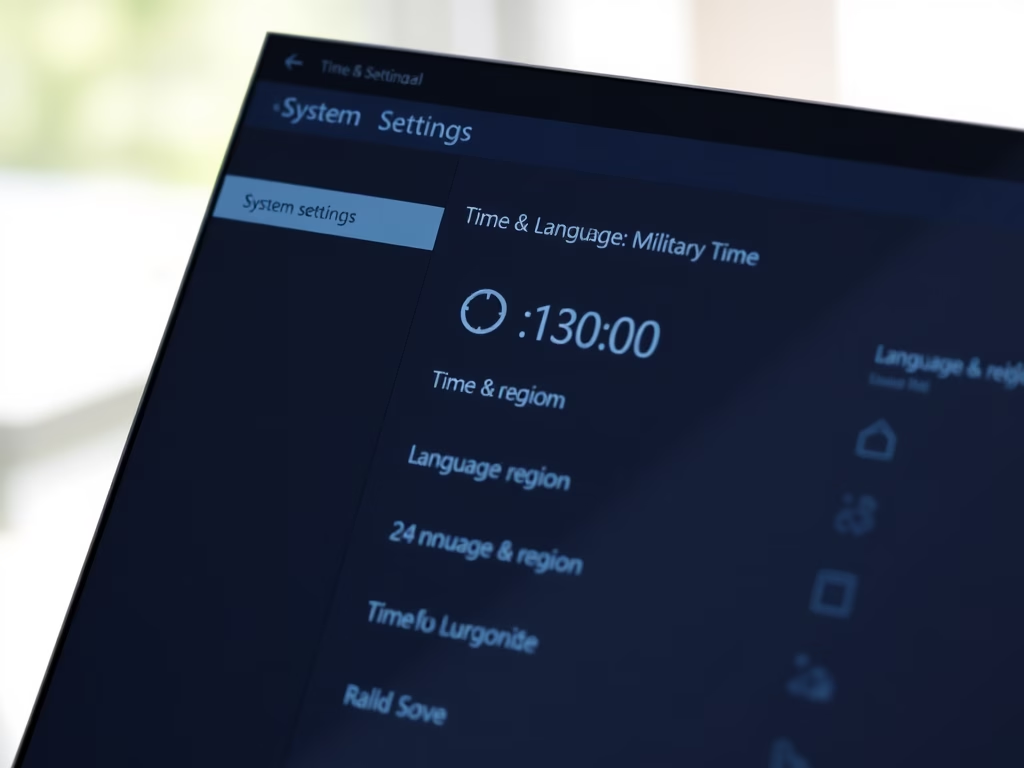
How to Change Time Format in Windows 11
The post outlines how to change the time format in Windows 11 from the standard 12-hour clock to a 24-hour military format.…
-
Date:
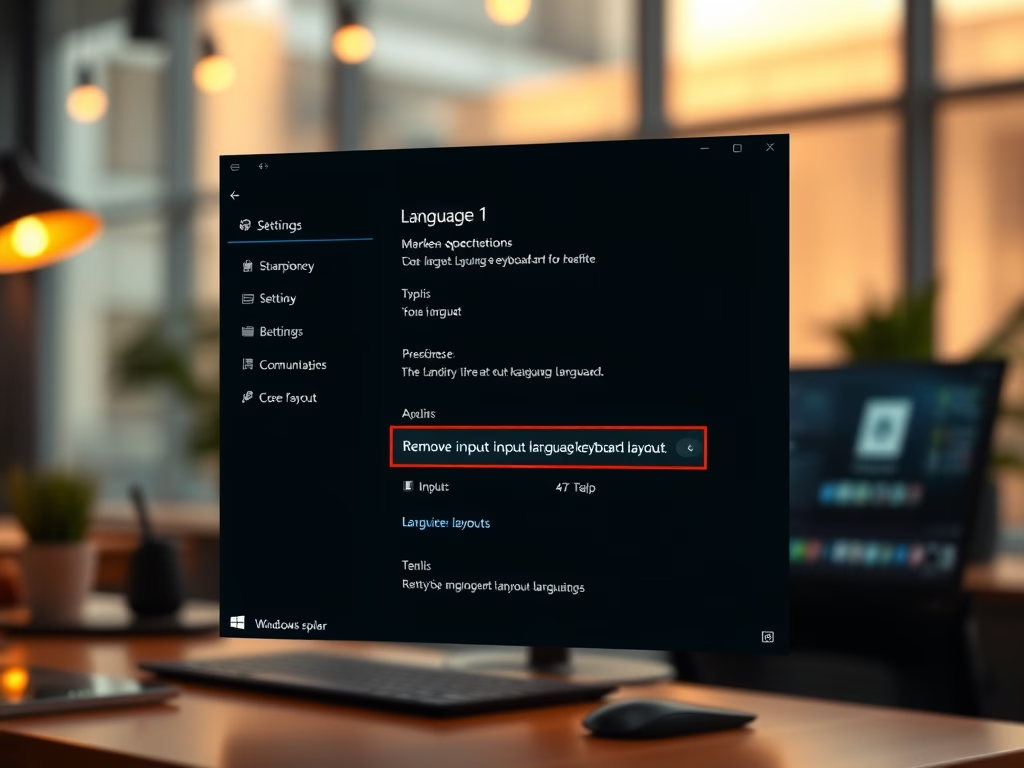
Remove Input Language Keyboard in Windows 11
The article provides a guide for students and new Windows 11 users on how to remove an installed input language keyboard layout.…