
Category: Windows
-
Date:
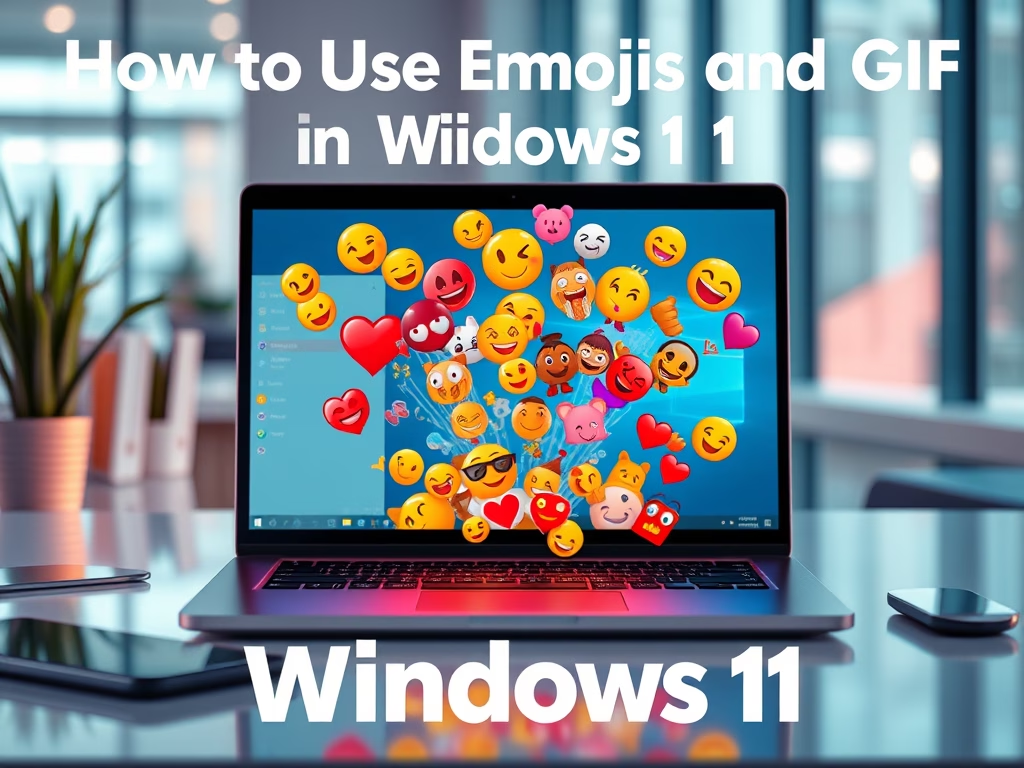
How to Use Emojis and GIFs in Windows 11
The post provides a guide for students and new users on how to use emojis and GIFs in Windows 11 to enhance…
-
Date:
How to Open PowerShell in Windows 11
This post guides students and new users on how to open and use PowerShell in Windows 11 through different methods. PowerShell, a…
-
Date:
How to Access Command Prompt in Windows 11
This post provides a guide for students and new users on how to open and use the Command Prompt in Windows 11.…
-
Date:
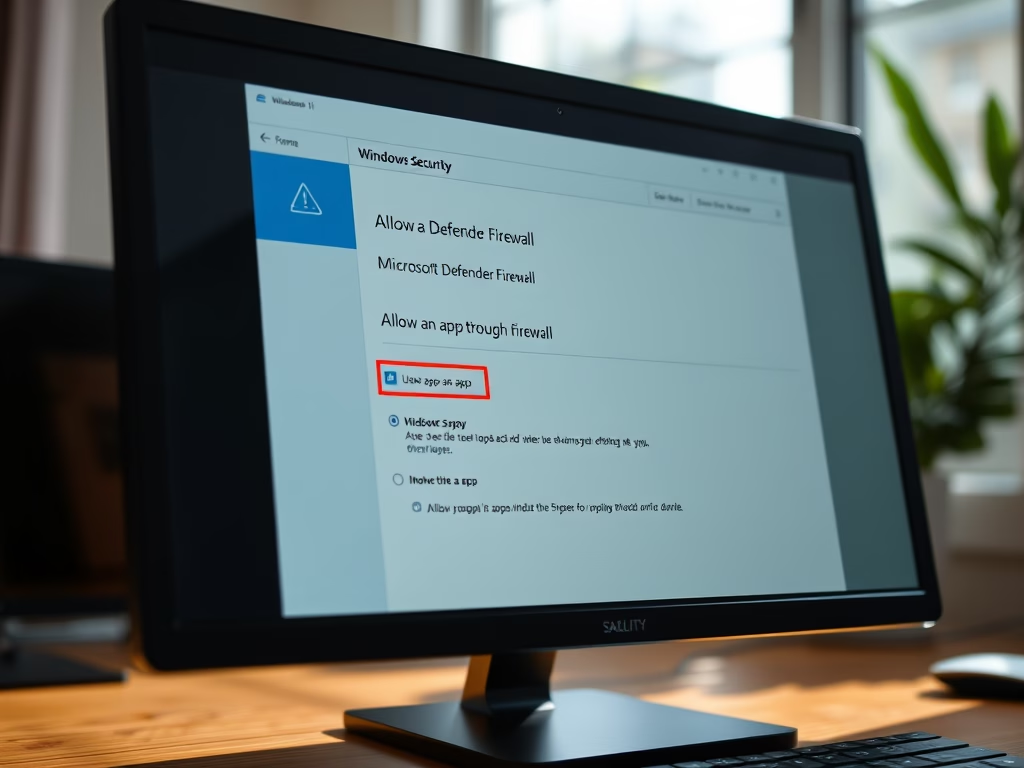
Allow Apps Through Microsoft Defender Firewall in Windows 11
The article provides a step-by-step guide on how to allow an app through the Microsoft Defender Firewall in Windows 11 without disabling…
-

Date:
Back Up and Restore Linux on WSL: A Step-by-Step Guide
This article provides a tutorial for students and new users on how to back up and restore a Linux distribution on Windows…
-

Date:
Enable Per-App Keyboard Layouts in Windows 11
This post guides students and new users on how to enable or disable the input language keyboard layout for each app in…
-
Date:
Disable Edge Tabs in Alt + Tab on Windows 11
The post provides a guide for students and new users on how to disable Microsoft Edge tabs when using the Alt +…
-
Date:
Remove Input Language Keyboard in Windows 11
The article provides a guide for students and new Windows 11 users on how to remove an installed input language keyboard layout.…
-
Date:
How to Override Default Input Method in Windows 11
This text guides students and users on overriding the default input method in Windows 11, allowing for the use of preferred language…
-
Date:
How to Change Keyboard Layout in Windows 11
This text details how to change the keyboard layout in Windows 11. Windows allows the installation of additional languages and keyboards, enabling…