
Category: Windows
-
Date:
How to Hide or Show System Tray Icons in the Taskbar Overflow Menu on Windows 11
This guide explains how to manage taskbar icons in Windows 11, including moving icons between the taskbar and the overflow menu. Users…
-

Date:
How to Enable or Disable Reserved Storage in Windows 11
Windows 10 and 11 include Reserved Storage, setting aside about 7 GB on hard drives for temporary files, system updates, and caches.…
-
Date:
How to Restart Windows Explorer in Windows 11
If your desktop or taskbar is slow or frozen, restarting Windows Explorer can resolve these issues without needing a full reboot. This…
-
Date:
How to Change Removal Policy for USB and External Drives in Windows 11
Windows 11 allows users to choose how removable drives like USBs function when connected. Users can select between “Quick removal,” enabling safe…
-

Date:
How to Turn On or Off the Touch Indicator in Windows 11
This guide explains how to enable or disable the touch indicator on touch screen devices like tablets or laptops. Users can adjust…
-
Date:
How to Turn On or Off the Settings Search Helper in Windows 11
The Windows 11 Settings Search Helper, available in version 24H2 on select PCs, utilizes AI to simplify finding and changing settings. Users…
-
Date:
How to Turn On or Off Screen Rotation Lock in Windows 11
Windows 11 devices that can switch between tablet and laptop modes feature automatic screen rotation. Users can enable or disable this with…
-
Date:
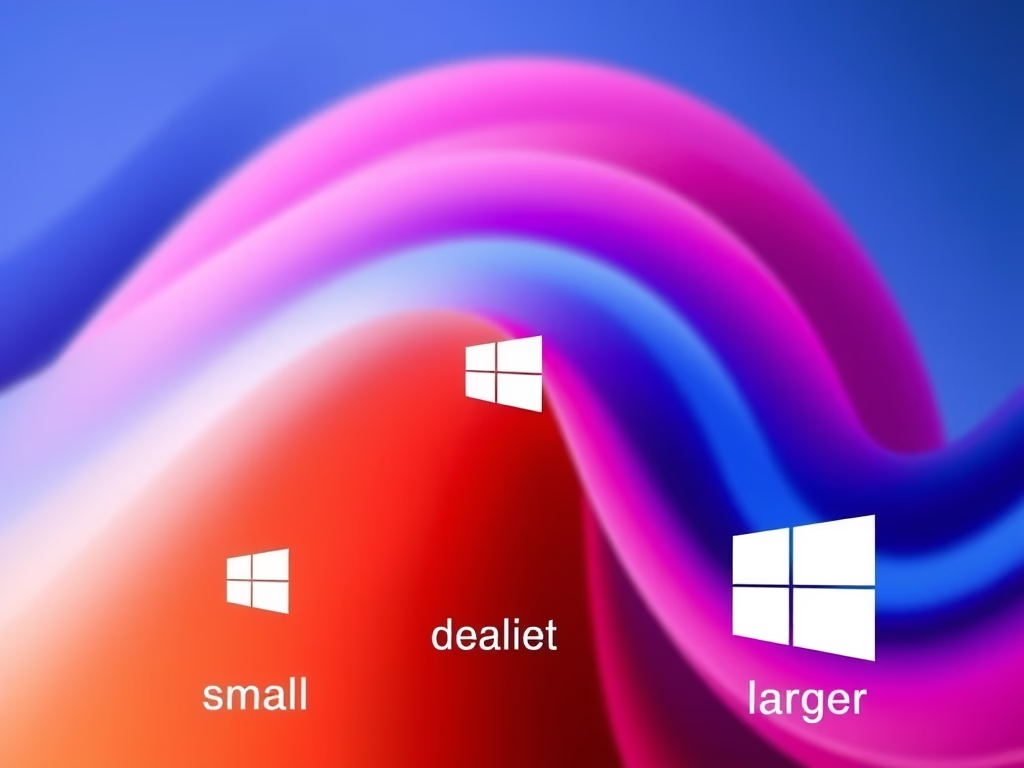
Change Size of Taskbar Icons in Windows 11
This guide explains how to adjust the icon size on the Windows 11 taskbar. Users can choose from three settings: always small,…
-
Date:
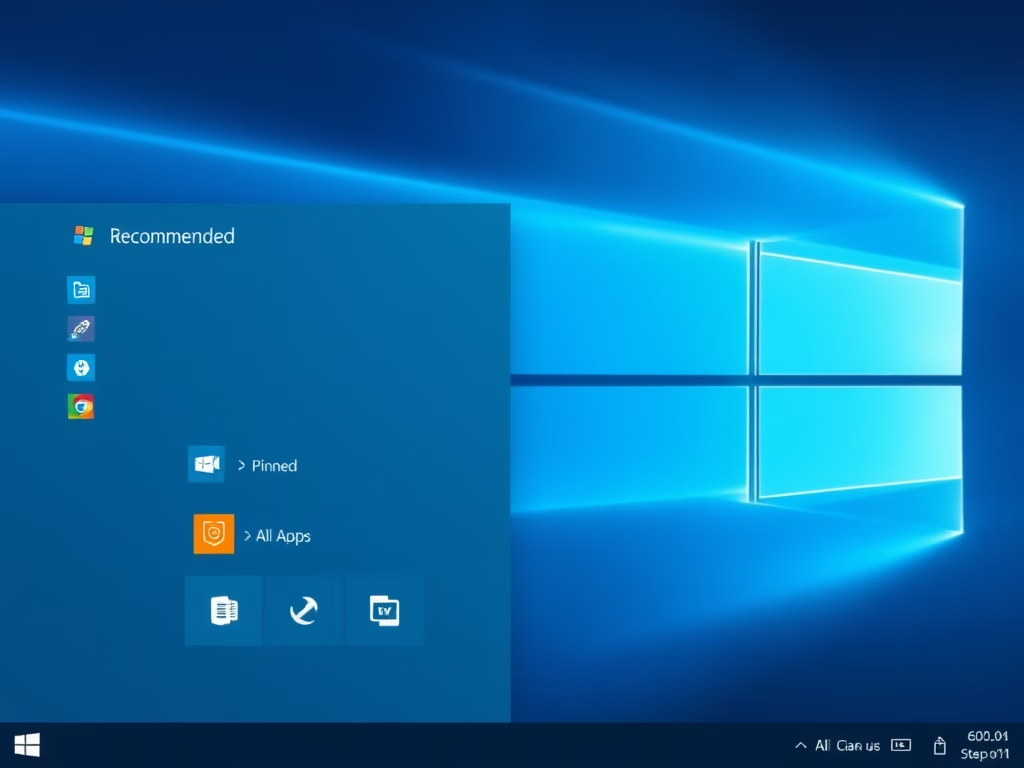
How to Clear the Recommended Section in the Windows 11 Start Menu
To clear the Recommended section in Windows 11’s Start menu, open Settings, select Personalization, and then Start. Set the layout to More…
-

Date:
Change Keyboard Character Repeat Delay in Windows 11
This guide explains how to adjust the keyboard repeat delay and repeat rate in Windows to enhance typing comfort. Users can change…