Author: Richard
-
Date:
How to Create Shared Folders in Windows 11
This article details the process of creating shared folders in Windows 11 that provide universal access, allowing users to create, delete, and…
-

Date:
How to Scan for Malware in Windows 11
This article outlines how to identify and remove malware and viruses in Windows 11. Symptoms like slow performance and pop-ups may indicate…
-
Date:
How to Delete Files and Folders in Windows 11
This article outlines how to delete files and folders in Windows 11. Users can remove items through various methods, such as using…
-
Date:
How to Find Your IP Address on Windows 11
This article outlines how to find your IP address in Windows 11, whether through System Settings or the Command Prompt. It explains…
-

Date:
Enable Microsoft Edge Super Duper Secure Mode Easily
The Microsoft Edge Super Duper Secure Mode (SDSM), available on the Canary build, enhances security by disabling Just-In-Time Compilation (JIT) and imposing…
-
Date:
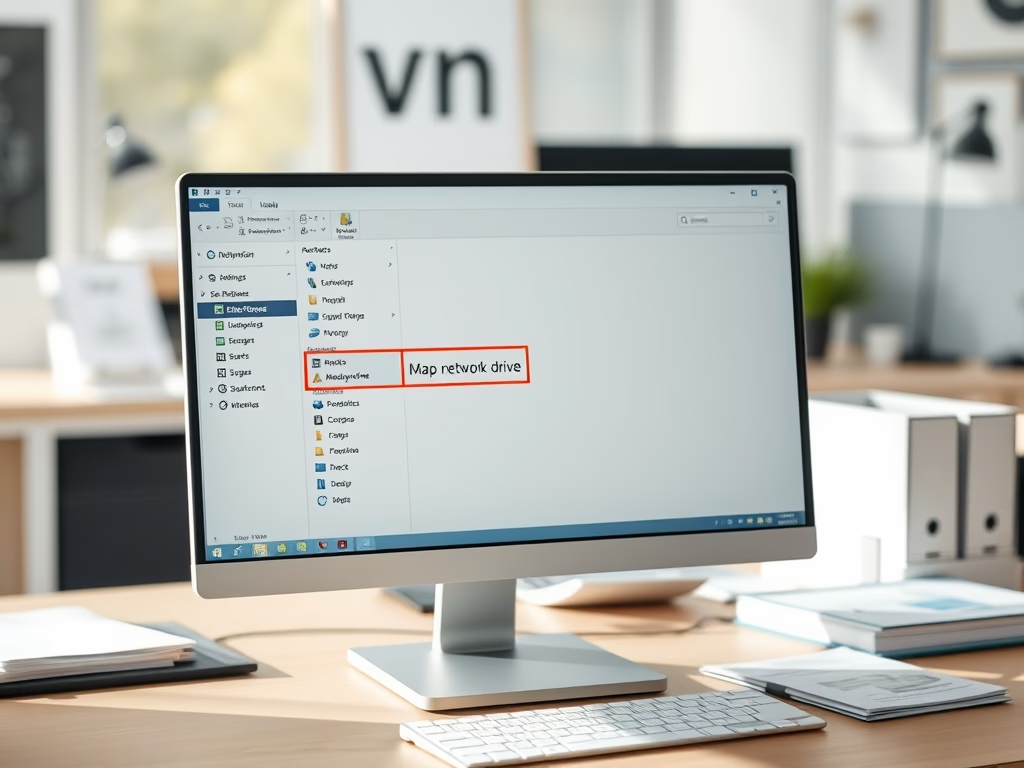
How to Map Network Shares as Drives in Windows 11
This article details the steps to map network shares as drives in Windows 11 for easier accessibility. Users can assign drive letters…
-
Date:
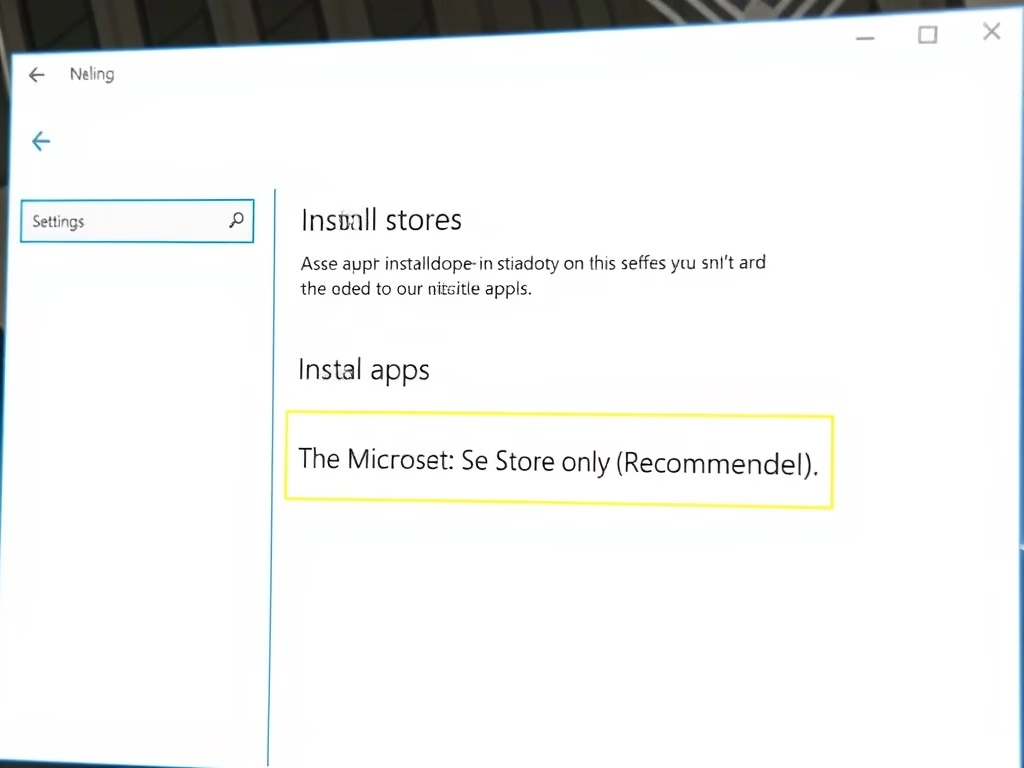
How to Enable Microsoft Store Only Apps on Windows 11
This article discusses how to limit app installations on Windows 11 to only those from the Microsoft Store. Users can change this…
-
Date:
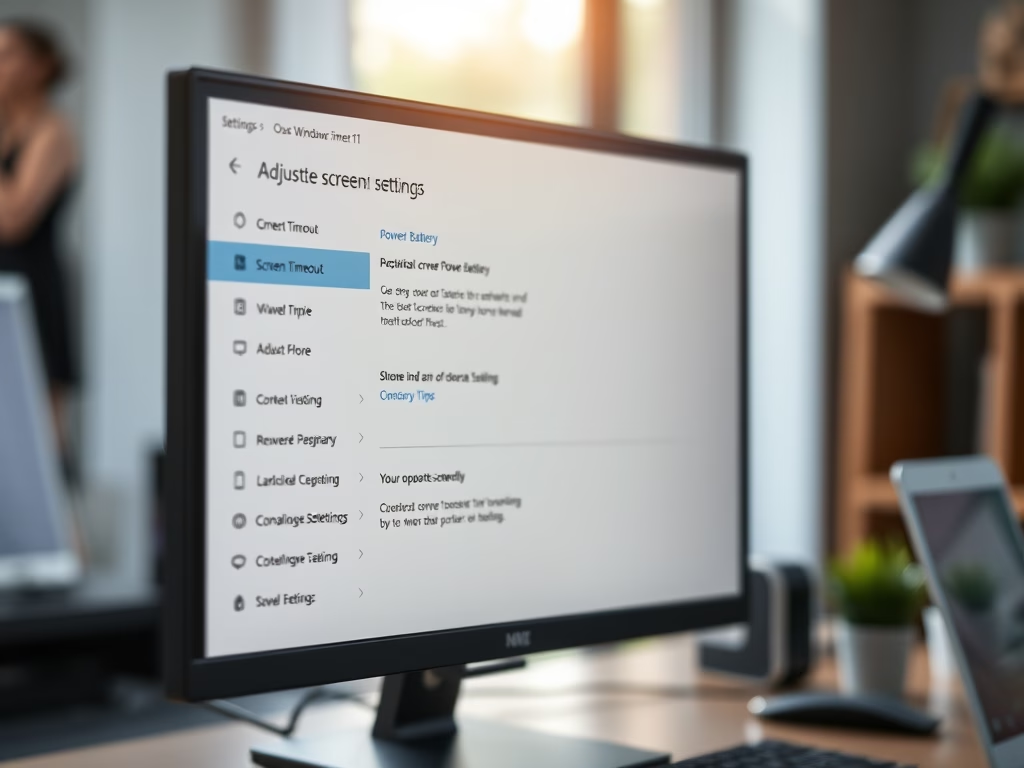
Adjust Windows 11 Screen Timeout Settings
This text is a guide for students and new users on how to adjust screen timeout settings in Windows 11. By default,…
-
Date:
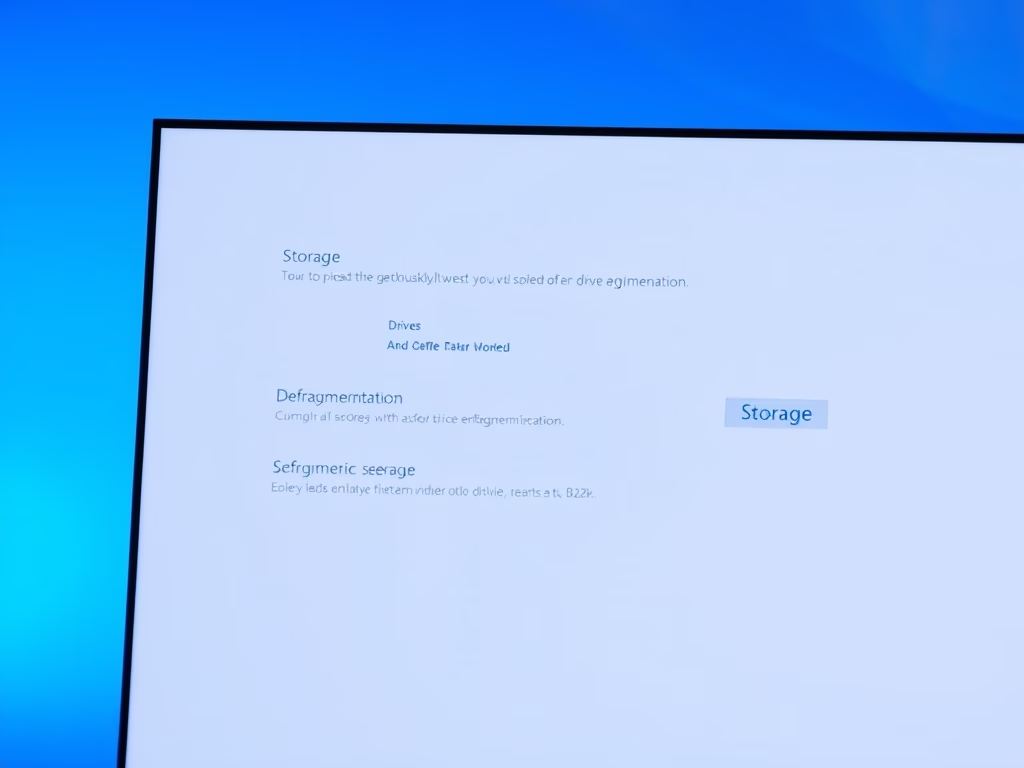
How to Defragment Windows 11 for Better Performance
This post instructs on how to defragment the system disk on Windows 11 to boost its performance. Defragmenting regularly can speed up…
-
Date:
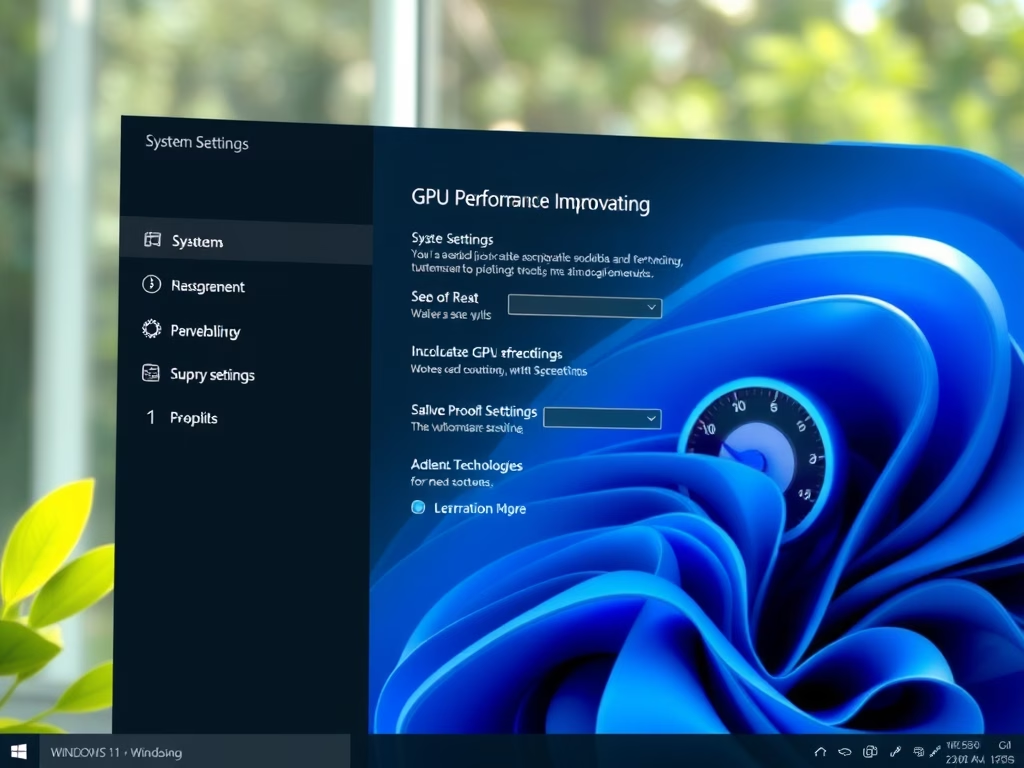
Enable GPU Scheduling in Windows 11
The post guides students and new users on how to enable the Hardware Accelerated GPU Scheduling feature in Windows 11. This feature,…