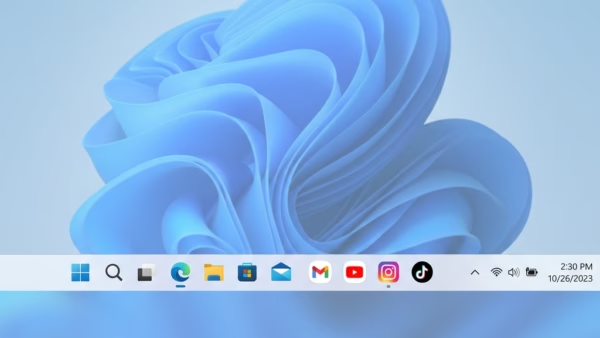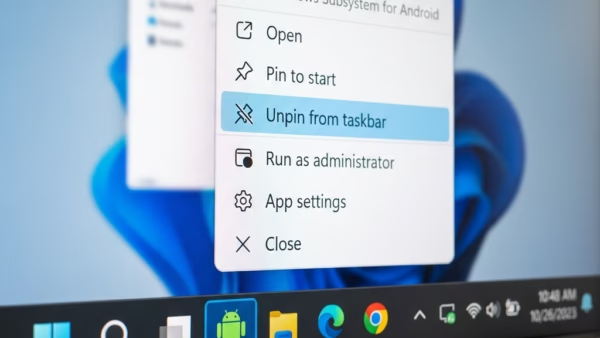
You remove pinned Android apps from your Windows 11 taskbar by unpinning them just like any other application. This process applies to apps you’ve pinned from the Phone Link app,…
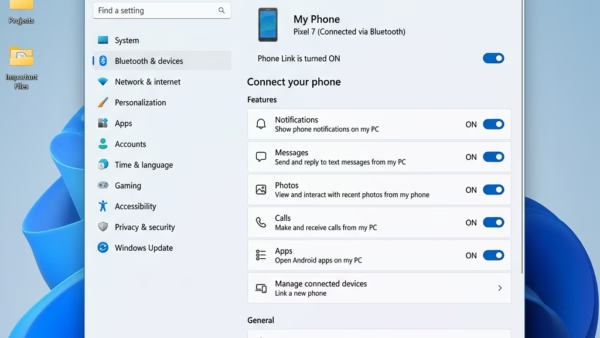
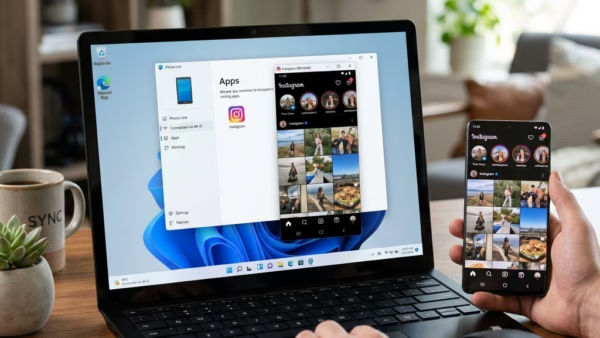
You can pin Android apps to your Windows 11 taskbar for quick access using the Phone Link app. Phone Link, formerly Your Phone, is a Microsoft application that bridges your…
You can turn off Phone Link’s “Recent apps” from the Windows 11 notification area to stop showing your phone’s recently used apps. This feature, part of Microsoft’s Phone Link app,…
You can access your phone’s recent apps directly from your Windows 11 PC through Microsoft’s Phone Link app. Phone Link allows you to see and interact with your most recently…
You can access your phone’s recent apps directly on your Windows 11 PC using the Phone Link app. Phone Link allows you to mirror your phone’s screen and interact with…
You can make Windows 11 automatically adjust your screen brightness based on what’s on display. This can improve your viewing experience and save battery life. This feature is called Content…
Windows 11 automatically adjusts your screen’s brightness based on the surrounding light. This helps improve how well you can see your screen and also saves battery power on laptops. This…
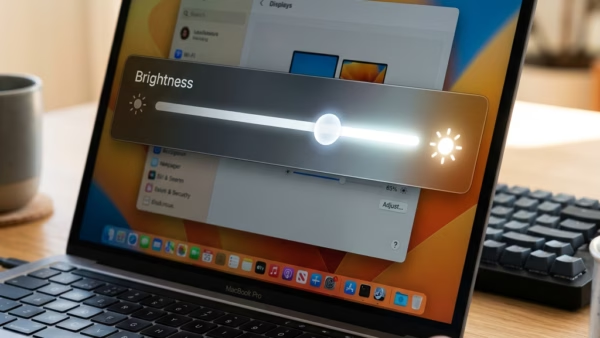
You can manually change your Windows 11 display brightness through the Settings app or Quick Settings. Windows 11 offers a few quick ways to fine-tune your display’s brightness. Quick Settings,…
You can block Microsoft Copilot for your children using Microsoft Family Safety settings. Microsoft Family Safety is a tool that allows parents to manage and protect their children’s online experiences…
You can block or unblock specific apps on a child’s Windows PC, Xbox, or Android device using Microsoft Family Safety. Microsoft Family Safety is a free service that helps you…
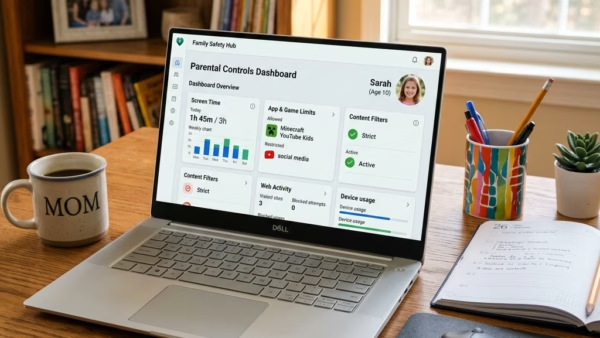
You can set app and game time limits on Windows 11 through Microsoft Family Safety to manage screen time effectively. Microsoft Family Safety helps families manage their digital lives. It…
You set screen time limits on Windows 11 using Microsoft Family Safety, a tool designed to manage device usage for your children. Microsoft Family Safety lets you schedule specific times…
You add your child’s Microsoft account to Windows 11 to manage their digital activity and screen time. Linking a child’s account allows you to set screen time limits, content restrictions,…
You can leave a Microsoft family group by removing yourself as a member, or as an organizer if that’s your role. A Microsoft family group helps you manage screen time,…
You add members to your Microsoft Family group by sending them an email invitation that they accept. A Microsoft Family group is a tool that helps you manage screen time,…