

Tag: Windows 11
-
Date:
How to Enable or Disable Search Highlights in Windows 11
Microsoft is updating its Windows Search to include a new feature called ‘search highlights’, which shows trending topics and events. This feature…
-
Date:
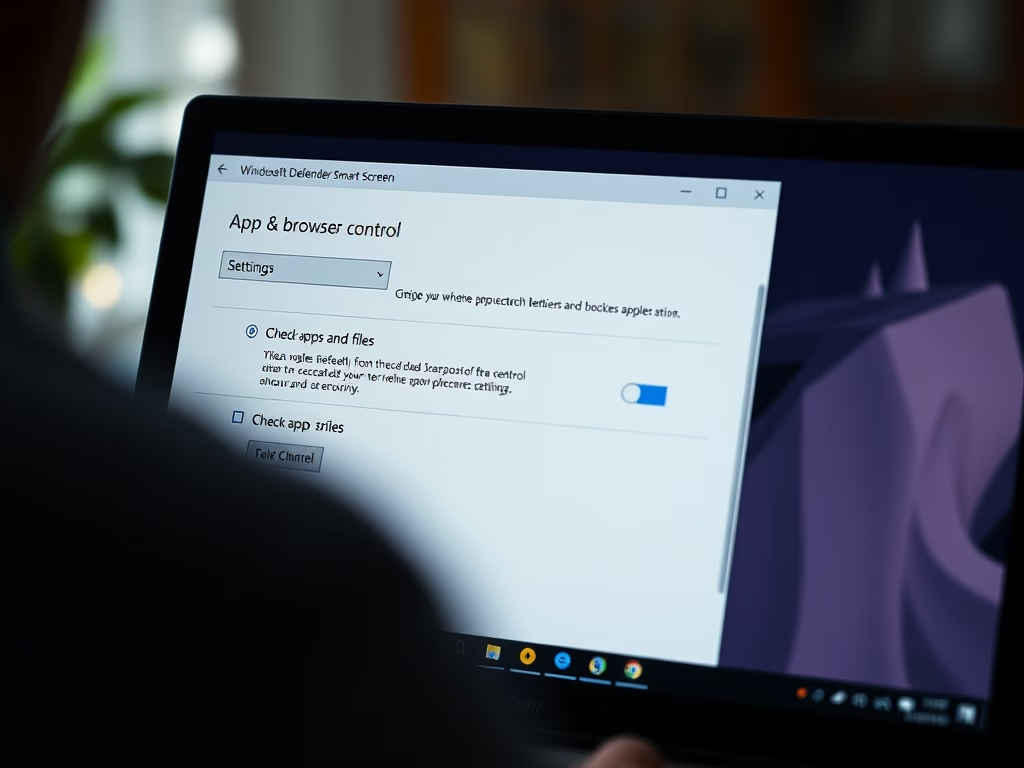
Disable SmartScreen Checks on Windows 11 Apps
The post instructs on configuring Microsoft Defender SmartScreen in Windows 11, which helps protect against phishing, malware, and potentially harmful downloads. Default…
-
Date:
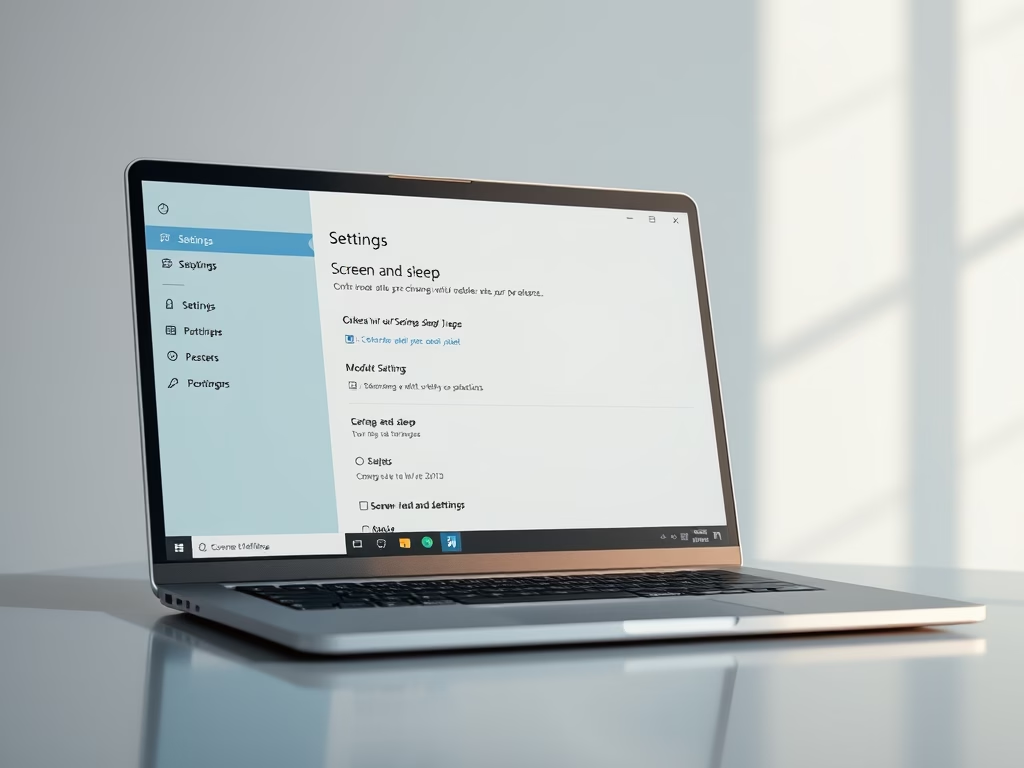
How to Change Sleep Timer on Windows 11
The post provides a guide for students and new users on how to adjust the sleep settings in Windows 11. By changing…
-
Date:
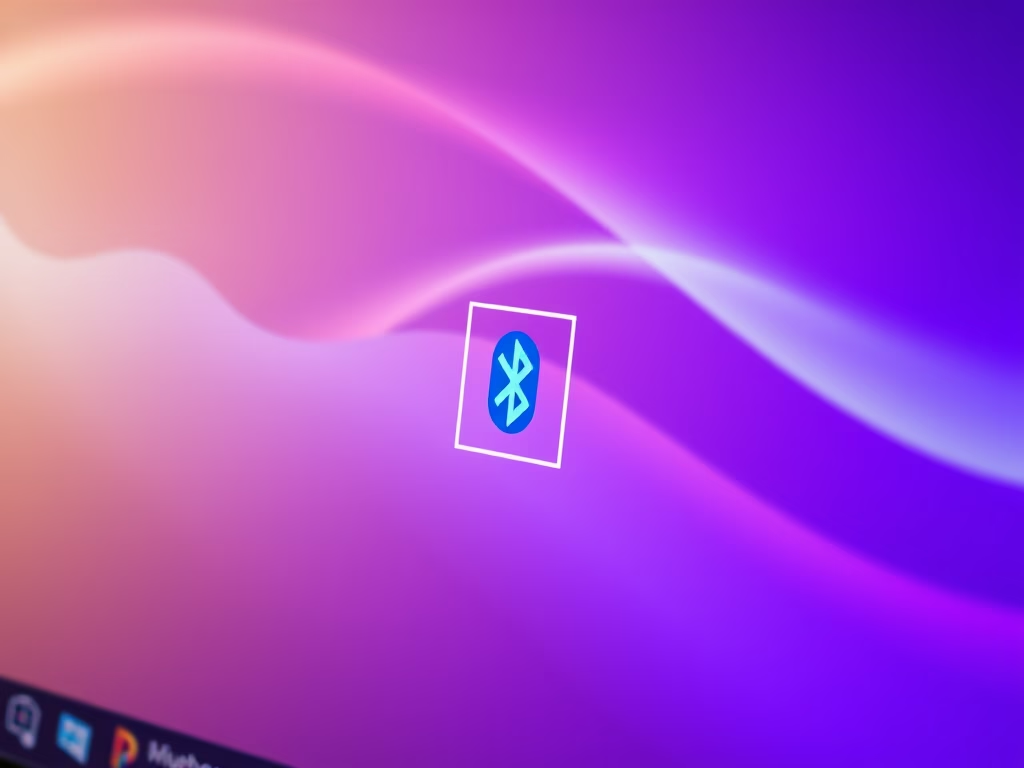
Show or Hide Bluetooth Icon on Windows 11 Taskbar
The post provides a guide for students and new users to show or hide the Bluetooth icon on the taskbar in Windows…
-
Date:
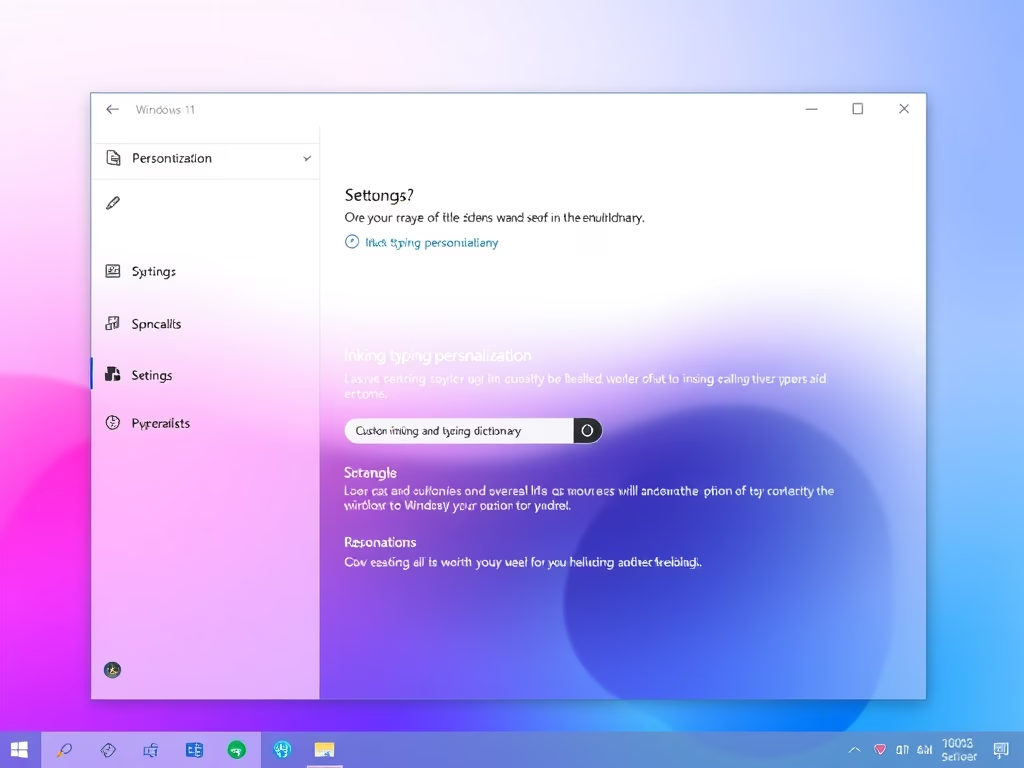
Enable or Disable Custom Inking in Windows 11
The post provides a guide for students and new users on how to enable or disable personal inking and typing dictionaries on…
-

Date:
How to View and Delete Browser History in Microsoft Edge
This content provides detailed instructions on viewing and deleting browsing history in the Microsoft Edge web browser. Users are advised to disable…
-
Date:
How to Hibernate Windows 11
The post instructs students and new users on different methods to hibernate a PC running Windows 11, all aimed at temporarily suspending…
-
Date:
How to Remove a Device from Your Microsoft Account
This text guides students and new users on how to remove a device from their Microsoft online account. Once a device is…
-
Date:
Enable or Disable Cloud Content Search in Windows 11
The post details how to enable or disable cloud content search in Windows 11. It is possible to search local device files,…
-
Date:
How to Put Your Windows 11 PC to Sleep
The article provides detailed instructions on how to put a Windows 11 PC to sleep using various methods. These methods include pressing…