

Tag: Windows 11
-
Date:
How to Pin or Unpin Copilot in Windows 11
The article provides instructions for pinning or unpinning the new Copilot side panel on the Desktop in Windows 11 for easy access.…
-

Date:
How to Show Week Numbers in Outlook Calendar on Windows 11
The article describes how to toggle “Week numbers” visibility in the new Outlook Calendar on Windows 11. This feature, useful for scheduling…
-

Date:
How to Control Windows Copilot Startup Settings
The article describes how to enable or disable the “Open Copilot when Windows starts” feature in Windows 11. As of build 23493,…
-

Date:
How to Enable Message Rewrite Suggestions in Skype
The article provides guidance on enabling or disabling the “Enable message rewrite suggestions” feature on Skype for Windows 11. This feature uses…
-
Date:
How to Empty the Recycle Bin in Windows 11
The article provides steps on how to empty the Recycle Bin in Windows 11 to optimize device performance and privacy protection. Multiple…
-
Date:
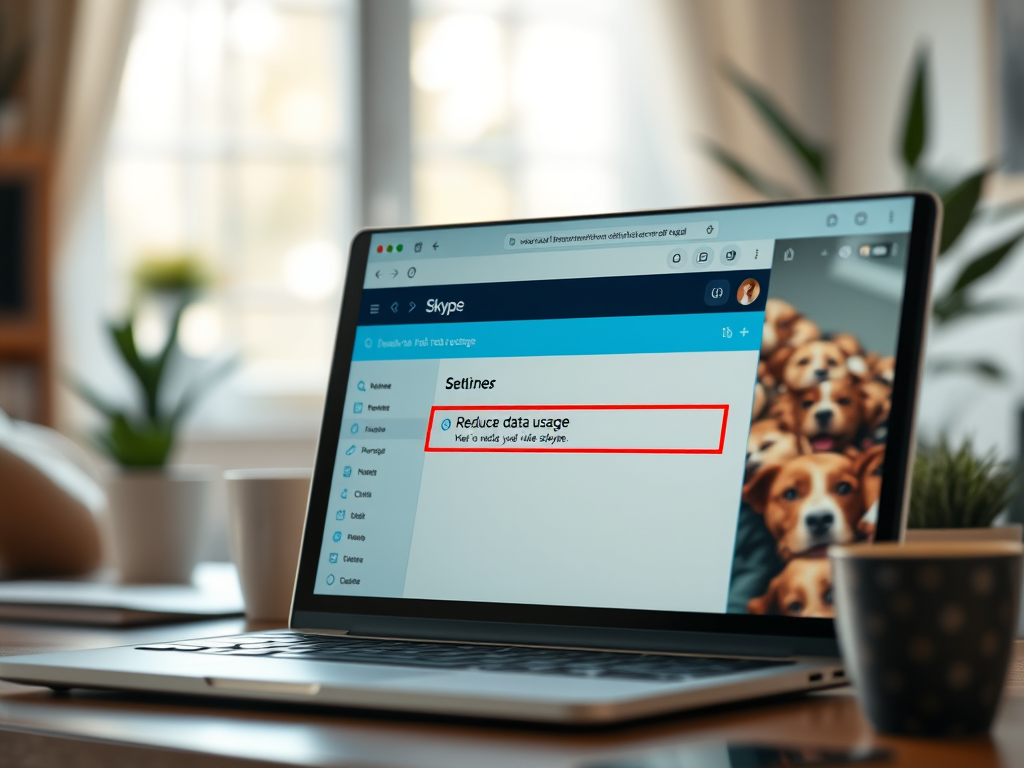
How to Enable Reduce Data Usage in Skype
The article provides a guide on how to activate “Reduce data usage” on Skype for Windows 11, a feature that minimises Skype’s…
-

Date:
How to Enable Suggested Replies in Microsoft Teams
The article provides a guide to enable or disable the “Show suggested replies in chat” feature in the Microsoft Teams app on…
-

Date:
Manage Sign-in Options in Windows 11
The article provides a guide on how to add or remove local account passwords as a sign-in option and User Account Control…
-

Date:
How to Enable or Disable Windows Hello Fingerprint
This article discusses how one can add or remove the use of ‘Windows Hello Fingerprint’ as a sign-in option and UAC credential…
-

Date:
How to Manage Windows Hello Facial Recognition in Windows 11
The article guides on altering the ability to use Windows Hello facial recognition as a login option and UAC credential provider in…