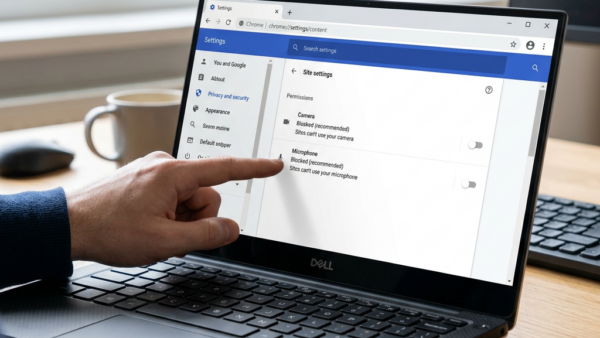




How to Back up and restore with Windows Backup in Windows 11
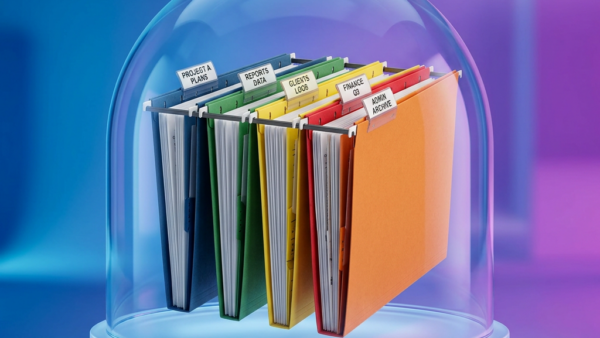
Backing up your PC is like taking a snapshot of your important files. If something bad happens to your computer, like it breaks or…
Step-by-step guides for Windows, Linux, networking and everything tech — written by experts, verified for accuracy.
Most recently published
Backing up your PC is like taking a snapshot of your important files. If something bad happens to your computer, like it breaks or…
Connecting a Bluetooth printer or scanner to Windows 11 lets you print and scan wirelessly, freeing up desk space and offering more placement options.…

Installing a wireless printer on Windows 11 connects it to your PC wirelessly, letting you print documents without cables. Windows 11 usually detects printers…
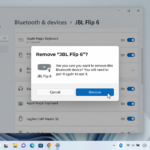
Removing a device in Windows 11 formally disconnects hardware from your PC, helping to prevent data loss or other problems. This process ensures Windows…
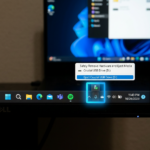
The Safely Remove Hardware and Eject Media icon helps you disconnect USB drives and other external storage without risking data loss. This small icon…
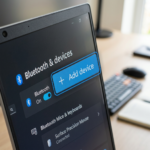
Getting a new gadget connected to your Windows 11 PC is a key step to using it. This process allows your computer to recognize…

Switching from a Microsoft account to a local account in Windows 11 disconnects your PC from Microsoft services. A local account uses a username…
Switching from a local account to a Microsoft account in Windows 11 lets you sign in to your PC using your email address and…