

This article explains installing Microsoft Teams on Ubuntu 24.04 using Snap package manager.
Microsoft Teams is a real-time collaboration platform integrating chat, video conferencing, file sharing, and application integration.
Teams is available on multiple platforms, including Ubuntu. With Teams, you can easily communicate with your colleagues through chat and video calls, making collaboration more efficient.
There are multiple ways to install Teams on Ubuntu. We provided a method to install it on Ubuntu, which is by downloading and running its installer.
A new install method has become available to Ubuntu users. You can now install Teams on Ubuntu using the Snap package manager.
The steps below walk you through installing Teams on Ubuntu from the Snap package manager.
Install Teams from Snap
As mentioned, a new way to install Microsoft Teams is to use the Snap package manager.
Here’s how to do it.
To do that, update and upgrade Ubuntu, then install the Snap package manager if it’s not already installed.
sudo apt update && sudo apt upgrade
sudo apt install snapd
Then, run the command below to install Teams from the Snap package manager.
sudo snap install teams-for-linux
Once installed, use the Dock on the left sidebar to search and launch the Teams app.
You can also run the app using the command below.
snap run teams-for-linux
Login and start using Teams.
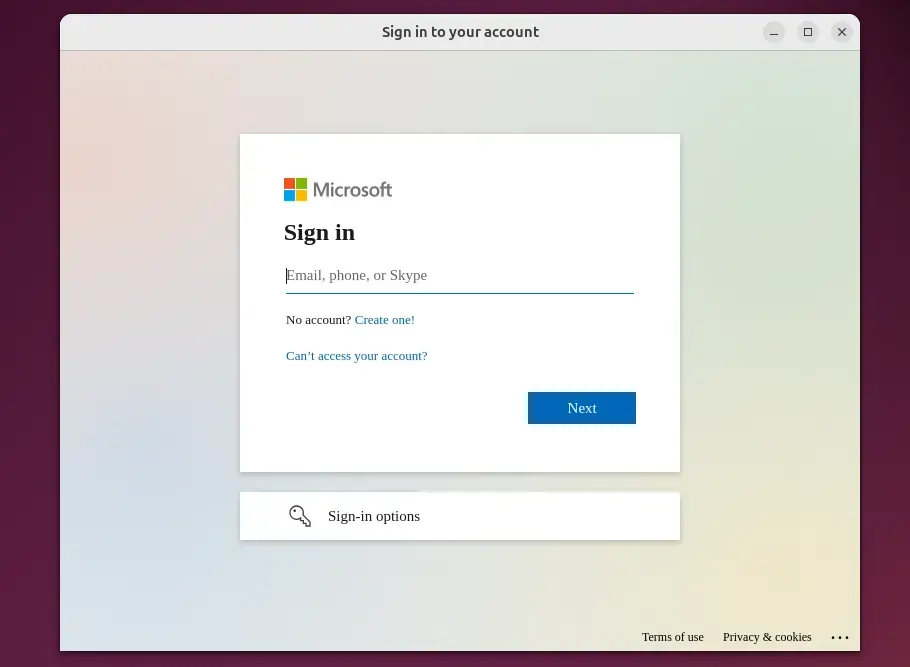
Remove the app using the command below.
sudo snap remove teams-for-linux
That should do it!
Conclusion:
Installing Microsoft Teams on Ubuntu 24.04 using the Snap package manager is a straightforward process. Here are the key points to remember:
- Easy Installation: After setting up the Snap package manager, you can quickly install Teams using a single command.
- Updated Features: Access a flexible real-time collaboration platform for chat, video conferencing, and file sharing.
- User-Friendly Interface: The Teams app integrates seamlessly into the Ubuntu desktop environment.
- Simple Removal: Uninstalling Teams is as easy as installing it, requiring a simple command.
- Ideal for Collaboration: Teams enhance workplace communication, making it a valuable tool for team projects.
With these steps, you’ll be ready to collaborate efficiently with your colleagues on Ubuntu!


Leave a Reply Cancel reply