How to Change Icon Size on Ubuntu Desktop

You change the icon size on your Ubuntu desktop by adjusting settings within the Desktop Icons NG (DING) extension.
DING is a built-in Ubuntu feature that manages how desktop icons appear and function. It allows you to customize their appearance, including their size.
For example, you can easily set icons to appear larger or smaller to suit your preference, impacting how much space they take up on your Ubuntu 2026 desktop. This helps you organize your workspace and makes your favorite applications more accessible.
Right-click your desktop and select “Desktop Icons Settings,” or open the Extensions app. Then, choose your preferred icon size from the Small, Normal, Large, or Tiny options.
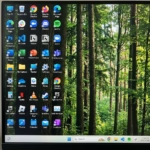
Change desktop icon size on Ubuntu Linux
You can change your desktop icon size on Ubuntu Linux to Small, Normal, Large, or Tiny right from your desktop settings.
To change your icon size, you have two options:
- Right-click anywhere on your desktop and select Desktop Icons Settings.
- Open the Extensions app from your app menu.
In the settings window, look for the options related to your desktop icons. You will see a list of sizes.
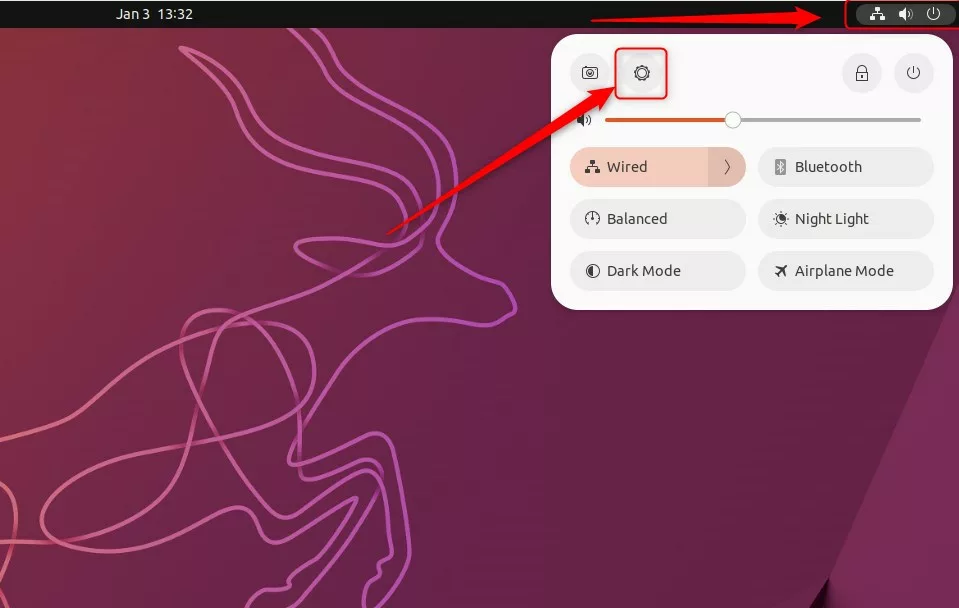
Select the size that fits your screen best:
- Small
- Normal (the default)
- Large
- Tiny
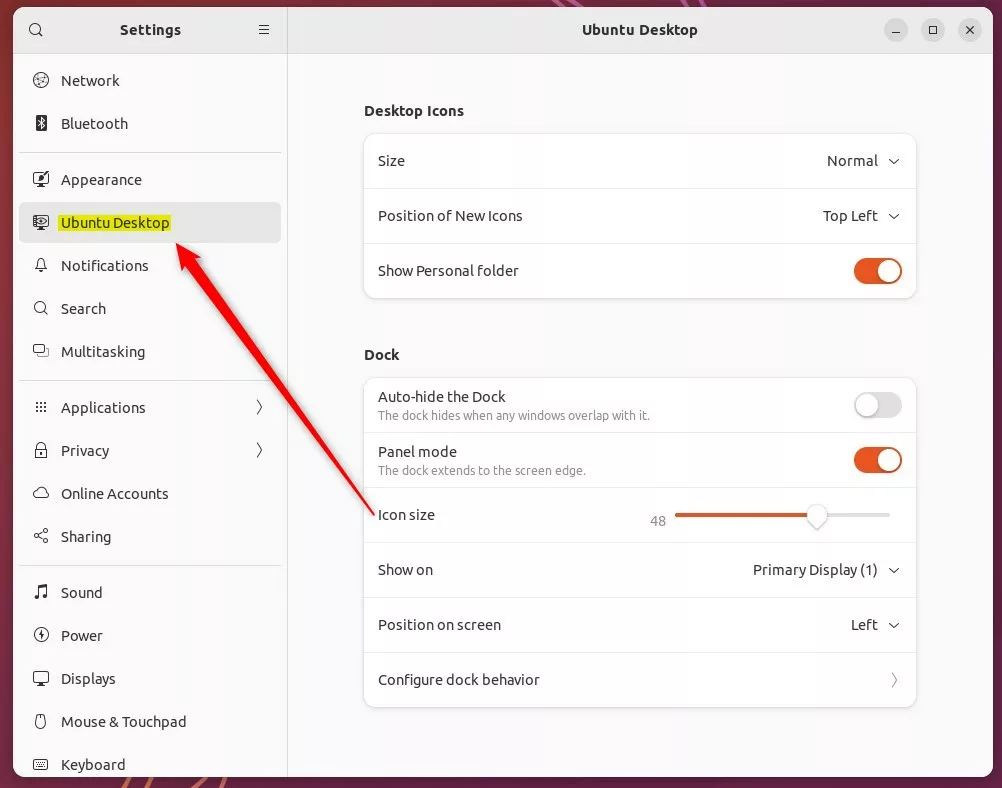
Once you click your preferred size, your icons will resize instantly.

That is all you need to do!
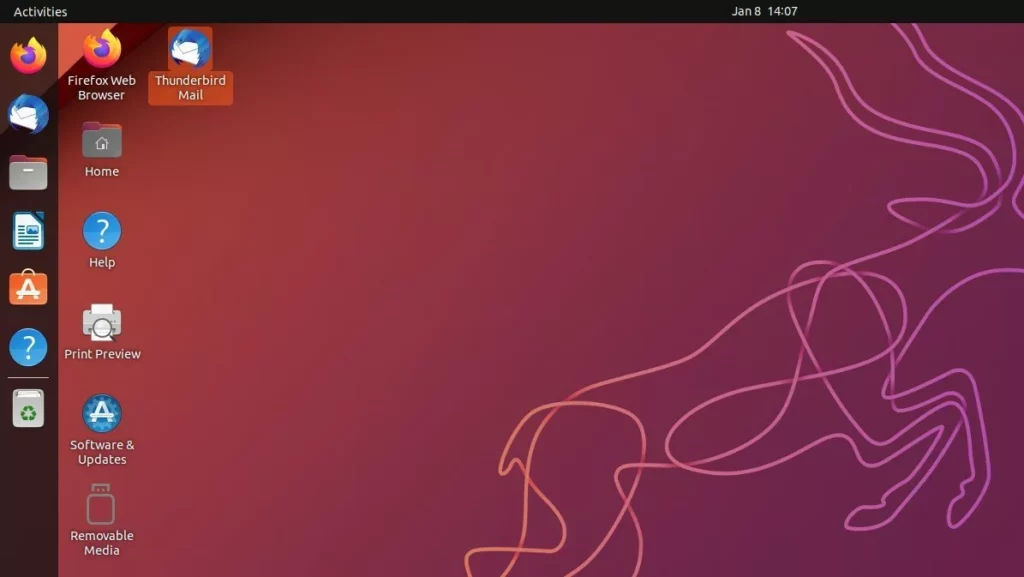
Learn more about how to add additional desktop icons on Ubuntu Linux.
How to add application icons on the desktop on Ubuntu Linux.
Conclusion
Changing your icon size in 2026 is fast. By using the DING extension settings via the Extensions app or your desktop right-click menu, you can customize your view in seconds. Pick the size that works for you and enjoy a cleaner, more personal desktop.
How do I resize UI in Ubuntu?
There are two easy options: On the “Display” page in your Ubuntu settings select the “Scale” option of 200%. Click the power icon then the cog icon to open the settings dialog. In the Gnome Tweaks tool, set a “Scaling Factor” in the “Fonts” section.
How to increase thumbnail size in Ubuntu?
Adjust Thumbnail Preferences Open system settings and look for file manager preferences, or use the command line to configure thumbnail behavior. This sets the limit to 10MB (adjust the number as needed).
Was this guide helpful?

About the Author
Richard
Tech Writer, IT Professional
Richard, a writer for Geek Rewind, is a tech enthusiast who loves breaking down complex IT topics into simple, easy-to-understand ideas. With years of hands-on experience in system administration and enterprise IT operations, he’s developed a knack for offering practical tips and solutions. Richard aims to make technology more accessible and actionable. He's deeply committed to the Geek Rewind community, always ready to answer questions and engage in discussions.


No comments yet — be the first to share your thoughts!