
Category: Windows
-
Date:
How to Change System Product Name in Windows 11
This guide explains how to change the System Product Name on a Windows 11 computer, ideal for custom-built PCs or those with…
-
Date:
How to Find Your Computer Model in Windows 11
This guide explains how to find the model of your Windows 11 PC, essential for updates and support. You can locate the…
-
Date:
How to Reset Local Security Policy in Windows 11
If your Windows 11 computer faces issues due to altered security settings, you can reset the Local Security Policy to restore original…
-
Date:
How to Run Microsoft Defender Offline Scan on Windows 11
This guide explains how to run an offline scan using Microsoft Defender Antivirus on Windows 11. Microsoft Defender is a built-in program…
-
Date:
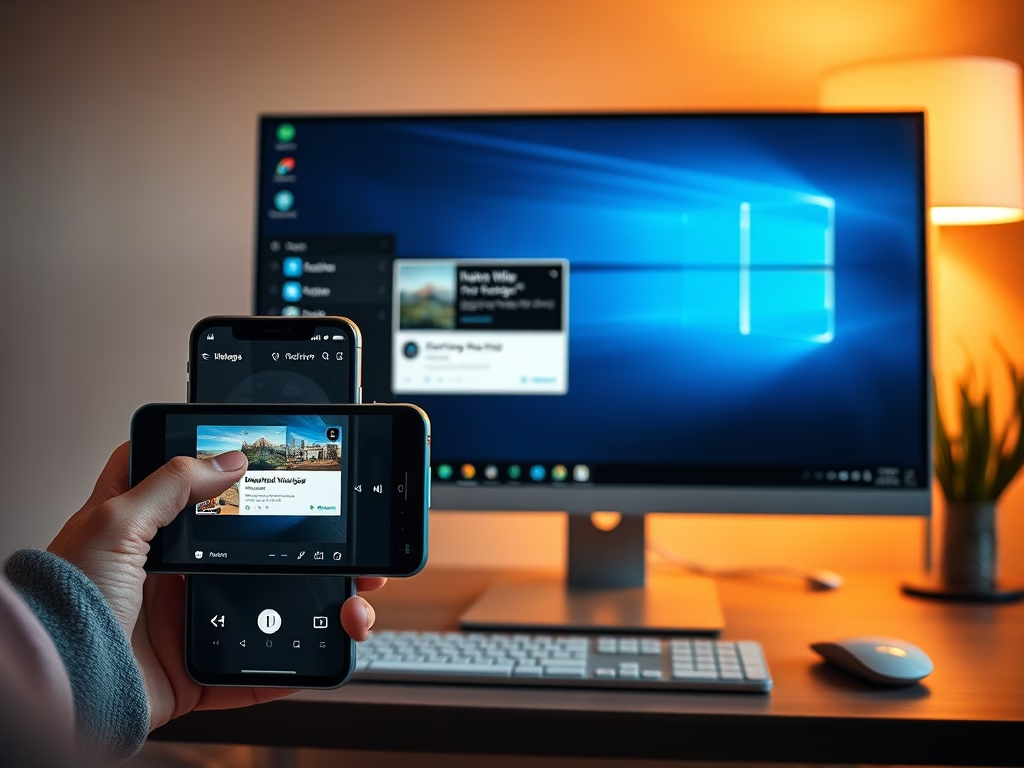
How to Get Photo Notifications from Your Phone on Windows 11
Windows 11 can give you instant notifications for new photos and screenshots taken on your Android phone through the Phone Link feature.…
-
Date:
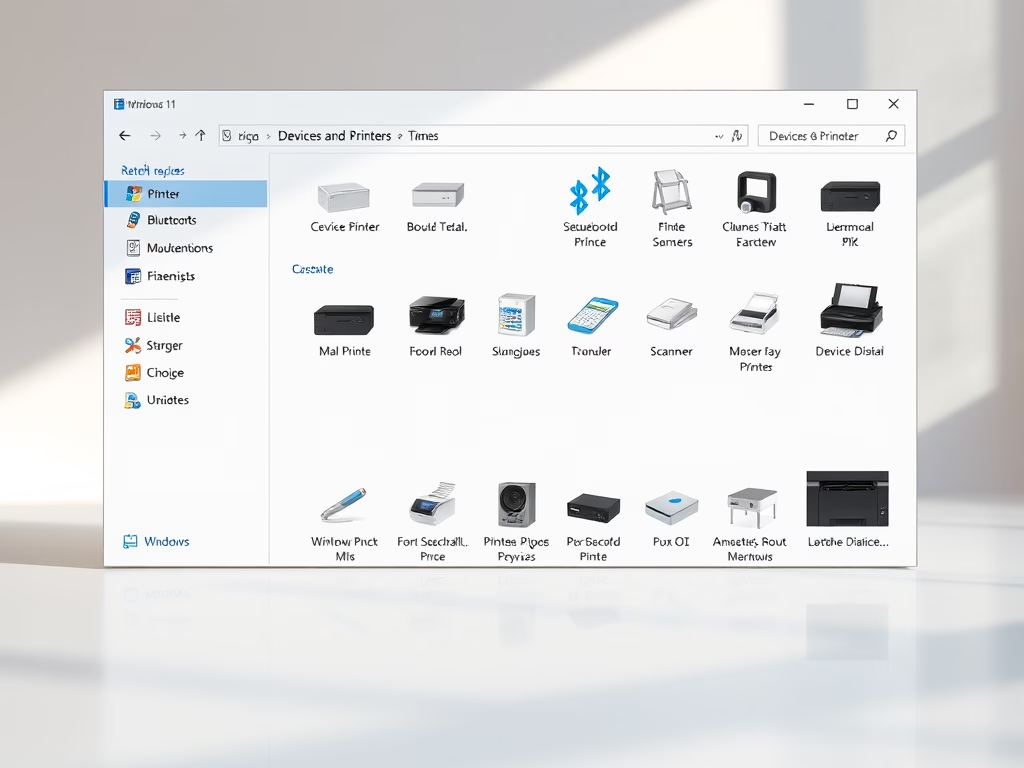
How to Open Devices and Printers in Windows 11
The Devices and Printers folder in Windows 11 allows users to view and manage connected devices and printers. Access it via the…
-
Date:
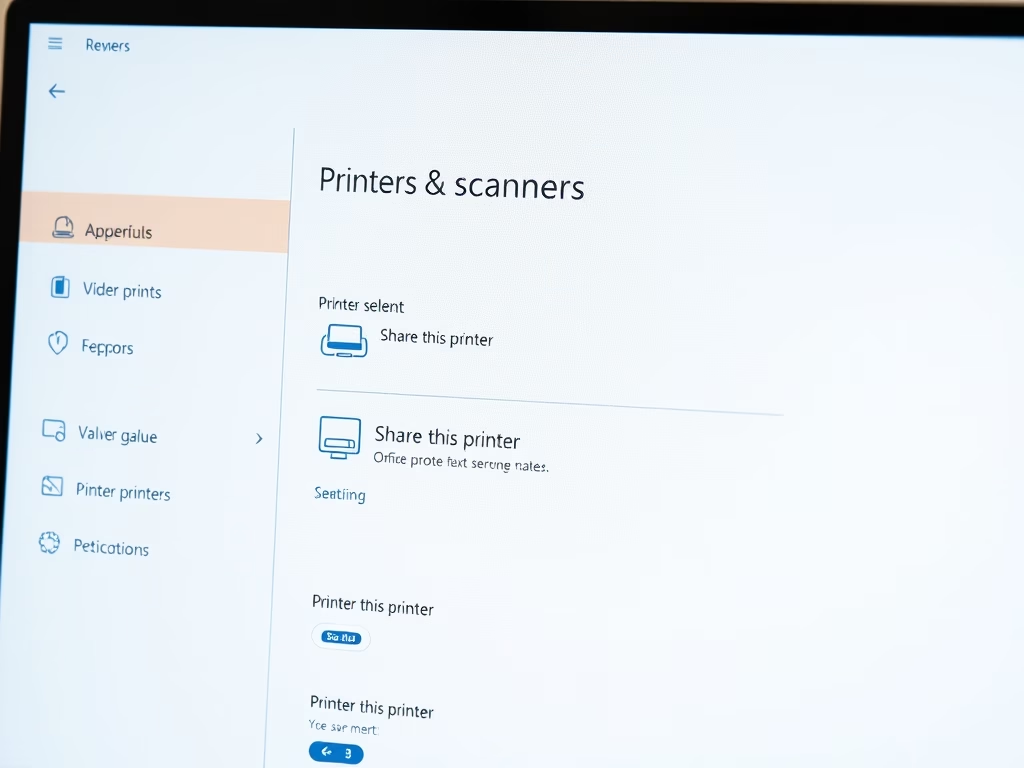
How to Share a Local Printer in Windows 11
You can share a printer connected to your Windows 11 PC so that other devices on your network can use it, avoiding…
-
Date:
How to Connect to a Shared Printer in Windows 11
You can print from a shared printer on your network without needing a direct connection. This setup saves money on multiple printers.…
-
Date:
How to Find Shared Printer Name in Windows 11
Windows 11 allows users to share a single printer across multiple devices on their network. To print from different devices, users need…
-
Date:
How to Create New Files in Windows 11
This guide provides several methods for creating new files on a Windows 11 computer. It explains how to use File Explorer, right-click…