
Category: Windows
-
Date:
How to Enable or Disable Passwordless Sign-in for Microsoft Accounts in Windows 11
This tutorial shows you how to turn passwordless sign-in on or off for Microsoft accounts in Windows 11. Why Do This? Passwordless…
-
Date:
How to Add App to Run Automatically at Startup in Windows 11
This tutorial will show you how to add apps to run automatically when you start Windows 11. You can set this up…
-
Date:
How to Change Screen Timeout to Turn Off Display After in Windows 11
This tutorial shows you how to set how long your computer waits before turning off the display when you’re not using it…
-
Date:
How to Enable or Disable System Restore in Windows 11
This tutorial shows you how to turn System Restore on or off in Windows 11. What is System Restore? System Restore watches…
-

Date:
How to Enable or Disable Kernel-mode Hardware-enforced Stack Protection in Windows 11
This guide shows you how to turn on or off Kernel-mode Hardware-enforced Stack Protection in Windows 11. This feature helps protect your…
-
Date:
How to Turn On or Off “Get me up to date” for Windows Update in Windows 11
This tutorial shows you how to turn on or off “Get me up to date” for Windows Update in Windows 11. Why…
-
Date:
How to Turn On or Off Show Touch Keyboard when No Keyboard Attached in Windows 11
This tutorial shows you how to turn the touch keyboard on or off in Windows 11. You can control what happens when…
-
Date:
How to Enable or Disable Lock Screen Slideshow in Windows 11
This tutorial shows you how to turn the lock screen slideshow on or off in Windows 11. A slideshow on your lock…
-
Date:
How to Enable or Disable Copilot Access to Microphone in Windows 11
This tutorial shows you how to let Copilot use your microphone. Or, if you want, how to stop it from using your…
-
Date:
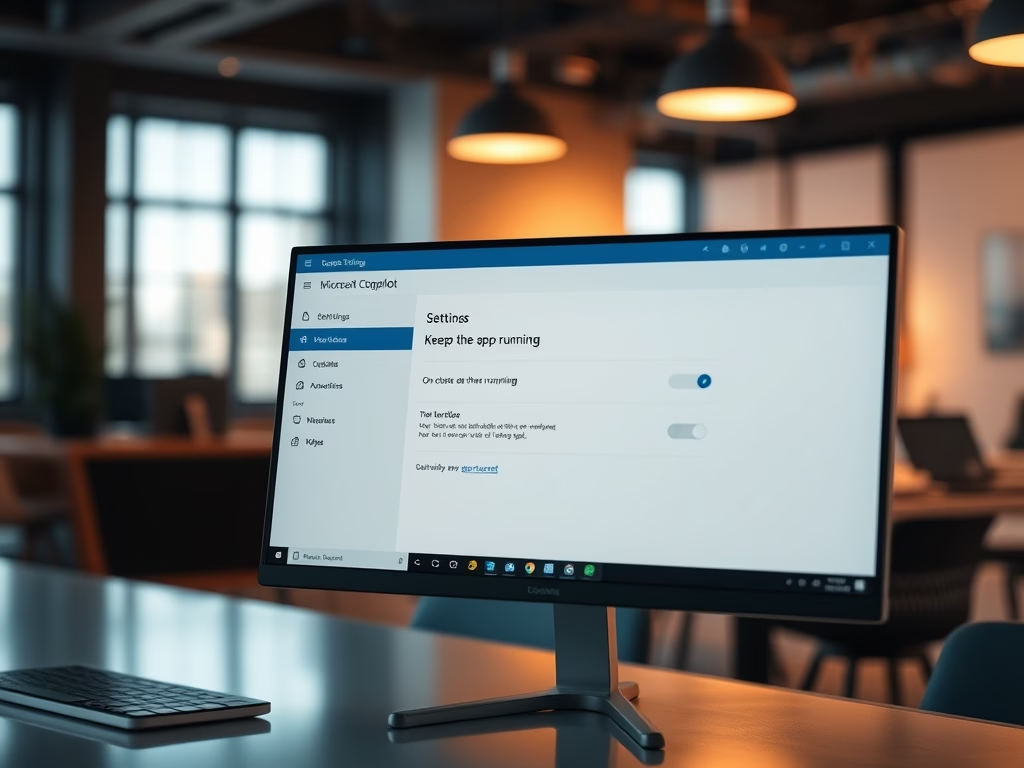
How to Enable or Disable Keep Copilot app Running on Close in Windows 11
This tutorial shows you how to turn the Copilot app on or off so it keeps running in the background when you…